SHORTS STUDIO GUIDE
How To Actually Make Viral AI Videos
I made four different AI Shorts in the video. For each one, here’s the format I started with, the prompt, and the clip it produced.
The Shorts Studio formats I used
See all formatsPick a format to see its prompt and generated clip.
The prompts below are the words I said or showed in the video. I’ve included the original clips and reference images from my Everygen library.
01 / CCTV
Bunnies on a trampoline
I started with the CCTV format because the camera style is already built in. The prompt only has to say what happens: bunnies jumping on a backyard trampoline at night.
Copy the prompt
Video prompt
group of bunnies jumping on a family's trampoline in their backyard at night
Said in the video
What it made
02 / Disney
The missing hairband
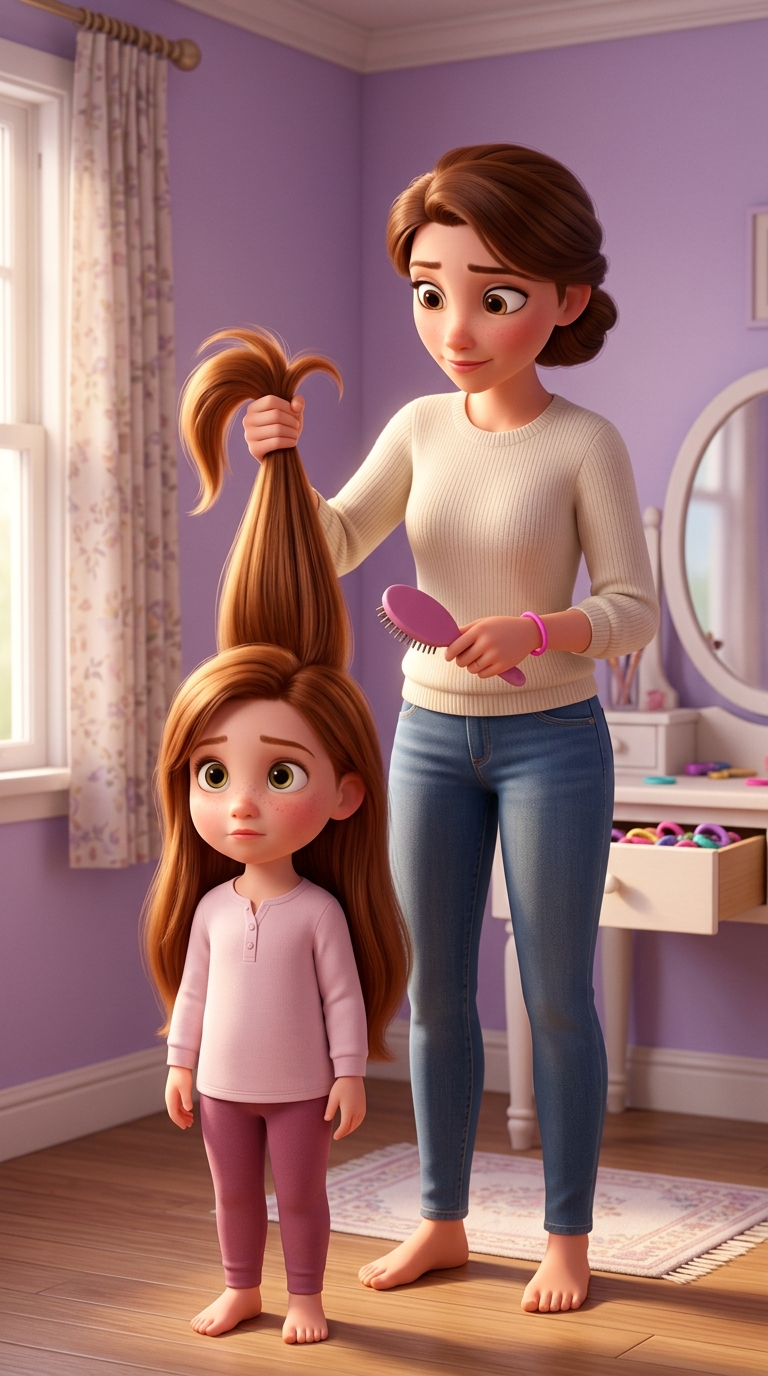
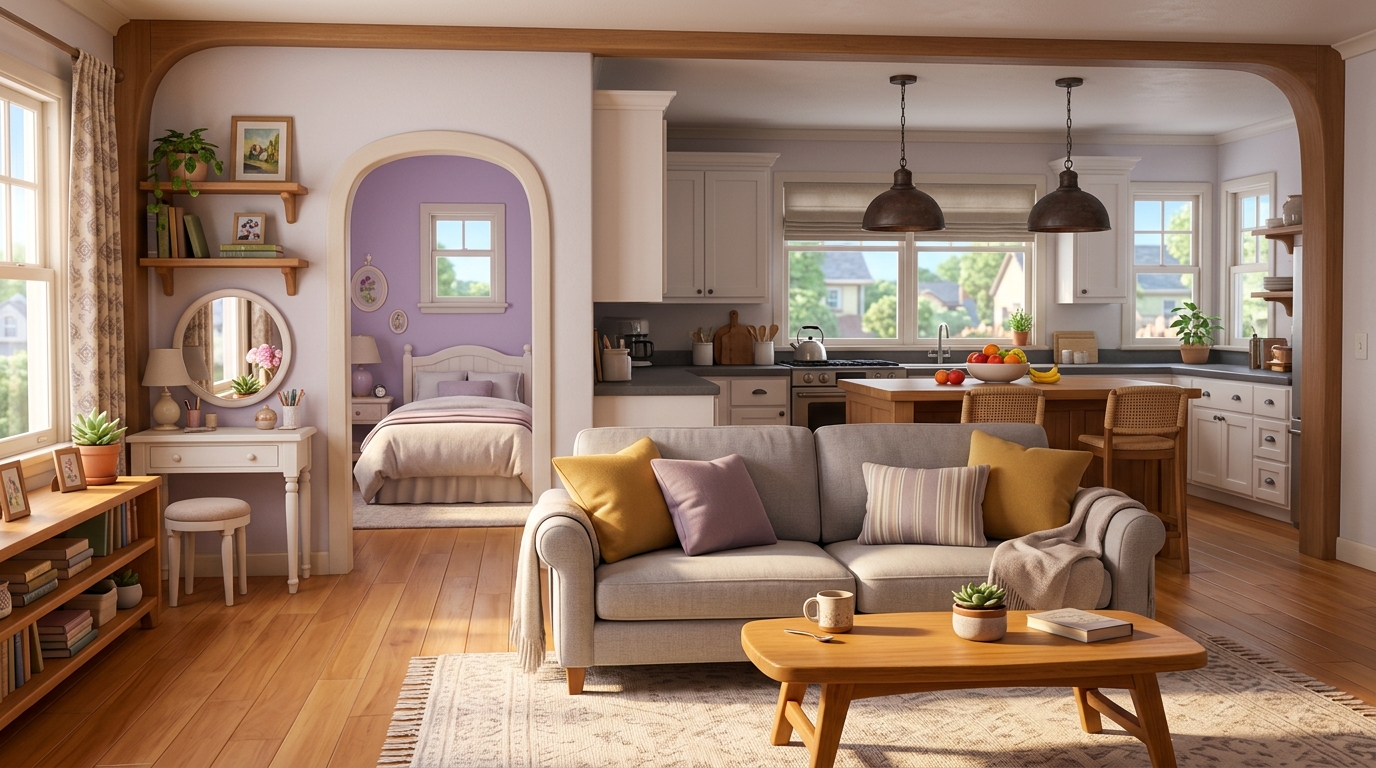
This one needed more setup. I made a mother and daughter image and a living room image first, then used them as references in the video prompt. The search gives the short its action; the daughter's annoyed reaction gives it an ending.
The reference images
Copy the prompts
Living room image prompt
Disney style, living room, light, and fun
Said in the video
Video prompt
Disney style story of mom searching frantically through house @Image2 while dragging her daughter along. Starting frame @Image1 for mother and daughter reference. At the end she finds the hairband she has been looking everywhere for and her daughter looks annoyed the whole time.
Shown on screen; attachment chips written as @Image1 and @Image2
What it made
More from this example
I also asked for a faster-paced hook and generated a second take. That follow-up was not shown word for word, so I haven't made up a prompt for it. If you reuse the main prompt, attach your own references and update @Image1 and @Image2 to match them.
03 / Ranking videos
Ranking videos
You don't always need a paragraph-long prompt. I started from the Pool Launch example and changed one thing: make the launch about a dog. The generated clip shows the idea as a backyard seesaw leading into the pool.
Copy the prompt
Template remix
dog getting launched into pool instead
Said in the video
What it made
This works as a remix instruction because the example already supplies the format. If you start from a blank project, you need to describe the setup, action, and ending yourself.
04 / Shot on iPhone or Nature clips
Nature facts and voiceover
For the nature example, I treated the footage and narration as separate pieces. I used the Shot on iPhone or Nature clips format for cat, leaf, and fiber-workshop footage, then generated this line in the AI Voiceover tool using the default voice and settings.
Copy the prompt
Voiceover script
Cats are obsessed with these leaves for one strange reason.
Said in the video
What it made
More from this example
This is the opening line, not a complete narration script. The video also shows a dog variation; its exact prompt wasn't spoken or shown, so I haven't invented one here.
The settings I used
In the video, I said I usually generate clips between five and eight seconds at 720p. For a longer Short, I make several clips and stitch them together. I would rather spend credits on another good take than jump straight to 1080p or 4K; the finished edit can be upscaled later.