
AI UGC ads with an AI actor
Upload your product photo or paste its link, pick one of 52 AI actors and a format such as UGC Handheld or Selfie Testimonial, and Everygen makes a 9:16 UGC-style ad where the actor holds your product and talks about it to camera.




Trusted by creators with billions of views
Product in, UGC ad out made in Everygen Ads
- Actor on AutoUGC Handheld
- Marcus OseiA preset actor
- Yuna ChenA second product
- Oliver MarshDynamic UGC, park bench
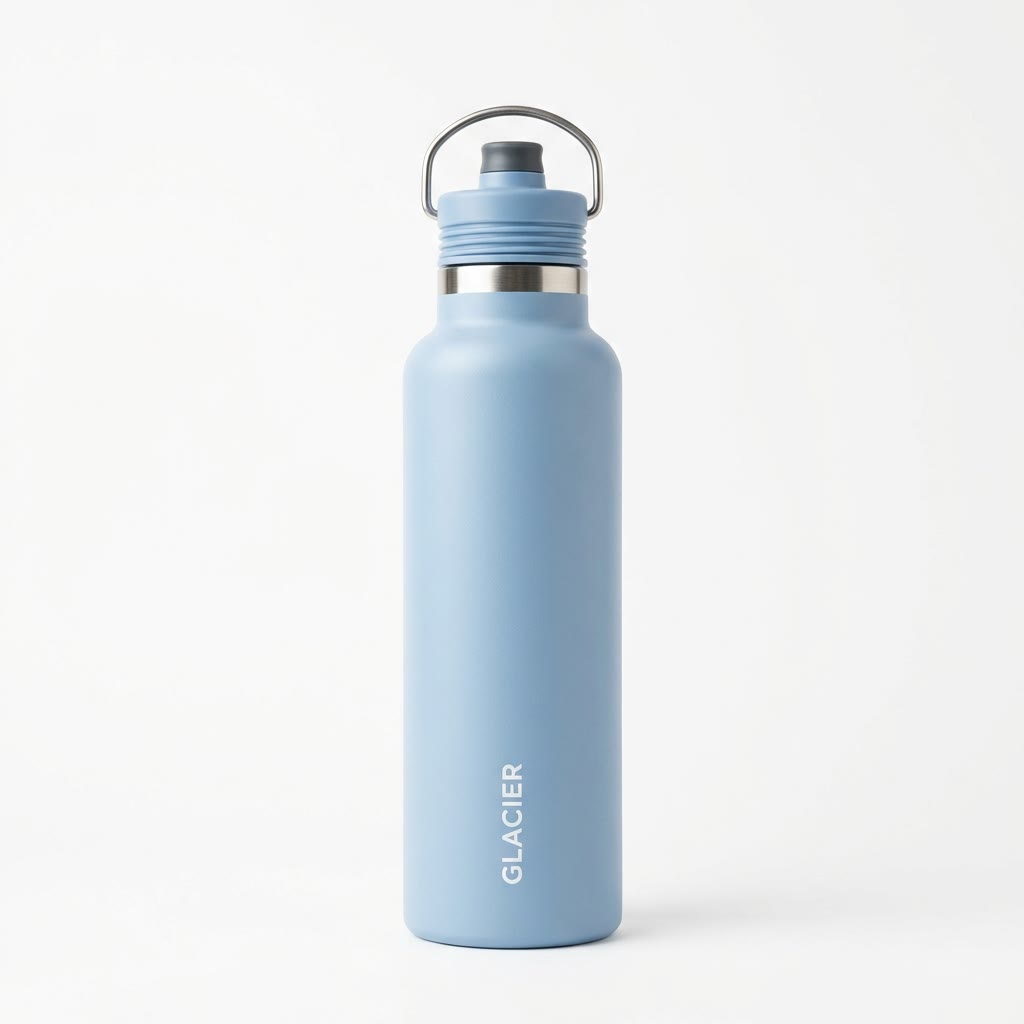
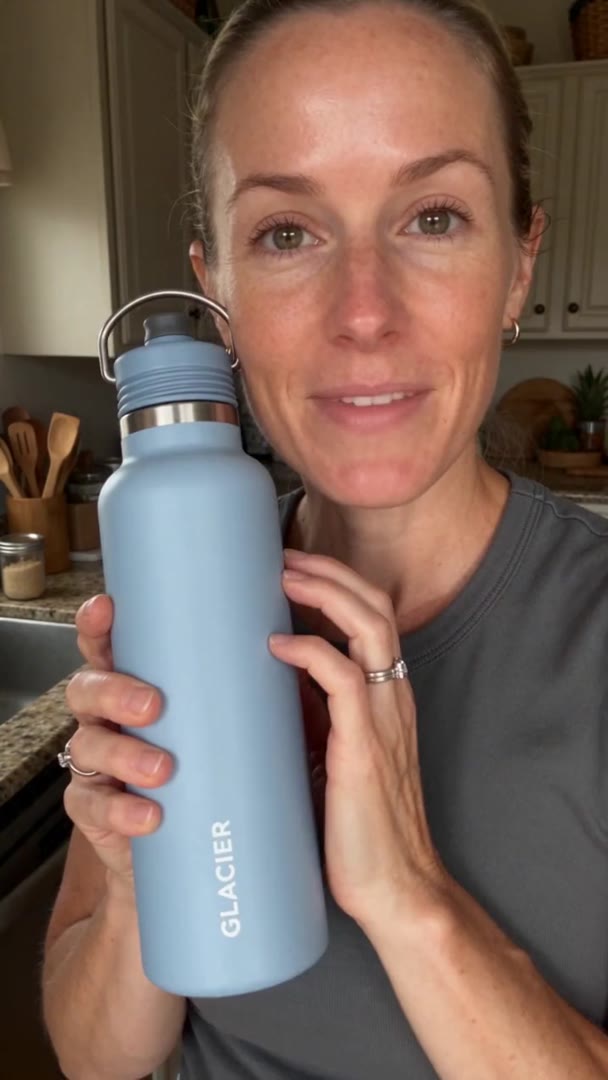

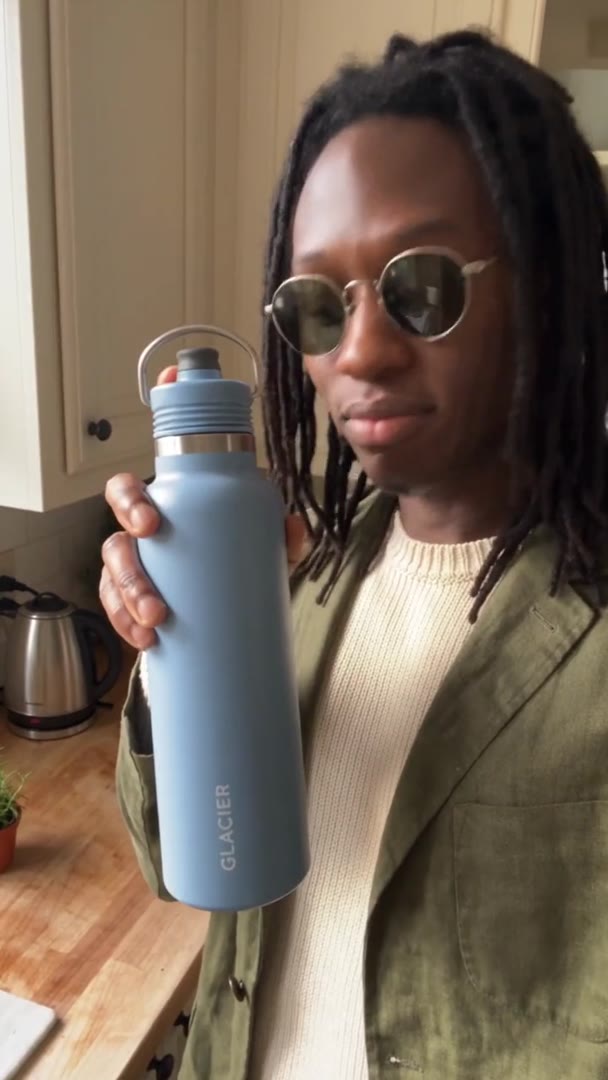
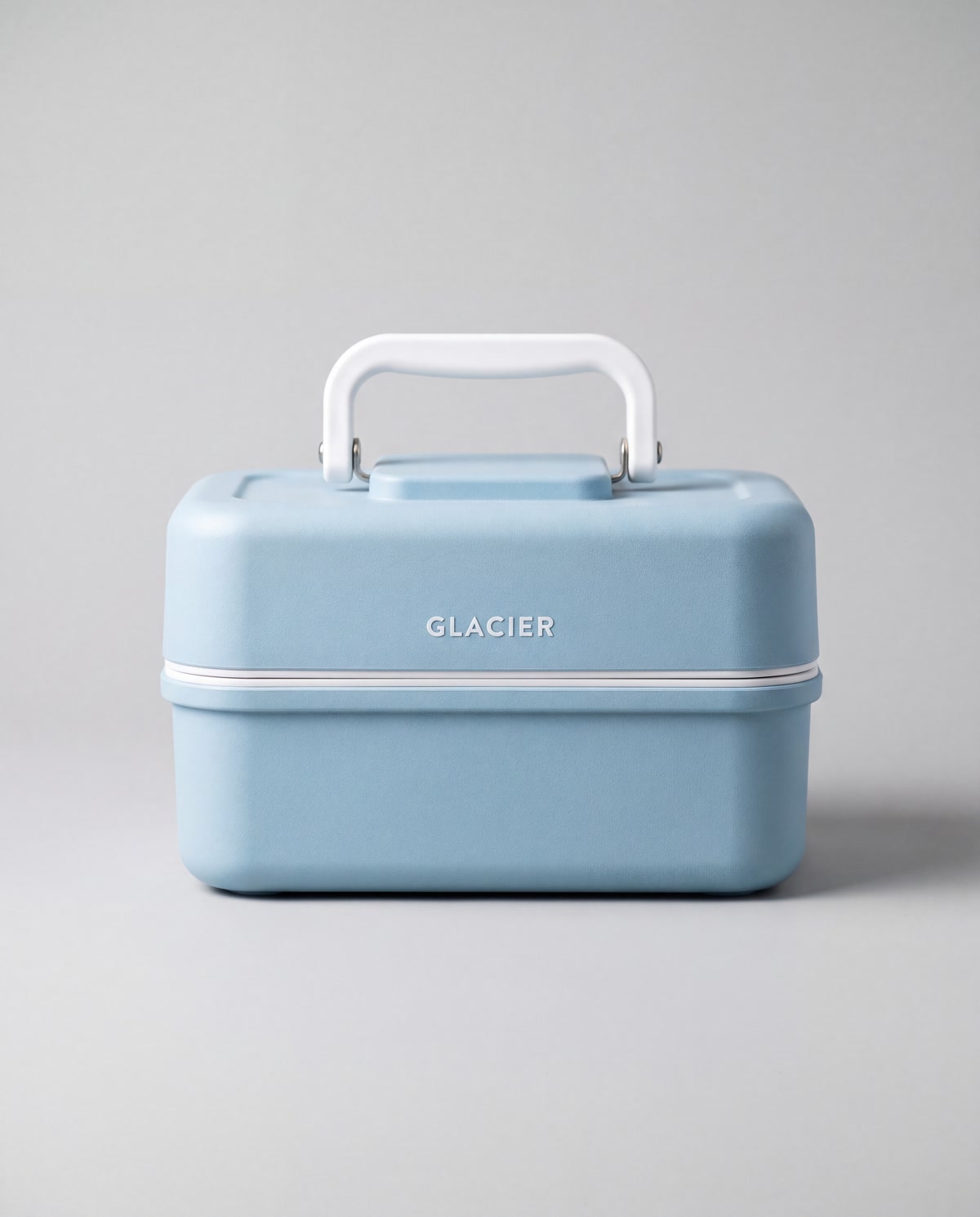
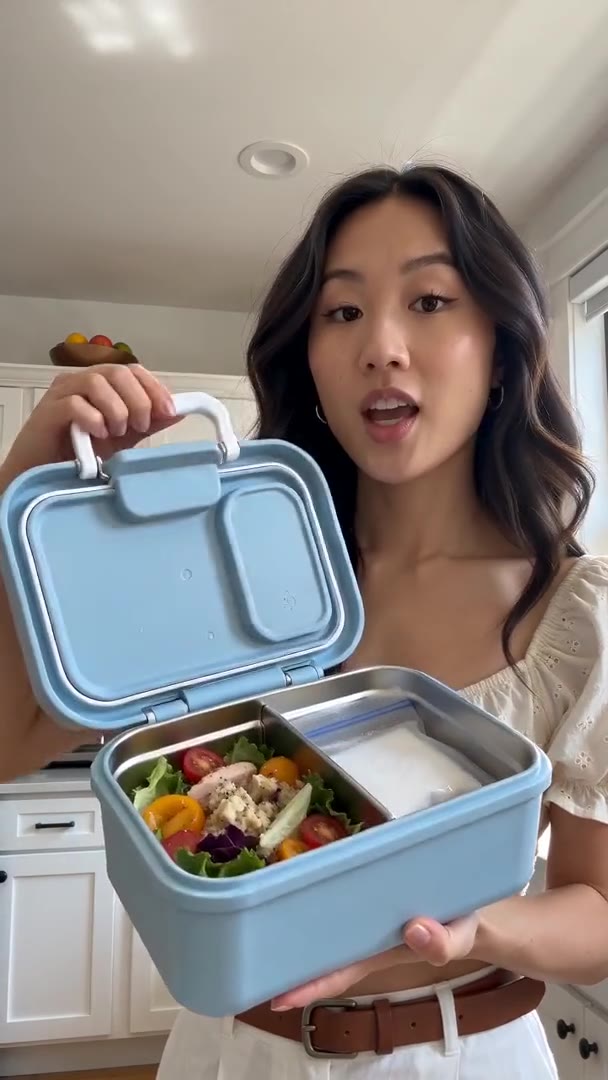
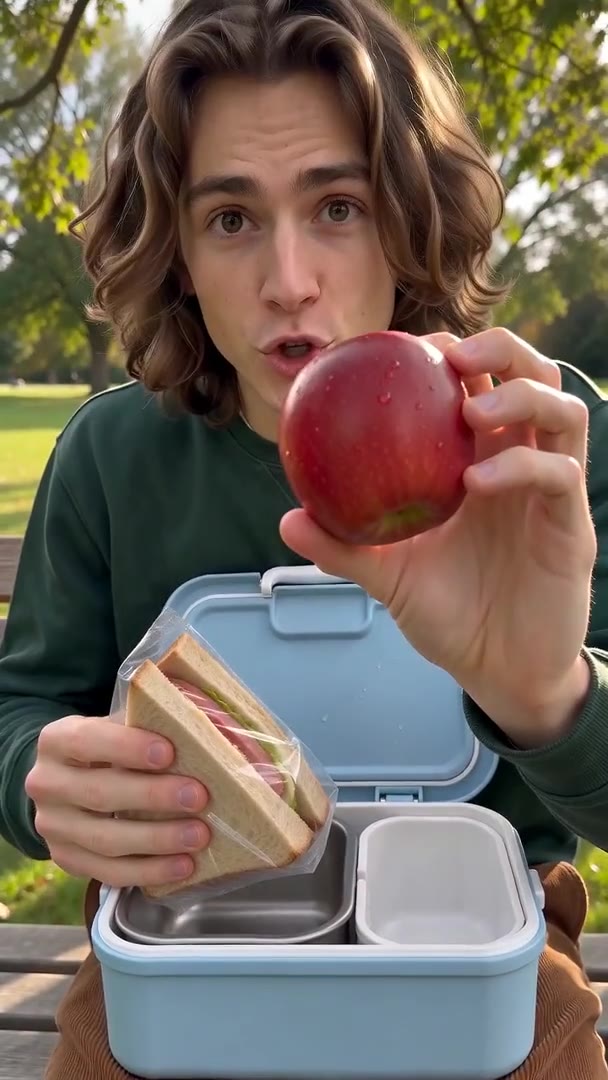
Before is what went into Ads, the product photo or the actor; after is the ad. Glacier is a made-up brand. The bottle ads ran on Seedance 2.5 Flashand the lunch box ads on Seedance 2 Mini, all at 9:16; only the actor and format change between them.
UGC ads at a glance
- Creator-style ads for TikTok, Reels and ShortsAn AI actor holds your product to camera.
- 52 AI actorsOr upload someone who agreed.
- 15 UGC formats14 with your product in hand.
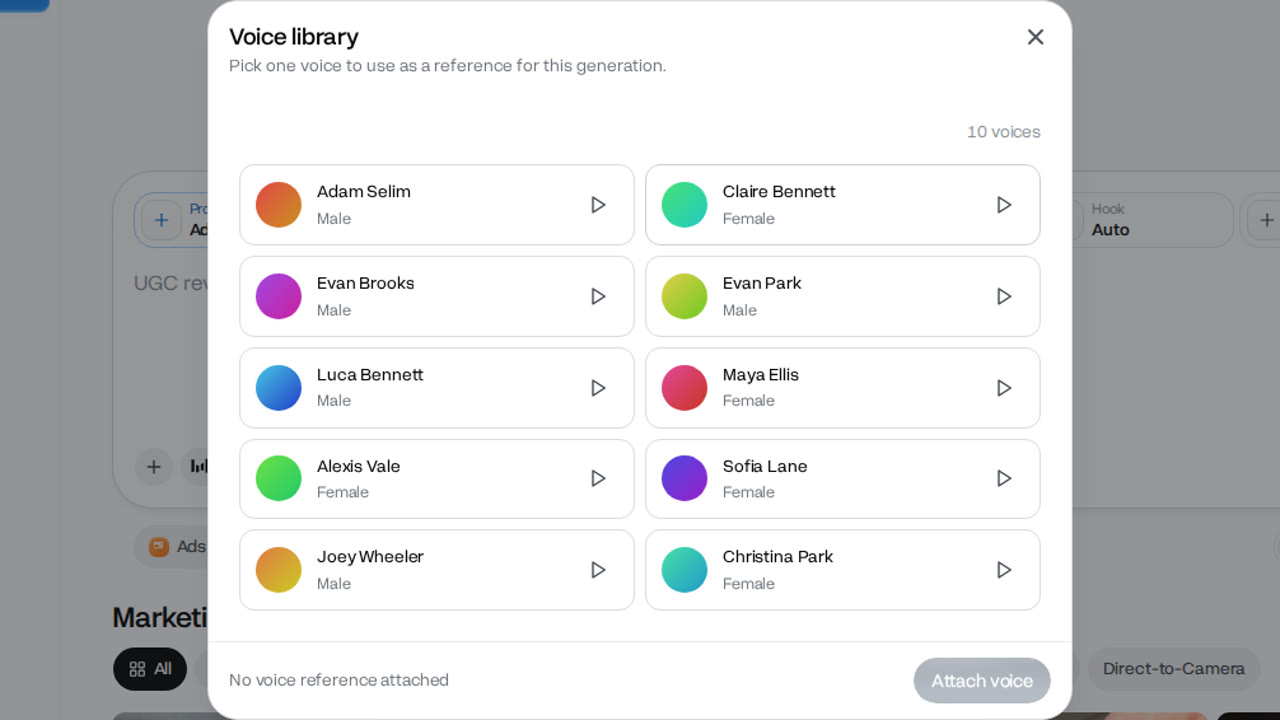
- Voice libraryPick the voice the actor speaks in.
- 4 to 15 secondsSet per ad before you make it.
- 9:16 verticalAlso 16:9 and 1:1.
- No watermarkDownload and run it as an ad.
One actor, one product and one UGC format make one ad. Nobody films anything: the person, the setting and the voice are made from your choices.
How it works in three parts
- 01
Pick the person
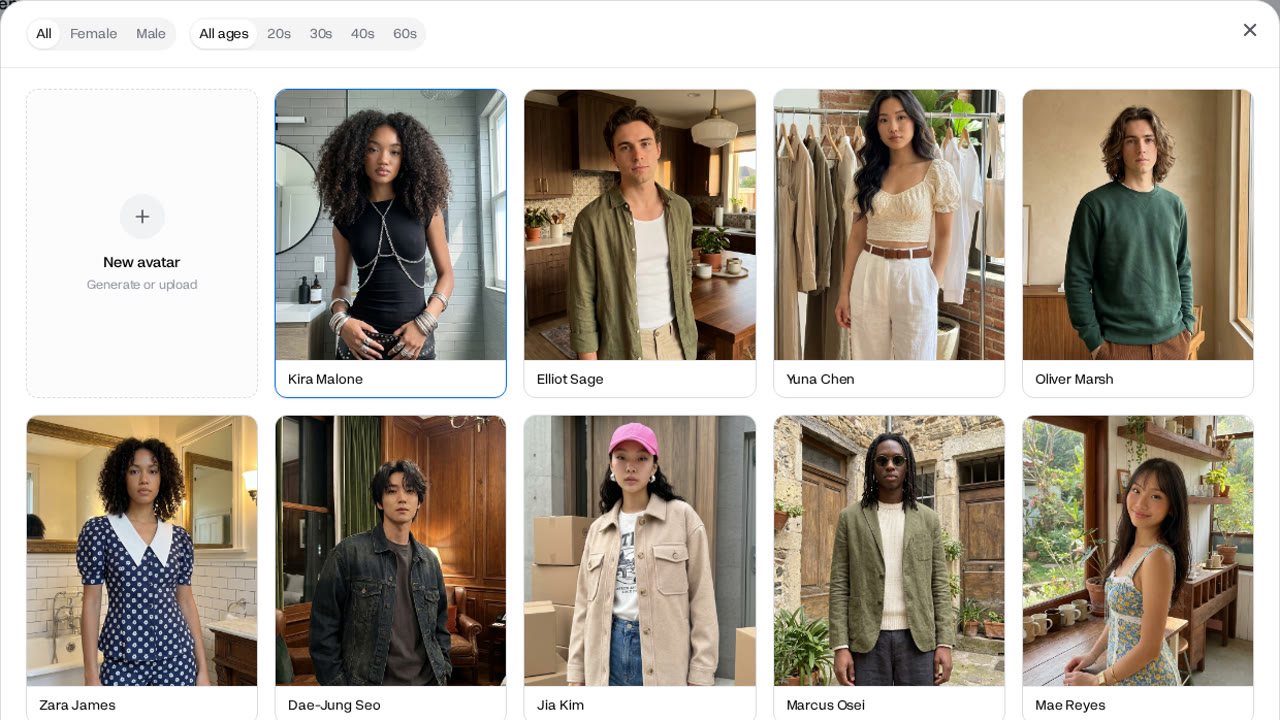
The Avatar picker holds 52 preset actors, women and men from their 20s up, each with their own look and setting. Filter by gender and age, or leave it on Auto and Ads picks one to fit the format. You can also upload a photo of someone who has agreed to appear.
52 presetsOr AutoOr your own - ProductAd02
Your product in their hand
In the 14 formats with the product on screen, such as UGC Handheld and Selfie Testimonial, the actor holds it to camera. Marcus Osei here lifts the bottle to the lens, and its print stays sharp and correctly spelled. UGC Yapping keeps the product off screen.
14 formats with the productLabel kept sharp - 03
Script and voice
The Assistant writes the script from your product and the format, and you can edit it or write your own. Pick a voice from the library for the actor to speak in. The ad comes back with its sound, ready to download with no watermark.
Script from the productVoice library
Make a UGC ad in 4 steps
- Step 1Add your productPaste its link or upload a photo.
- Step 2Pick a UGC format15 formats with a person in them.
- Step 3Pick an actor and voice52 actors, or upload your own.
- Step 4Make the ad4 to 15 seconds; the price shows first.
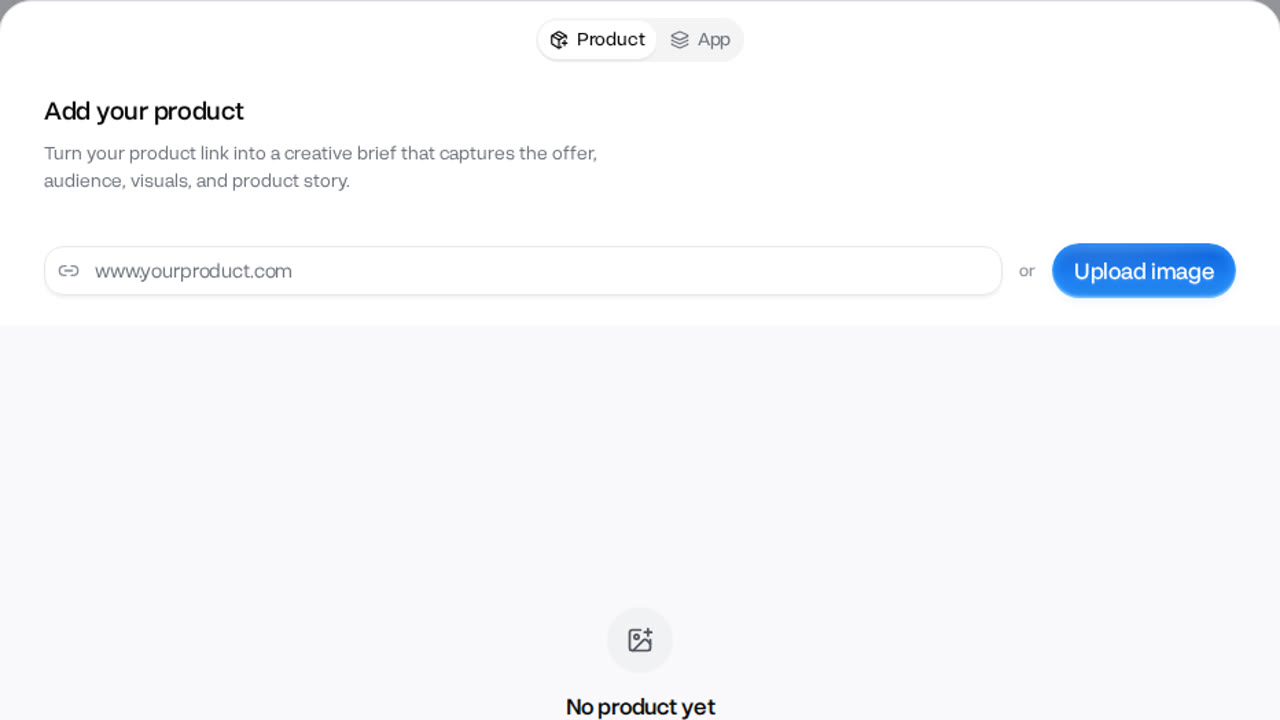
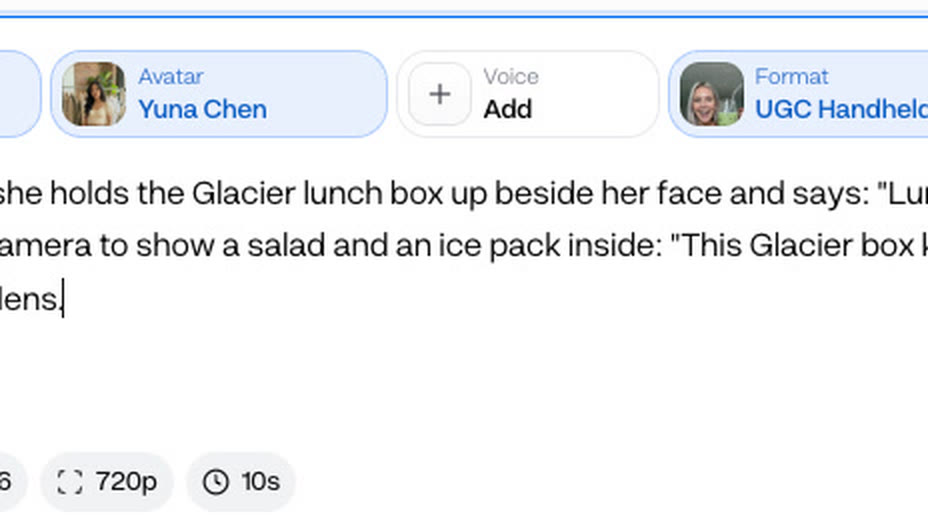
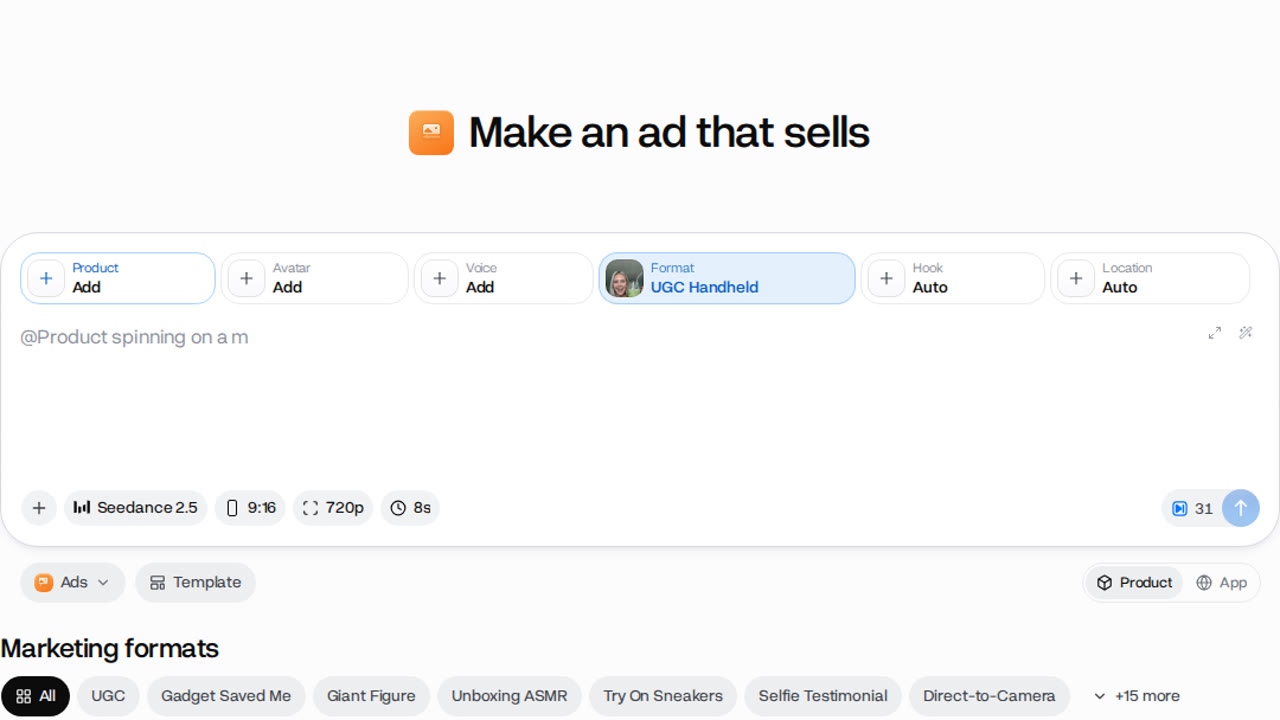
The product link or one photo is all Ads needs. The actor, setting and voice come from the picker, so nothing is filmed.
Auto or a preset actor on the same ad
- Actor on Auto · 26 creditsAds picked the person for the format.
- Marcus Osei · 26 creditsThe same product, script and settings.
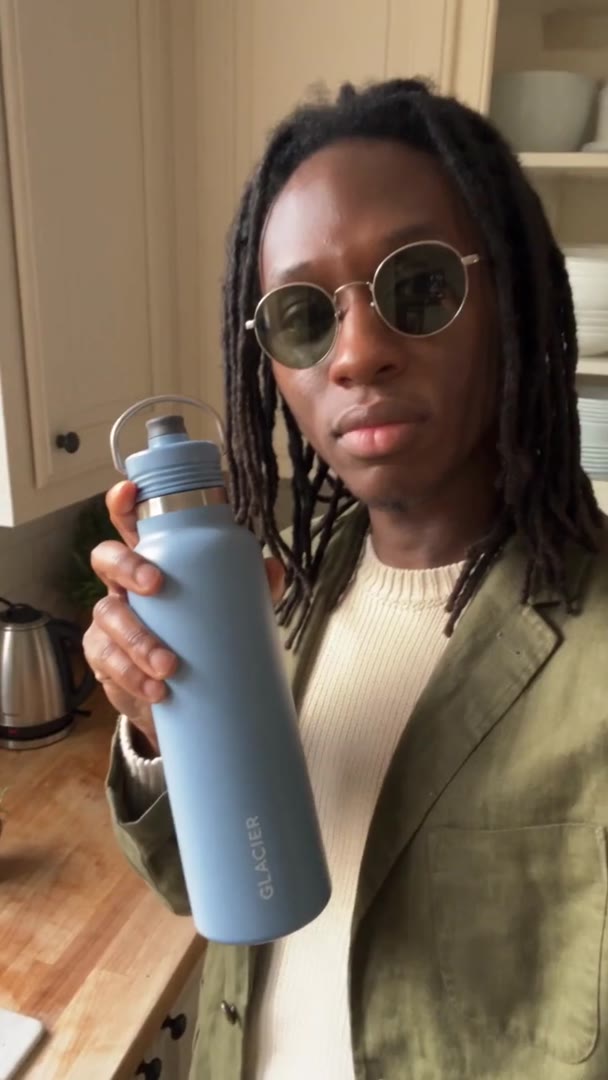
Picking an actor costs the same as leaving it on Auto. Both ran on Seedance 2.5 Flash at 720p for 10 seconds; only the person changed, so the pair is a fair face-against-face test.
- Starter$1.17 a 10-second ad on Seedance 2.5 Flash, about 7 ads a month
- Pro$0.99 a 10-second ad on Seedance 2.5 Flash, about 19 ads a month
Dollar figures are plan credits at the yearly price per month. The generator shows the exact credit price before you start.
Tips for UGC ads that feel real
- Start from a sharp photoA clear label stays clear in their hand.
- Match the actor to the buyerFilter the picker by gender and age.
- Keep the script shortAbout one line per three seconds of ad.
- Test two actors on one scriptChange only the face, then compare.
- Lead with the productGet it into their hand in the opening seconds.
- Upload only people who agreedA real face needs that person's consent.
The ad is only as clear as the product photo you give it, so start from a sharp, plain shot of the label. You keep the rights to what you make in Everygen.
An AI actor, not a booked creator
- CreatorHire a UGC creatorShip the product, brief them, wait for the edit.
- YourselfFilm it yourselfYour face, your camera, your retakes.
- StockUse a stock clipA person who never holds your product.
- EverygenMake a UGC adMake it in AdsAn AI actor holds your product to camera.

To make a UGC ad without hiring a creator, pick an AI actor in Ads. Each new face or hook is another run, not another shipment, brief and wait. The stock still is an illustration: an Everygen talking clip with no product in it.
52 actors in the Avatar picker
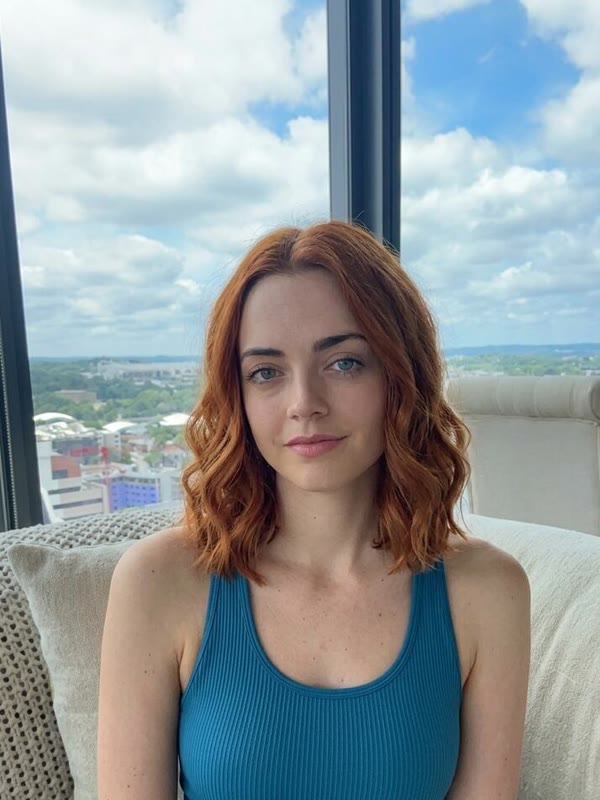
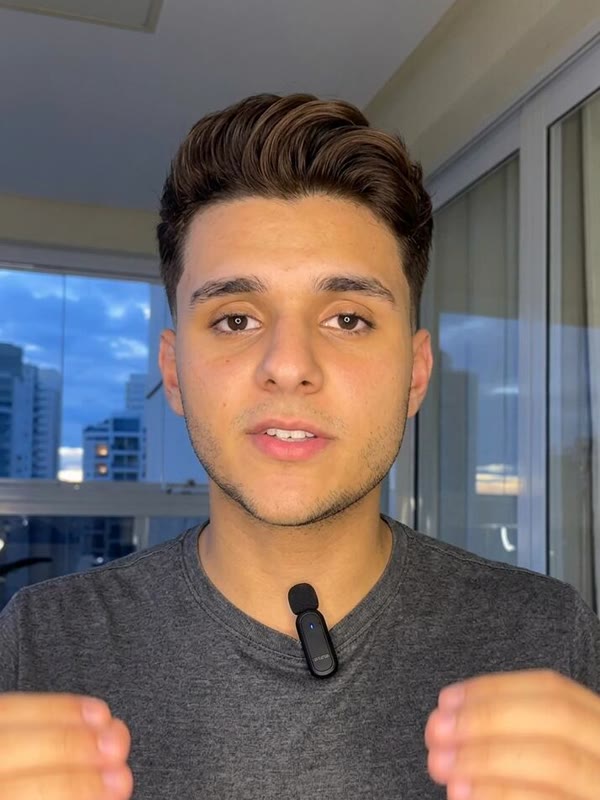
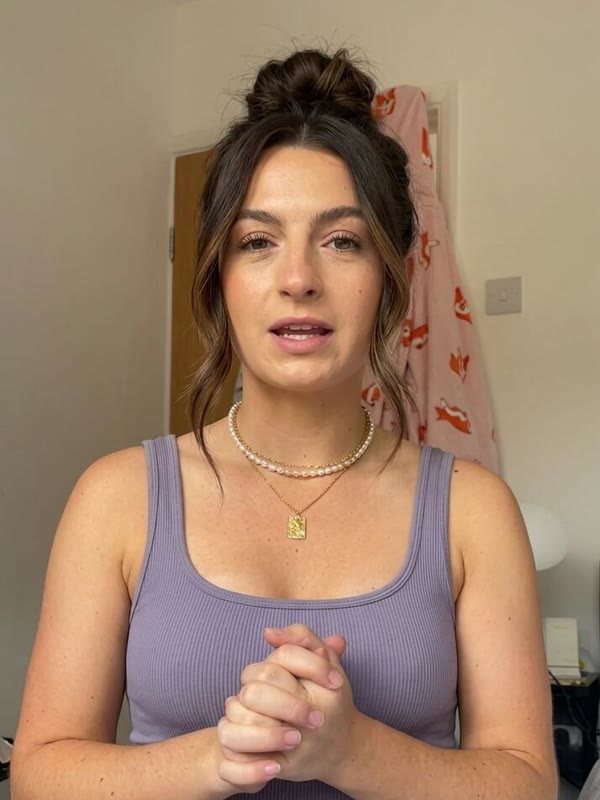
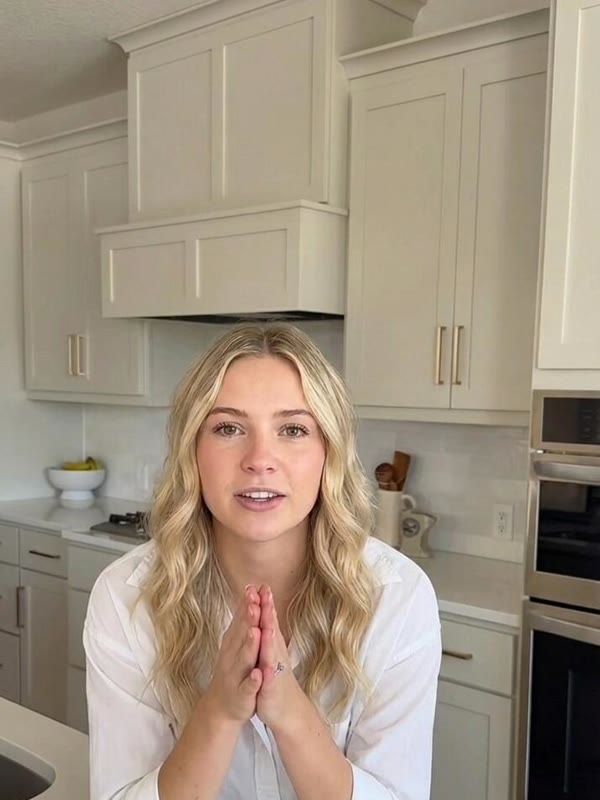

These five are preset actors from the picker, as it shows them. Each has a set look and setting; the format decides what they do with your product.
What people use it for instead of a shoot
- SpokespersonMake a UGC adA face for your brandThe same preset actor across your ads.
- ReviewA customer-style reviewA selfie read of your product at home.
- Off cameraSell without showing your faceFor founders who would rather not film.
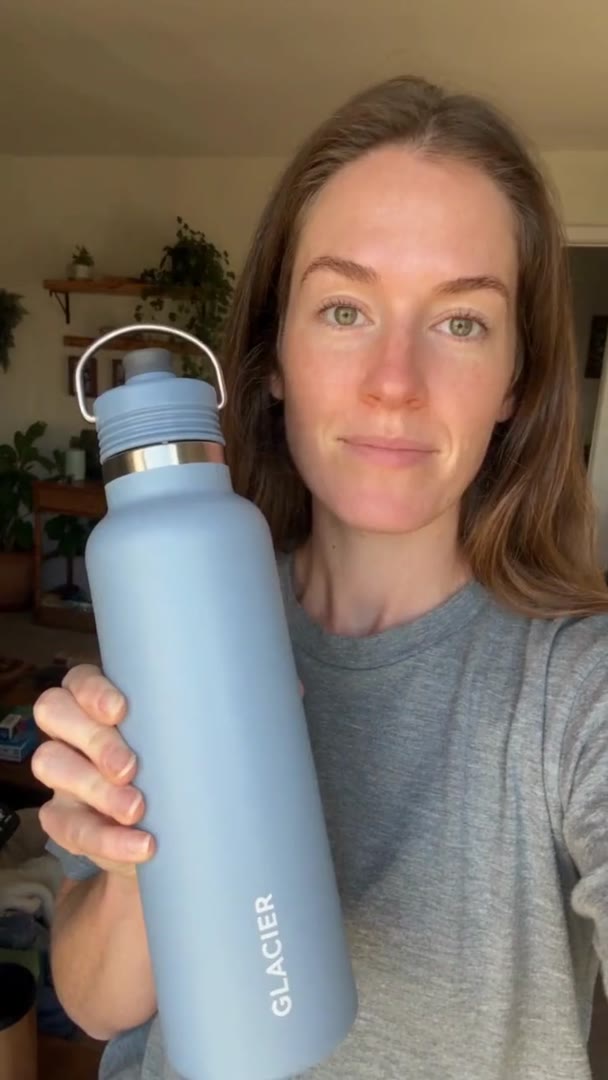
Direct to Camera and UGC Yapping put the actor in front of the camera talking about your brand. Add your product, or leave it off screen.