AI camera control
Everygen Director lets you set the camera, lens, aperture, movement and lighting for each AI shot, such as 35mm film with a dolly in at f/1.4, from 33 camera moves, then extend it shot by shot into a scene.




Trusted by creators with billions of views
Four camera moves made in Everygen
- Crane up35mm film, anamorphic
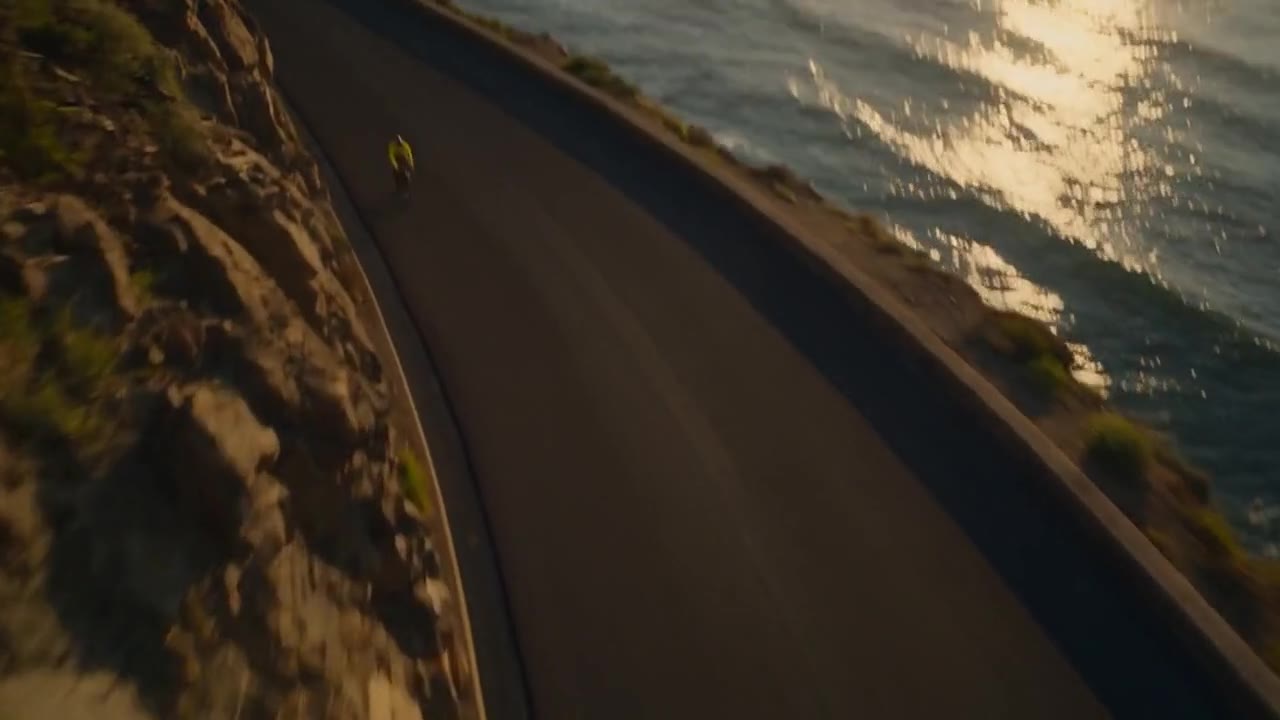
- Robotic armA swoop down the cliff road
- Body rigRigged to the rider
- A rise, prompt onlyWritten in the prompt
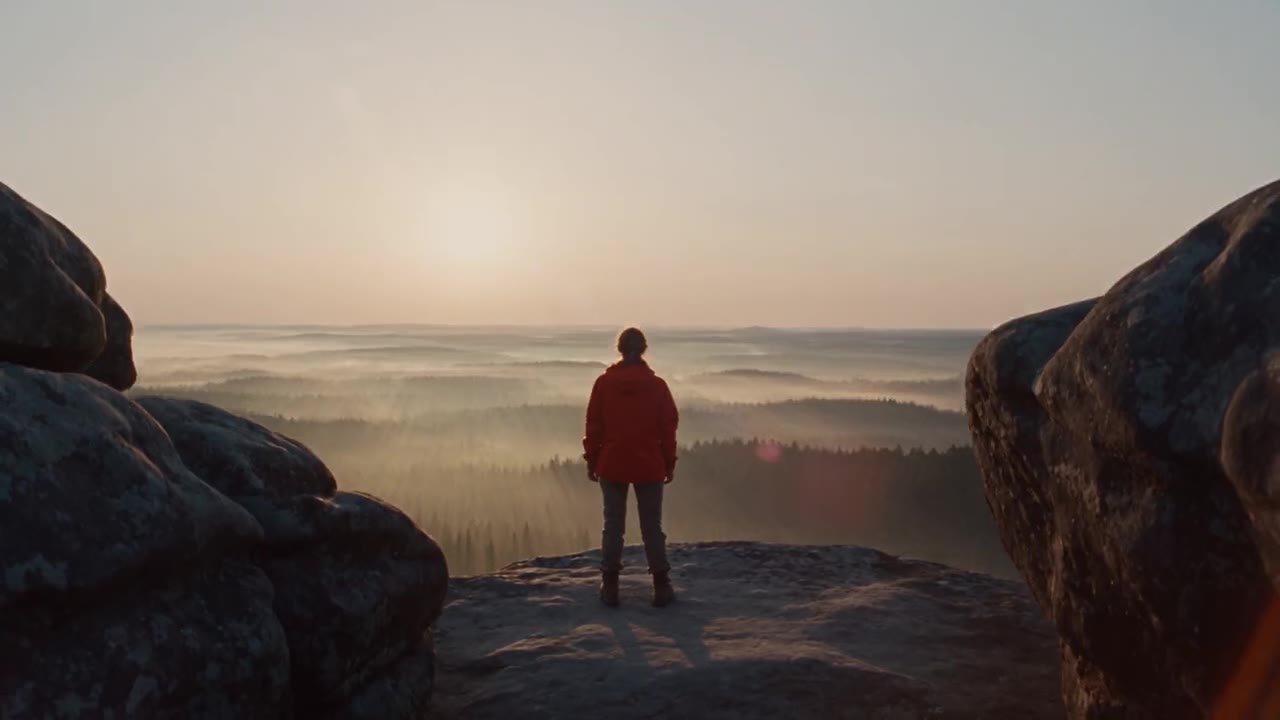
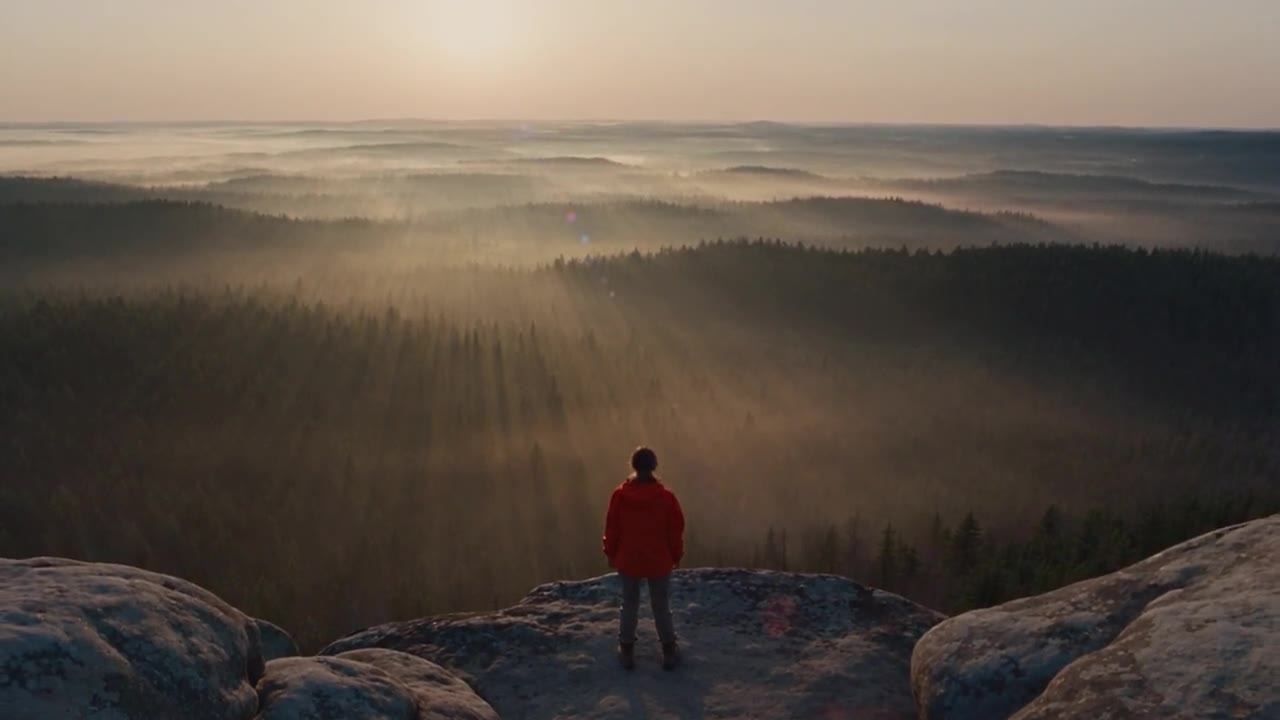
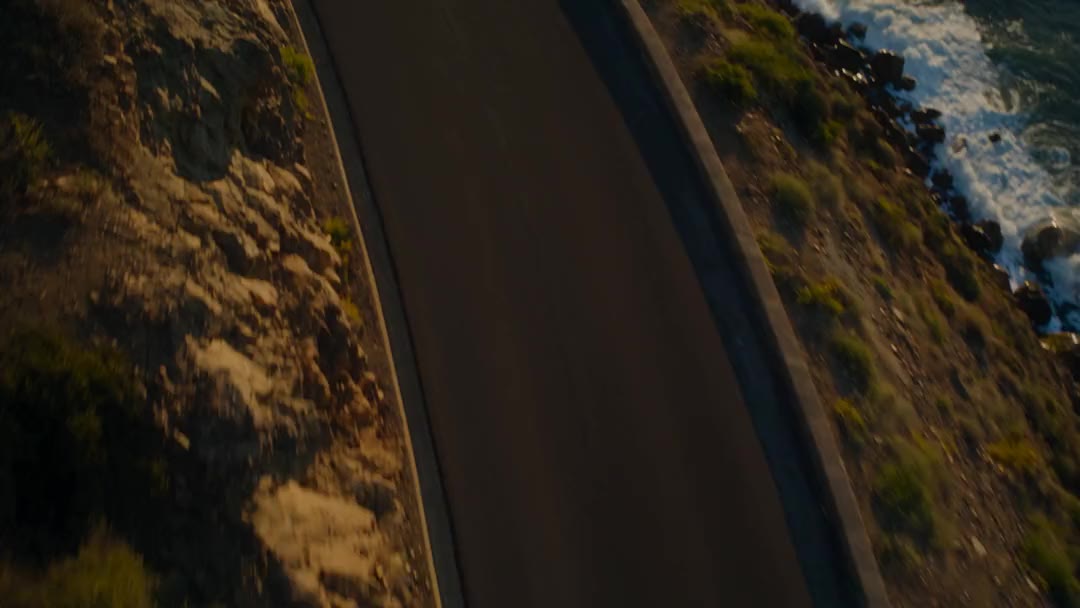
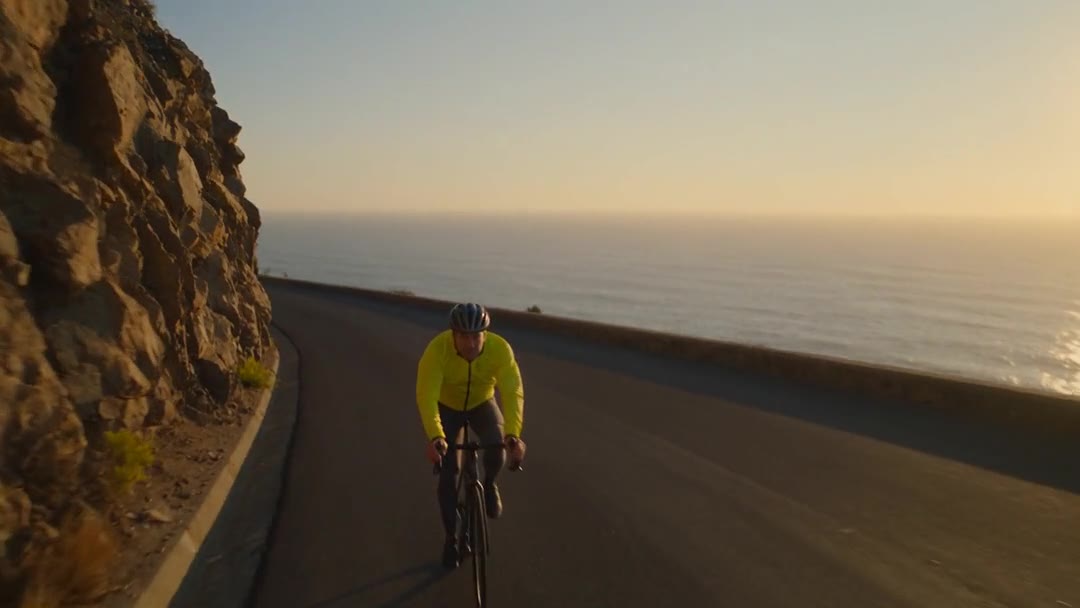
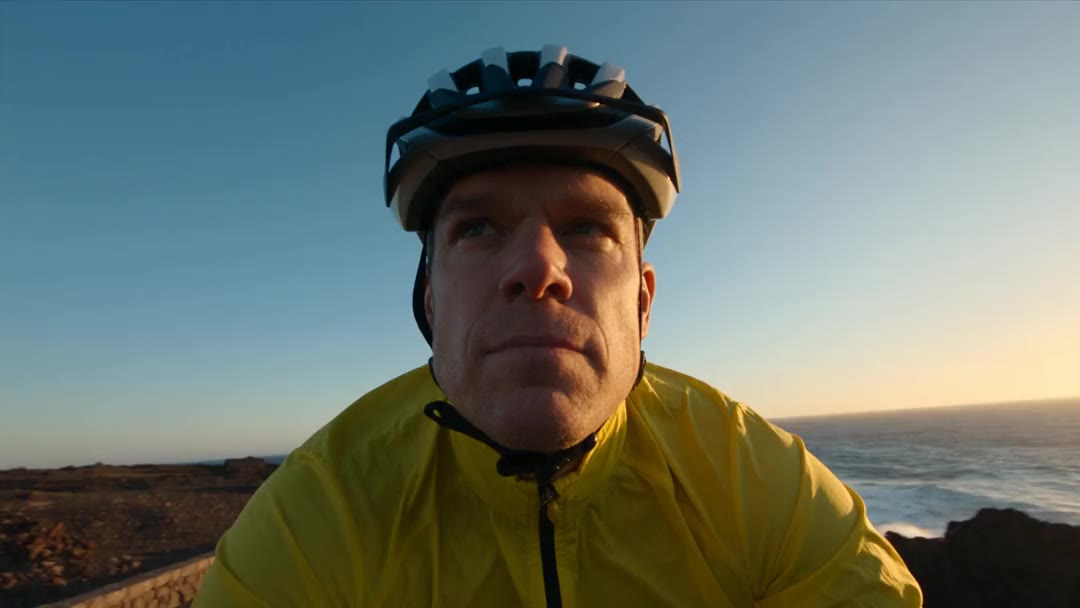
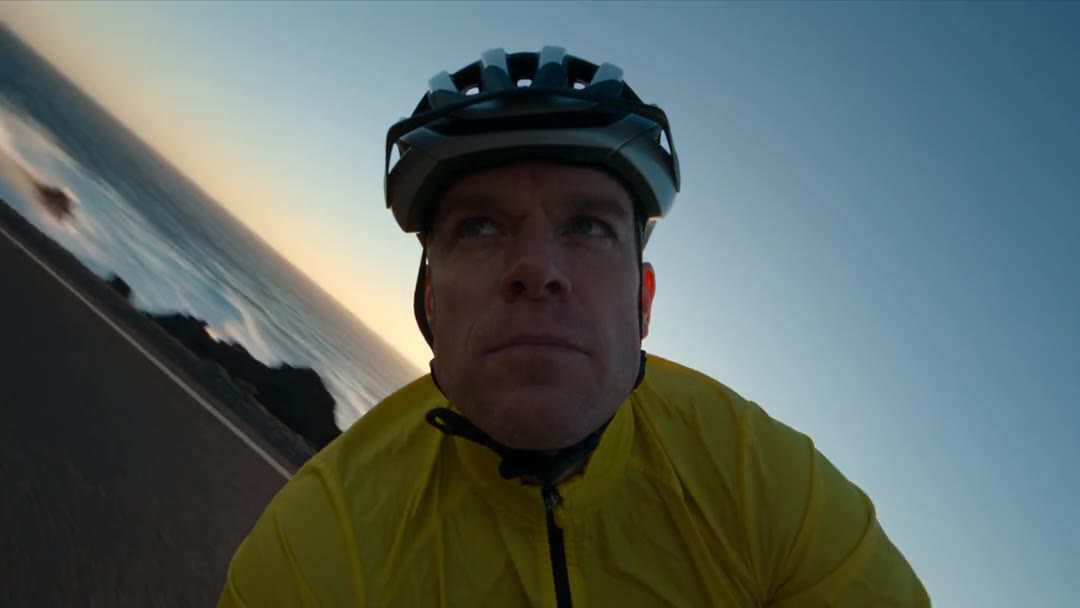
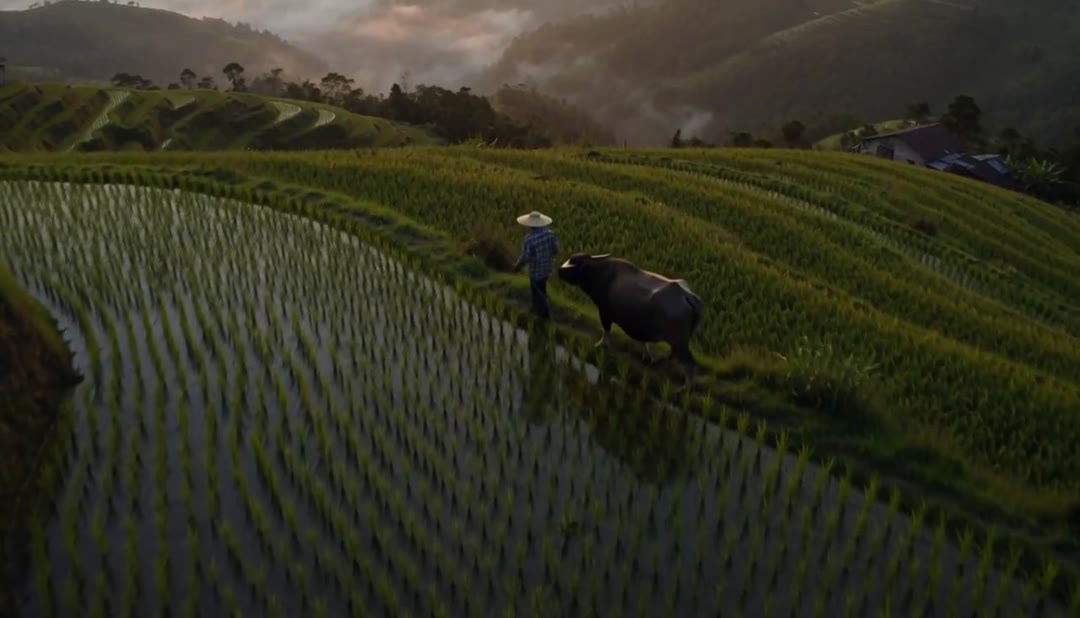
“Before” is the shot’s first frame; “after” is the whole move. The crane up opens at eye level behind the hiker and ends high above the valley, with only the camera, lens and move set. The rise over the terraces is not a Director shot: its move was written into a video generator prompt.
Director at a glance
- Direct every shot in DirectorCamera, lens, move and light, per shot.
- 33 camera movesDolly zoom, orbit, crane; combine them.
- 4 camerasWith 5 lenses and 3 apertures.
- 6 lighting setupsOr up to 2 lights of your own.
- 50 palettesOr up to 12 colours of yours.
- 4 to 30 secondsA shot, at up to 1080p.
- 6 genresPlus the era and the tempo of cuts.

Every setting has Auto, so you set only what the shot needs. 1080p is on Pro and up. See every move
How it works in three parts
- 01
Set the camera
Open the camera setup and pick a camera, a lens and an aperture: 4 cameras, 5 lenses and 3 apertures, each with Auto. The crane up on this page used 35mm film and an anamorphic lens with the aperture left on Auto, and nothing else was set.
4 cameras5 lenses - 02
Pick the move
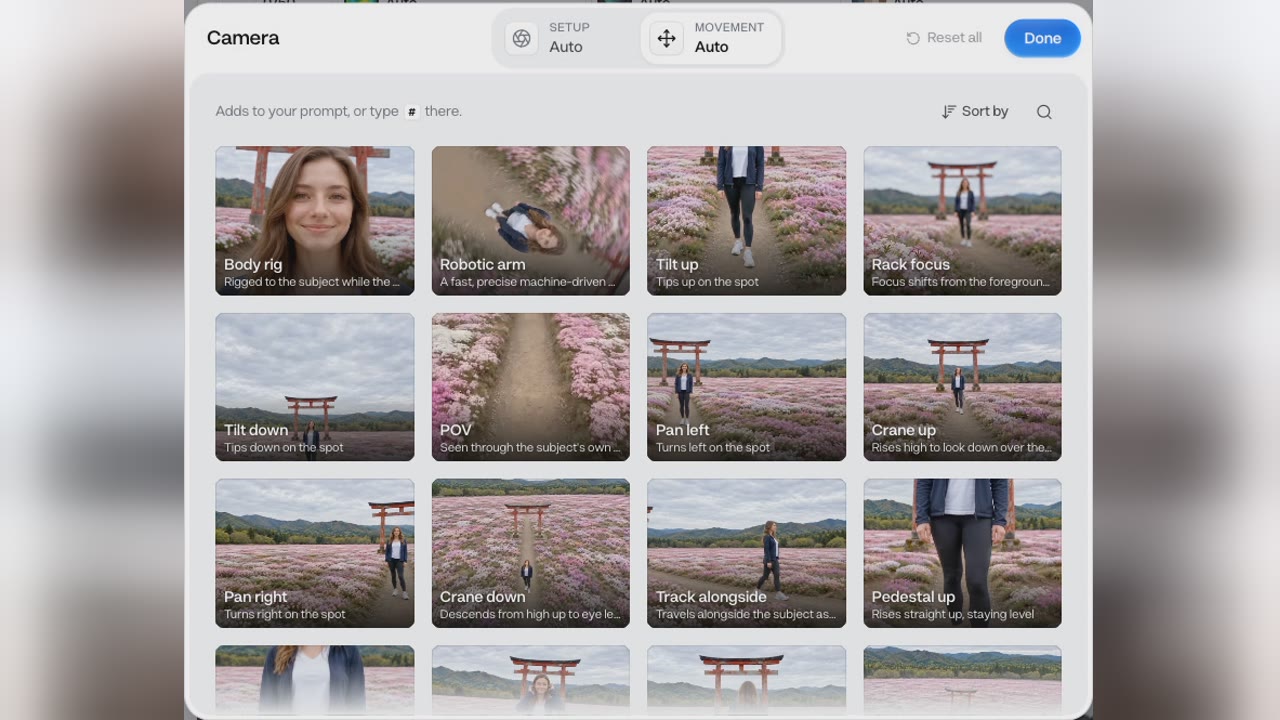
Under Movement, pick one move or several of the 33. Crane up went into the prompt as a tag in front of one line about a hiker on a ridge at sunrise. The shot opens behind her at eye level, then rises and tilts down over a valley of fog and pine forest.
33 movesWatched on this shot - 03
Director writes the shot
Before it sends, Director turns your settings and your line into a full shot description, timed beat by beat. For this shot it wrote two seconds holding behind her, then four seconds craning above her. That writing is part of the price on the button.
Full shot descriptionTimed beats
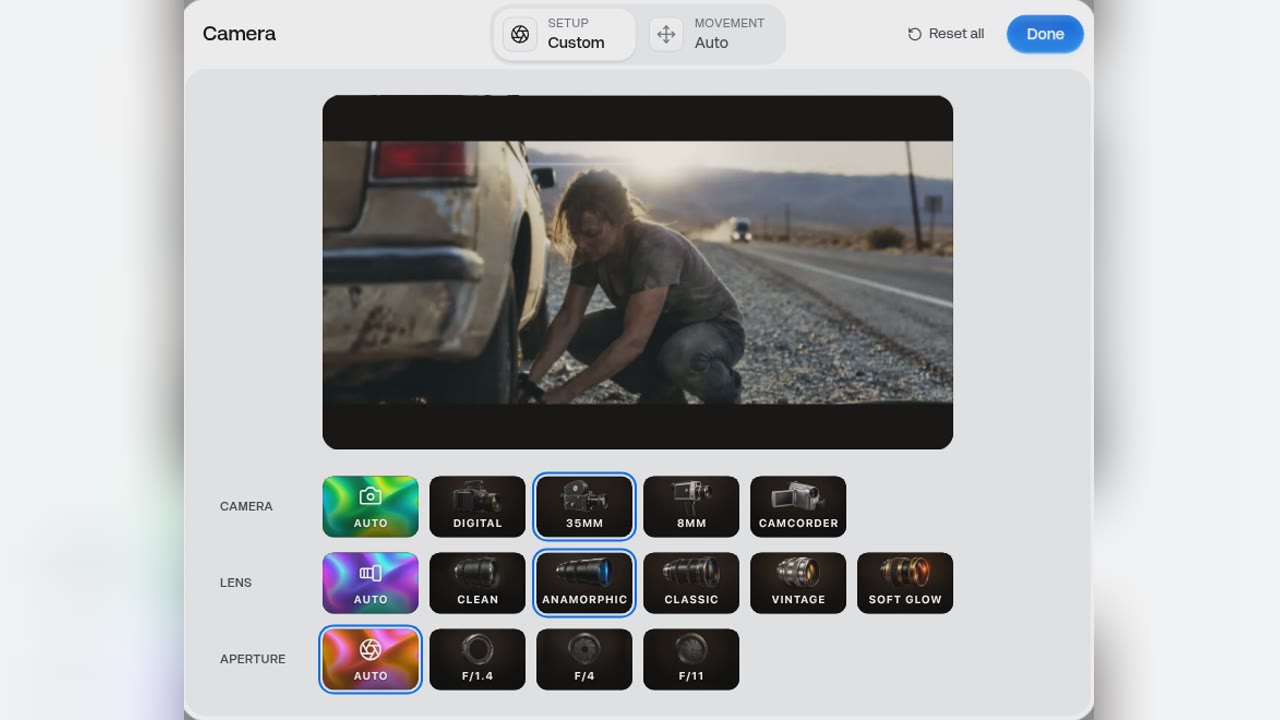
Direct a shot in 4 steps
- Step 1Describe the sceneWhat happens in the shot.
- Step 2Set camera and lens4 cameras, 5 lenses, 3 apertures.
- Step 3Pick the moves33 moves; combine them.
- Step 4Make, then extendShot by shot, into a scene.
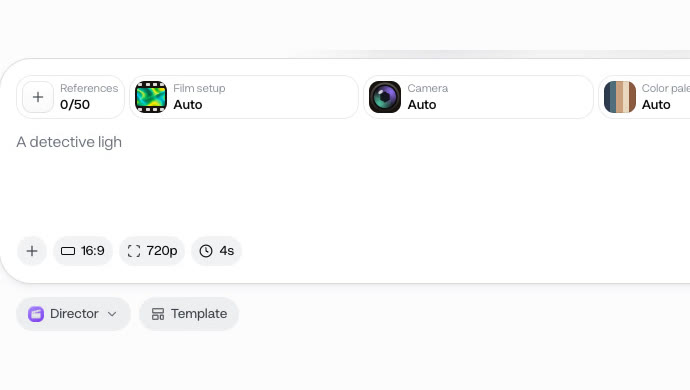
A shot runs 4 to 30 seconds. To keep a scene going, extend the shot with a new shot after it, or before it.
Two moves on the same scene
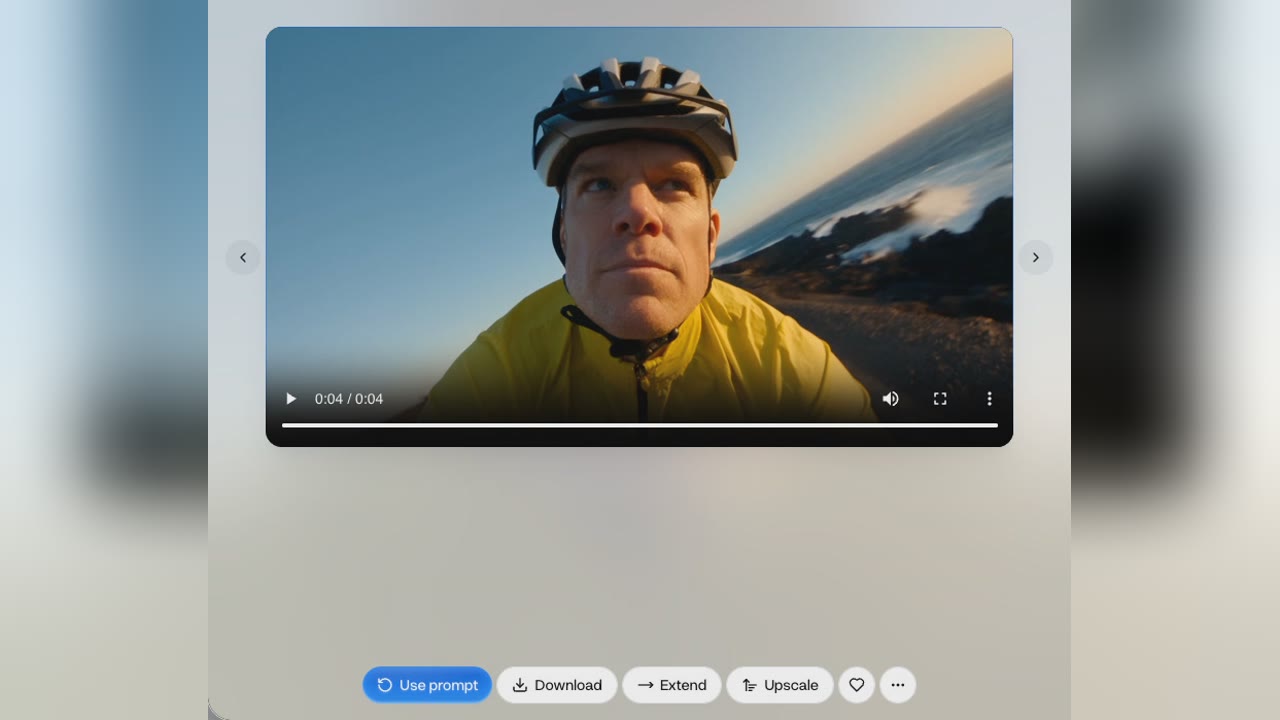
- Robotic arm · 20 creditsA fast swoop down onto the rider.
- Body rig · 20 creditsThe same line, the camera on the rider.
The move does not change the price; the length and the resolution do. Both are 4-second shots at 720p of one line about a cyclist, at the price the button shows, which includes Director writing the shot description.
- Starter$0.90 a 4-second shot, about 10 shots a month
- Pro$0.76 a 4-second shot, about 25 shots a month
Dollar figures are plan credits at the yearly price per month. The generator shows the exact credit price before you start.
Tips for shots that cut together
- Start from AutoSet what matters; Auto fills the rest.
- Combine movesMovement takes several at once.
- One action a shotThen extend it into the next beat.
- Build your own paletteUp to 12 colours, for a look that repeats.
- Place your own lightsUp to 2, each with its direction.
- Extend before or afterAdd the shot that comes next, or before.
Keep the camera, lens and palette the same across a scene’s shots, and change only the move, so the cuts match. You keep the rights to what you make in Everygen.
Direct it, don't just describe it
- Prompt onlyWrite the move in the promptNo camera, lens or aperture to set.
- Film itHire a crane or a droneA crew, a permit and good weather.
- Pan and zoomPan and zoom a stillThe frame moves, the scene does not.
- DirectorDirect a shotPick the move and the cameraCrane up, 35mm film, anamorphic.
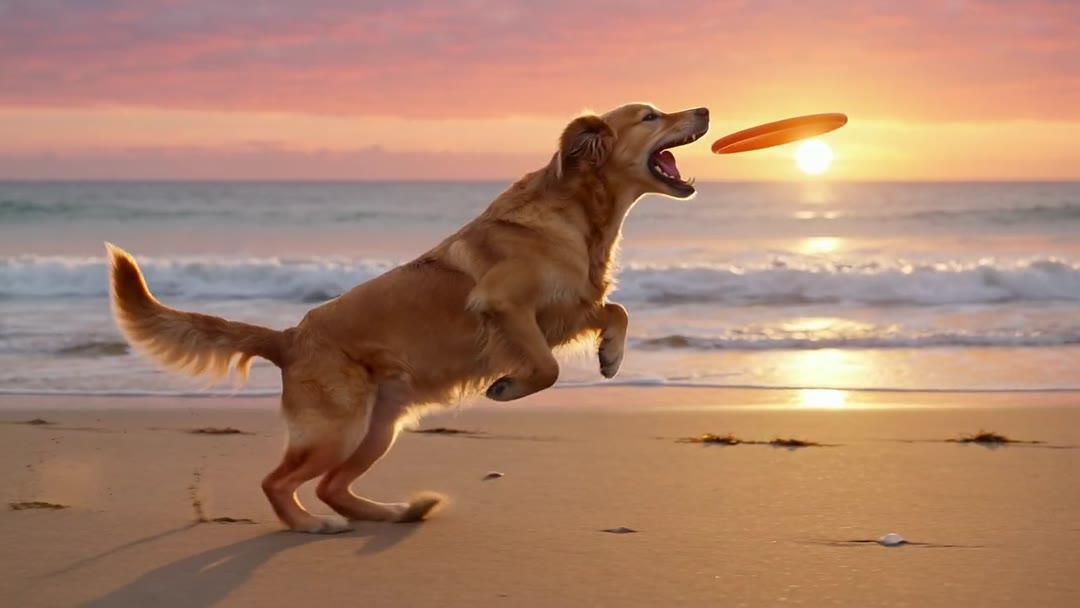
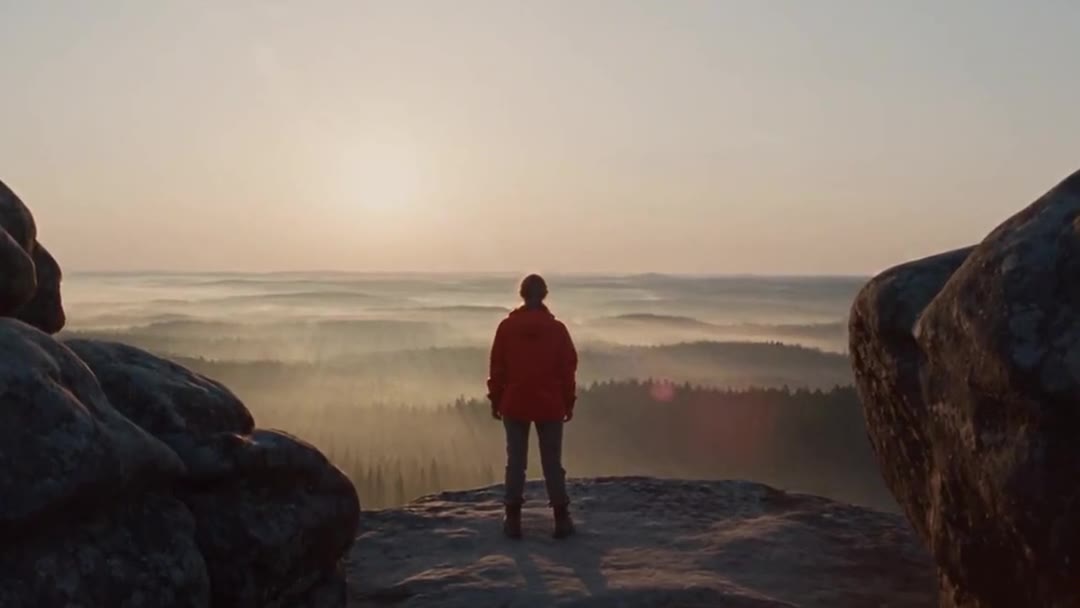
A camera move written into a prompt can work, but it sets nothing else. The tracking shot was made in the video generator with “camera tracks alongside” in its prompt; Director adds the camera, lens, aperture and light as settings. The pan-and-zoom card is an illustration made from a still of the hiker shot.
What people use it for shot by shot
- Establishing shotDirect a shotOpen a scene on the locationA crane or an orbit over the place.
- Pitch trailerCut a trailer from beatsEach beat its own shot, then extend.
- ProductGive a product a hero shotAn orbit or a slow dolly in.
Set the genre, the era and the tempo once, then shoot each beat as its own shot. Write the script first in Script Writer.