Script to video
Paste a script or an idea and Everygen Wizard plans the scenes, makes each clip, adds a voiceover, and hands you one finished video, asking before each paid step.



Trusted by creators with billions of views
Words in, video out made in Everygen Wizard
- Typed into WizardA 30-second faceless YouTube Short explaining why octopuses have three hearts, with voiceover and captions.One-line requestOpening scene
- Script Wizard wrote, 73 wordsWhen an octopus swims, its main heart stops beating. You see, two smaller hearts pump blood through the gills to collect oxygen. A third sends oxygen-rich blood around the body and into all eight arms. But octopus blood uses copper instead of iron, so it carries oxygen less efficiently than ours. The extra pumps keep oxygen moving. Swimming pauses the main heart, making it tiring. So octopuses usually crawl along the seafloor instead.The scriptClosing scenes
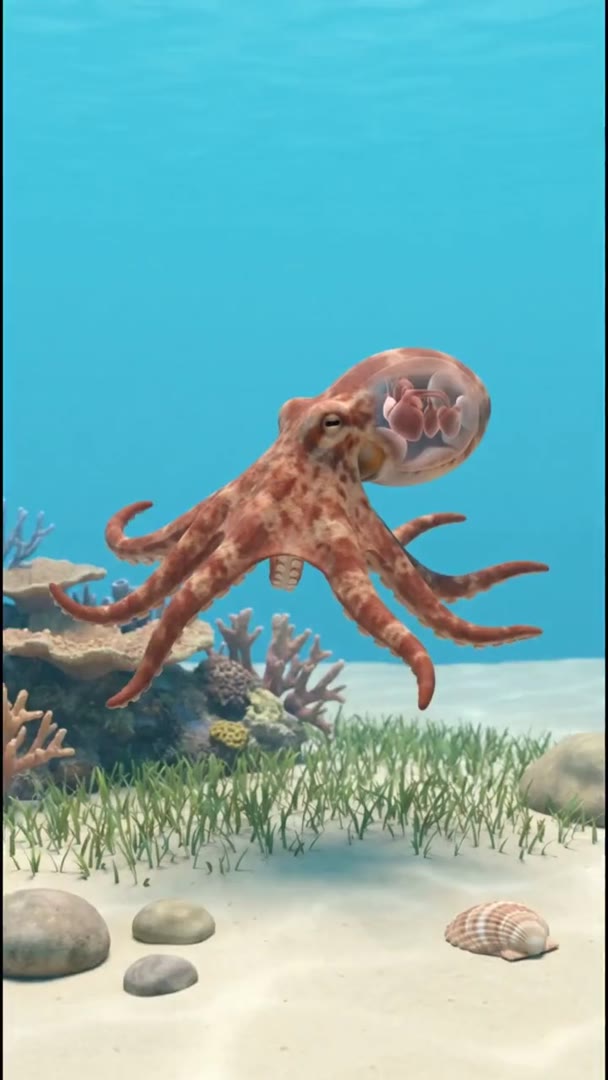
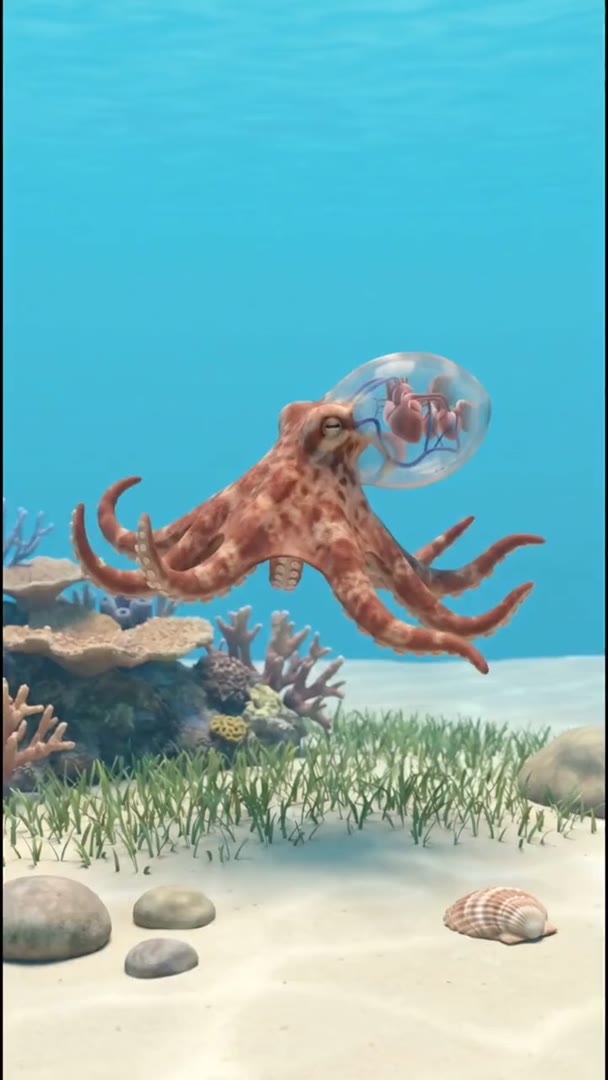
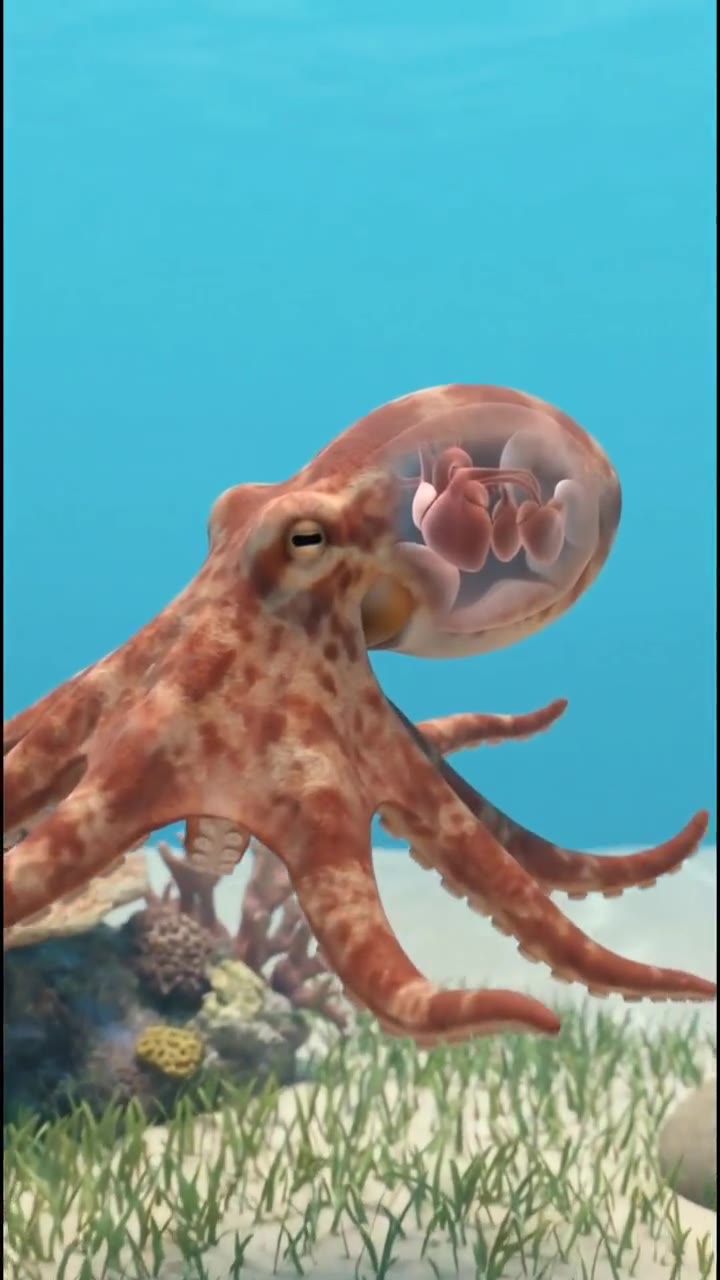
The octopus video came from one sentence typed into Wizard. Wizard wrote the script on the second tile, narrated it, made eight scenes and joined them. The request asked for captions and the video has none, so check for them and add them with Auto Captions.
Script to video at a glance
- Finished videos for YouTube, TikTok and ReelsClips and voiceover joined into one file.
- A script or an ideaPaste the script, or describe the video.
- 16 video modelsThe video generator's own set.
- VoiceoverRead from your script, in one voice.
- Fast or SmartThe cheaper or the stronger planner.
- You approve each stepEvery paid step shows its price first.
- One video fileNo watermark; you post it yourself.
Wizard turns a script into one video: it plans the scenes, makes a clip for each, records the voiceover and joins them. It shows the price of every paid step and waits for your yes, so a long video never runs up a bill you did not see.
How it works in three parts
- 01
Plan the scenes
Paste a script or describe the video, and Wizard asks what it needs to know. Then it splits the script into scenes and writes what each one shows, so you can change the plan before anything is made. If you only have an idea, it writes the script too.
Script or ideaPlan first - Script, opening linesWhen an octopus swims, its main heart stops beating. You see, two smaller hearts pump blood through the gills to collect oxygen.ScriptVideo02
Make the clips and the voice
Each scene becomes a clip from one of 16 video models, from Seedance, Kling, Gemini Omni, MiniMax and Grok Imagine, and the script becomes a voiceover. In this video Wizard kept one stylised 3D look across all eight scenes. Name a model in your message and Wizard uses it; describe the narrator, such as calm or upbeat, for the voice.
16 modelsOne voiceover - 03
Approve, then download one file
Each clip, voiceover and export waits for your yes, with its price shown, unless you switch approvals to auto. Wizard joins the scenes and the voice into one video with no watermark. Ask for changes in the chat, such as a scene at night, and it remakes that part.
Approve each stepNo watermark
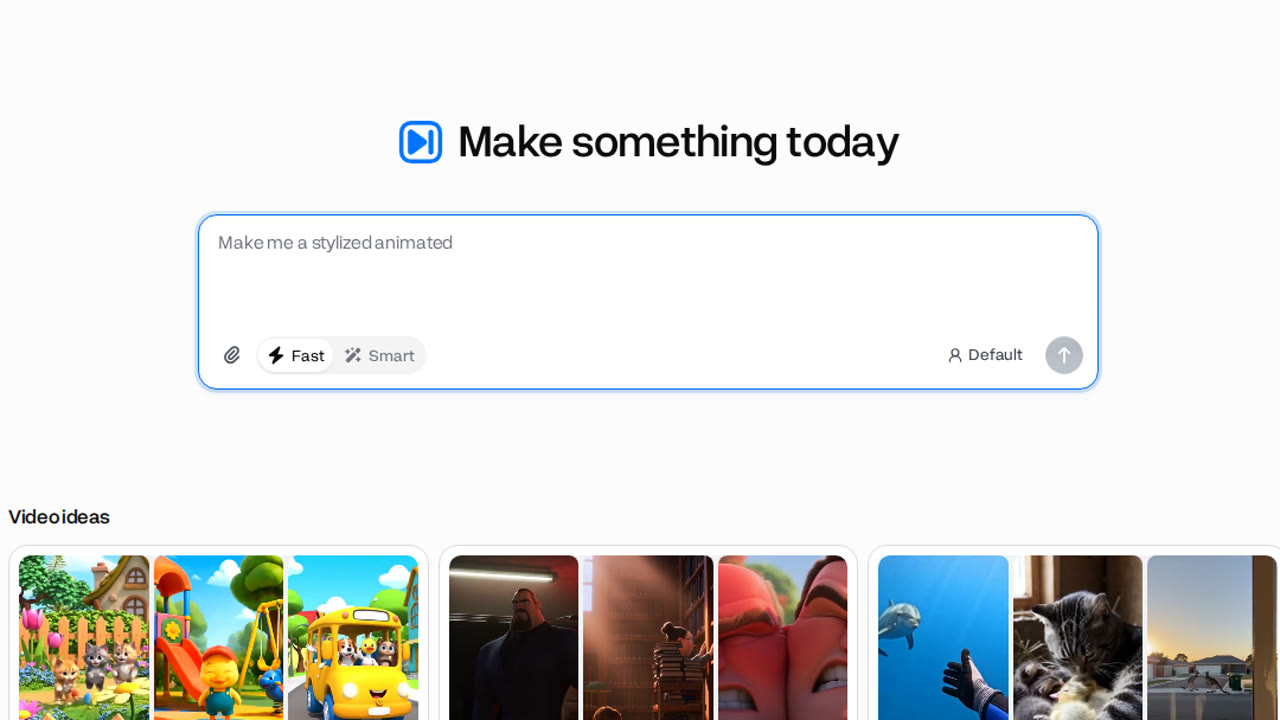
From script to video in 4 steps
- Step 1Paste your scriptOr describe the video in a line.
- Step 2Check the planWizard plans every scene first.
- Step 3Approve each paid stepEach one shows its price.
- Step 4Download the videoClips and voiceover, in one file.
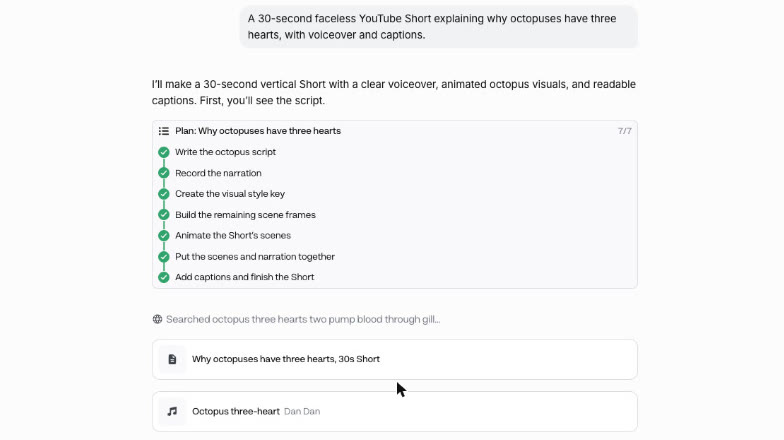
No paid step runs until you approve it. Switch approvals to auto in the chat if you would rather Wizard go straight through, and check the plan first either way: it is where the scenes, the look and the voice are set.
Tips for a video you keep
- Say the length you wantWizard plans the scenes to fit it.
- Name one visual styleOne look keeps every scene consistent.
- Name a model if you careOtherwise Wizard picks one for the scenes.
- Fix the plan before clipsChanging a plan is cheaper than a clip.
- Check for captionsAdd them with Auto Captions if missing.
- Use your own scriptOr one you have the rights to.
The plan is the cheap part, so get it right before the clips are made. You keep the rights to what you make in Everygen.
What people use it for from written ideas
- Faceless ShortOpen WizardA faceless explainerA narrated Short with no one on camera.
- IdeasIdeas without filmingTurn notes into videos, no camera needed.
- StoryA narrated story videoA story, a narrator and a chosen look.
Describe the story, the narrator's voice and the look, and Wizard plans and makes a story video the same way. For captions, run the finished video through Auto Captions.