Edit your video with one sentence
Upload a clip and describe the change, such as a new background, a different product or another outfit, and Everygen remakes the clip with that edit using Seedance 2.5 Flash, Gemini Omni 1.1 Flash, Grok Imagine, Kling 3.0 Omni and 5 more models.




Trusted by creators with billions of views
Before and after edited with one sentence
- Day to eveningSeedance 2.5 Edit
- A new jacketKling O1 Edit
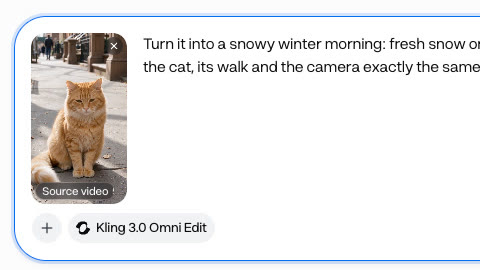
- Sunny to snowyKling 3.0 Omni Edit
- A new sweaterGrok Imagine Edit
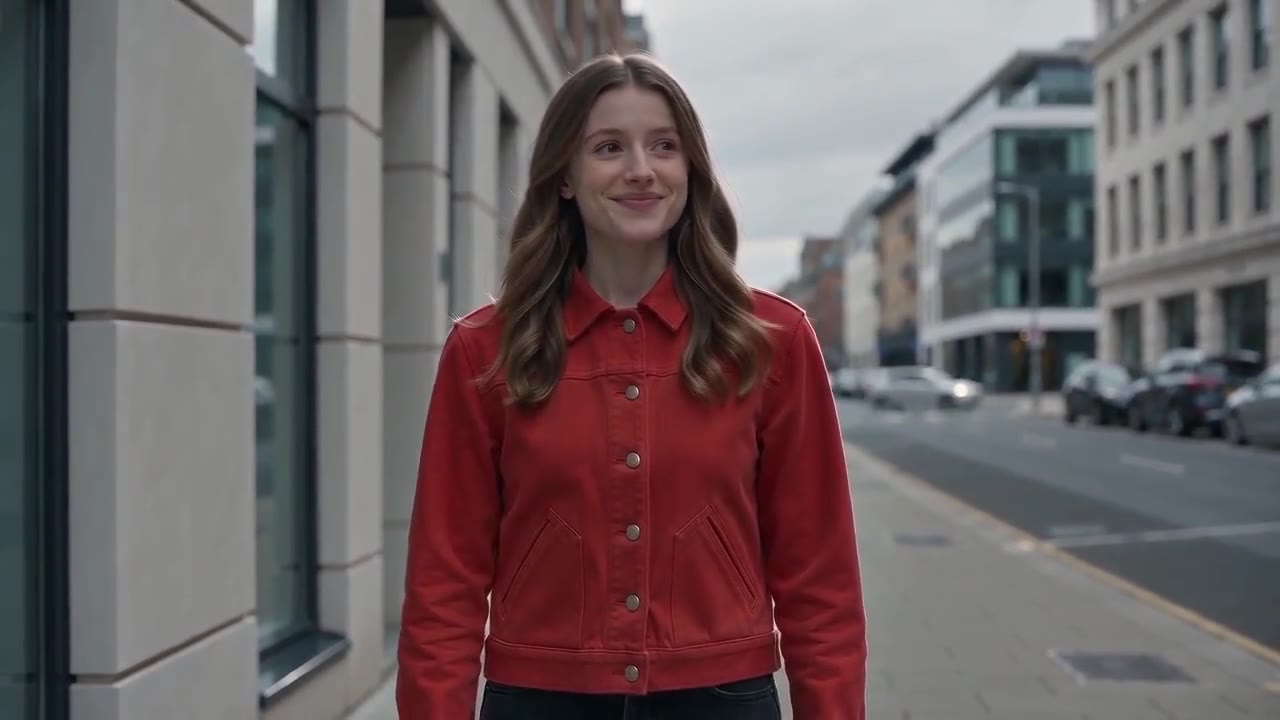
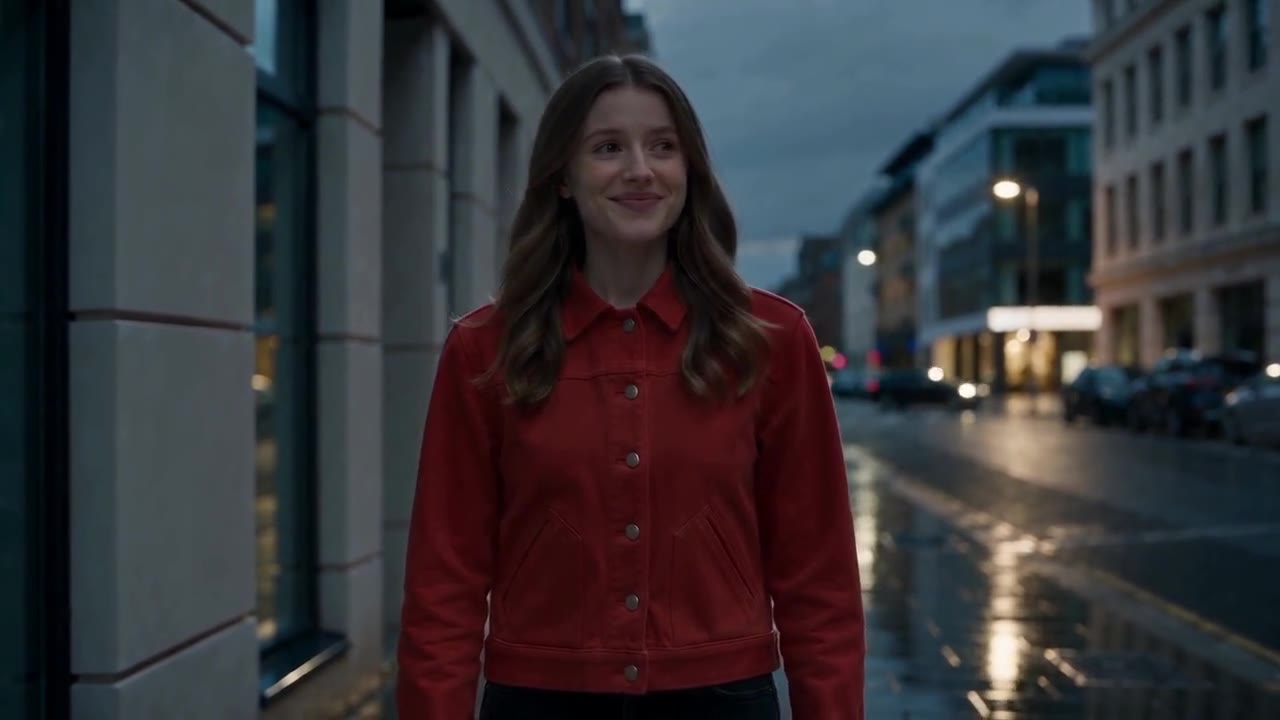
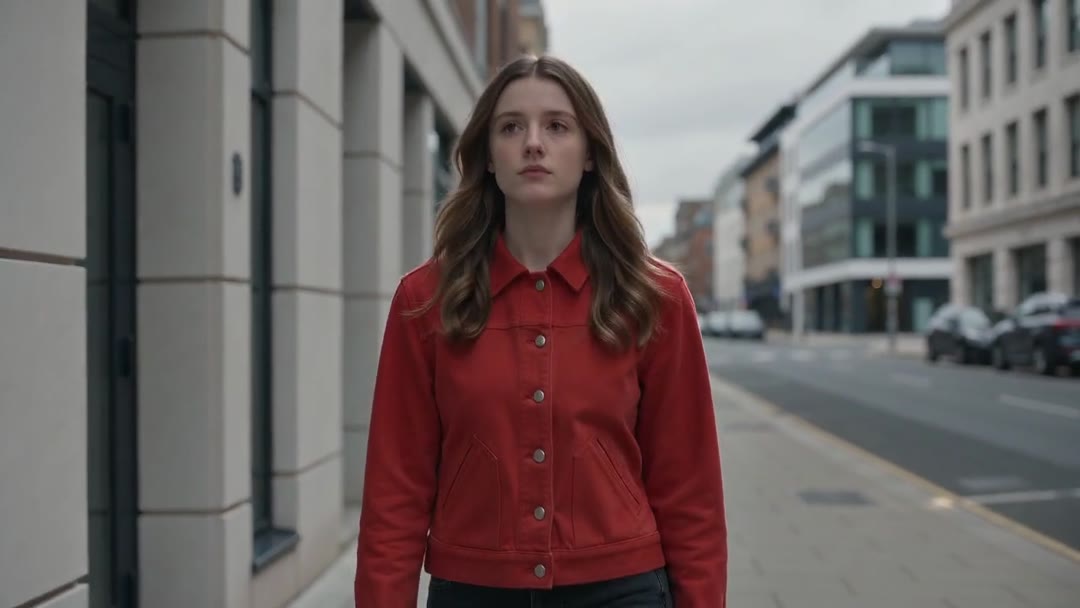
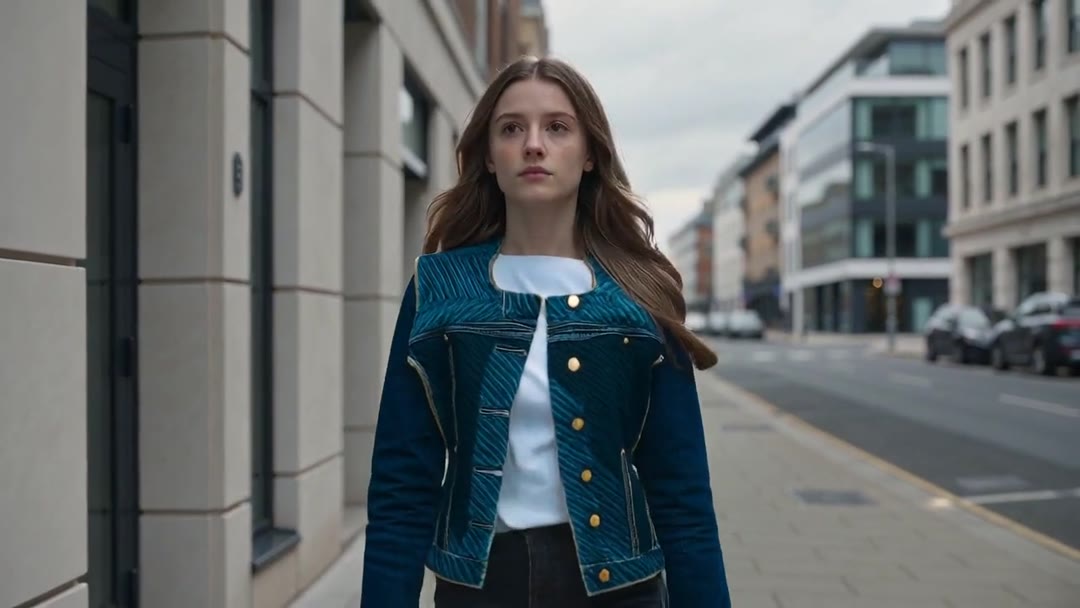
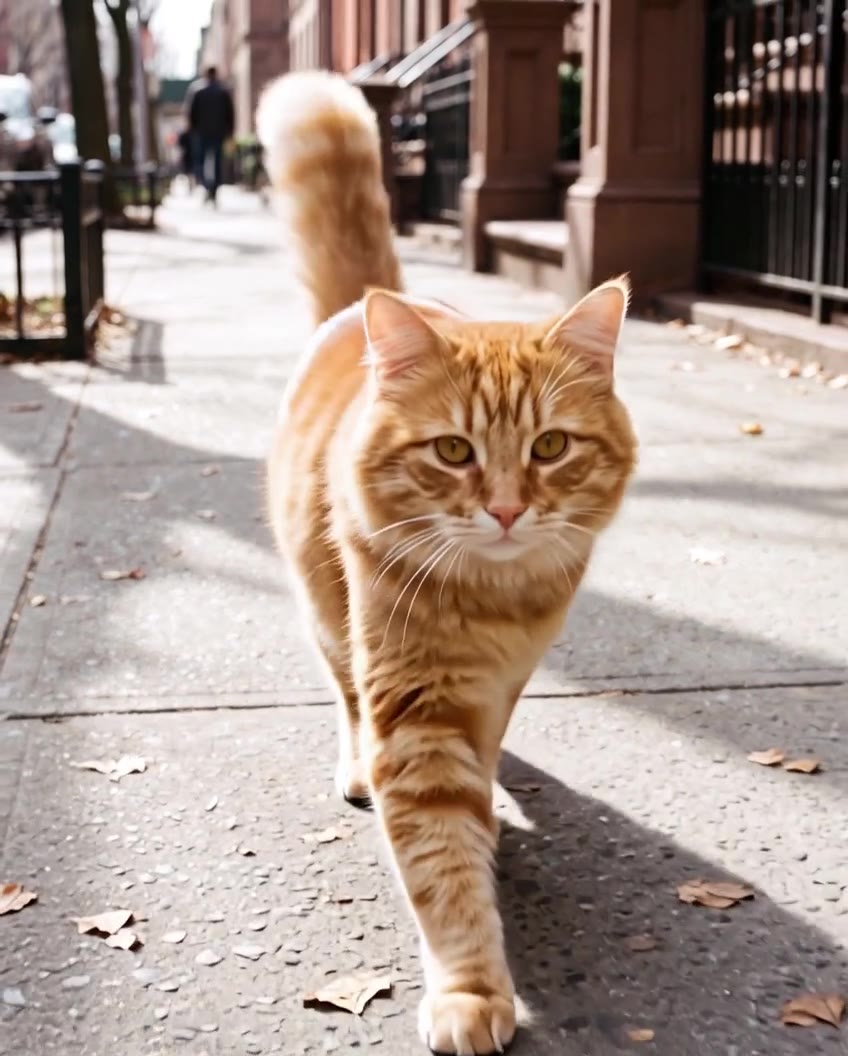



Each pair is one Everygen clip before and after an edit in Edit mode. The evening edit asked for light rain, and only the wet road showed. The jacket edit also added a white t-shirt that was not in the source, and the snow edit gave the cat green eyes where they had been amber.
Edit mode at a glance
- 9 models can editPick one in Edit mode.
- Up to 30 secondsA source clip, on the longest model.
- Your own clipsUpload one, or pick one you made.
- 30 reference imagesA product, an outfit or a place.
- One sentenceThe change, and what to keep.
- The same shot, changedThe person, move and camera stay.
- No watermarkThe edited clip downloads clean.

An edit remakes the whole clip with your change, so say what to keep. Each model takes its own source length, from 8.7 seconds on Grok Imagine up to 30. Read the limits
How it works in three parts
- 01
Add the clip
Open the video generator in Edit mode and add the clip: upload one you filmed, or pick one you made in Everygen. Each model takes its own clip length, up to 30 seconds, and when this 10-second clip went in, the picker switched to Seedance 2.5 Edit.
Upload or pickUp to 30 seconds - 02
Describe the change
Say what changes and what stays. This prompt asked for a rainy evening and kept the woman, her jacket, her walk and the camera. The edit turned the street to dusk, lit the lamps and shop windows and wet the road; falling rain did not show.
One sentenceWatched on this clip - 03
Check what it kept
With Kling O1 Edit, "change the jacket to a denim jacket, keep everything else" gave a dark blue denim jacket with gold buttons, and also a white t-shirt underneath. An edit remakes the clip, so watch it, and edit again if something you meant to keep moved.
Watch before you postEdit again
Edit a video in 4 steps
- Step 1Add the clipUpload it, or pick one you made.
- Step 2Describe the changeAnd what to keep.
- Step 3Add pictures if neededA product, an outfit, a place.
- Step 4Make the editThe same clip, changed.
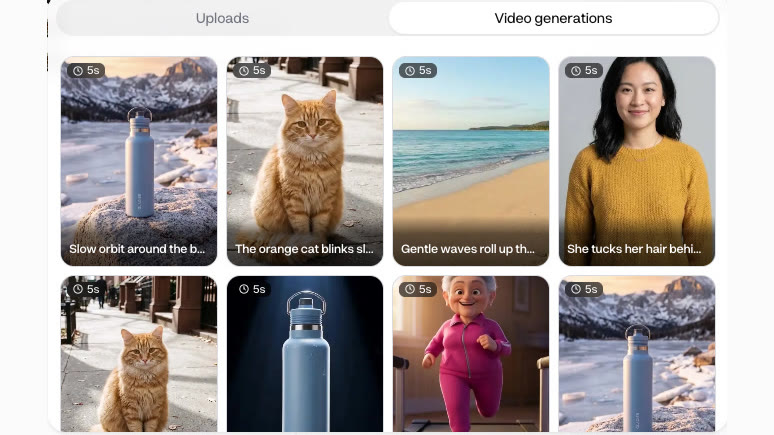

Reference images go up to 30 on the models that take them, every one but Grok Imagine. Name each picture in the prompt, such as “put the bottle in her hand”.
Setting or one thing two edits of one street
- Change the setting · Seedance 2.5 EditDay turned to a wet evening.
- Change one thing · Kling O1 EditThe red jacket turned to denim.
The same kind of sentence changes a whole scene or a single object. The setting edit ran on the 10-second clip and the jacket edit on its first 5 seconds. Each edit is priced by the model and the clip’s length, and the Edit button shows the price before you start.
Tips for an edit that keeps the shot
- Say what to keepName the person, the move and the camera.
- Change one thing at a timeRun a second edit for the next change.
- Show it with a pictureAdd your product or outfit, then name it.
- Trim to the model's windowGrok Imagine takes up to 8.7 seconds.
- Ask for what shows on screenWet streets showed here; falling rain did not.
- Edit footage you may editYour own clips, or ones you have rights to.
The more you name what stays, the less of the clip moves. You keep the rights to what you make in Everygen, as long as you have the rights to the clip you edited.
Edit it, don't reshoot or mask it
- ReshootShoot the scene againA new day, the same person and place.
- MaskMask and replace by handFrame by frame in an editor.
- GradeColour grade it darkerChanges the tone, not what is lit.
- EditEdit my videoEdit it with a sentenceLit windows and a wet road, same shot.
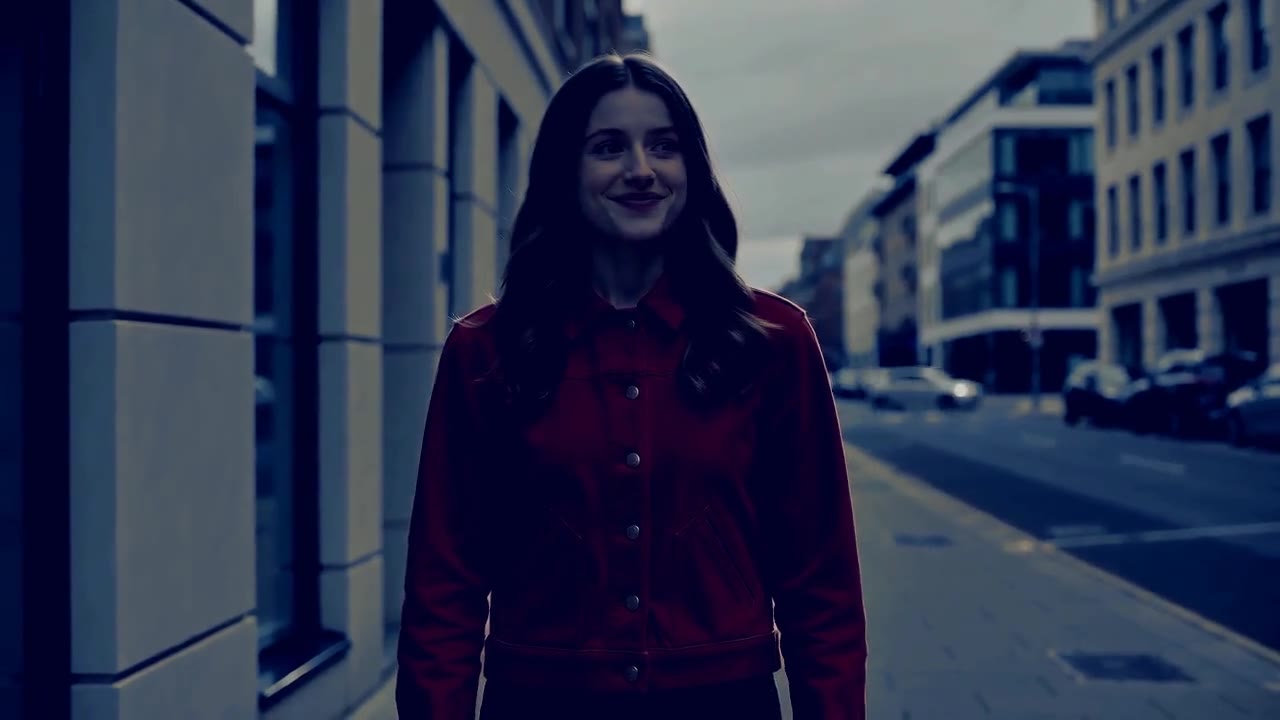
To change what is in a clip without a reshoot, describe the change in Edit mode. A grade only darkens the day; the edit lit the lamps and windows and wet the road while her walk and the camera stayed. The grade card is an illustration made from the same clip, not an Everygen edit.
What people use it for on their own clips
- Time of dayEdit my videoTurn day footage into eveningLamps lit, the road wet, same walk.
- WardrobeTry another outfitSwap the jacket without a reshoot.
- AdsMake ad variations from one clipA new setting, colour or season each.

Edit the same clip again with a different change each time, and each edit is its own clip. Only edit footage you have the rights to.