Motion control: copy any motion onto your photo
Upload a photo of a person and a video of the movement you want, such as a dance, a walk or a gesture, and Everygen Clone moves your person the same way with Kling motion control, from a 3 to 30 second clip, at 720p or 1080p.



Trusted by creators with billions of views
Motion and result made in Clone
- Hip hop danceKling 3.0, 1080p, a 5-second cut
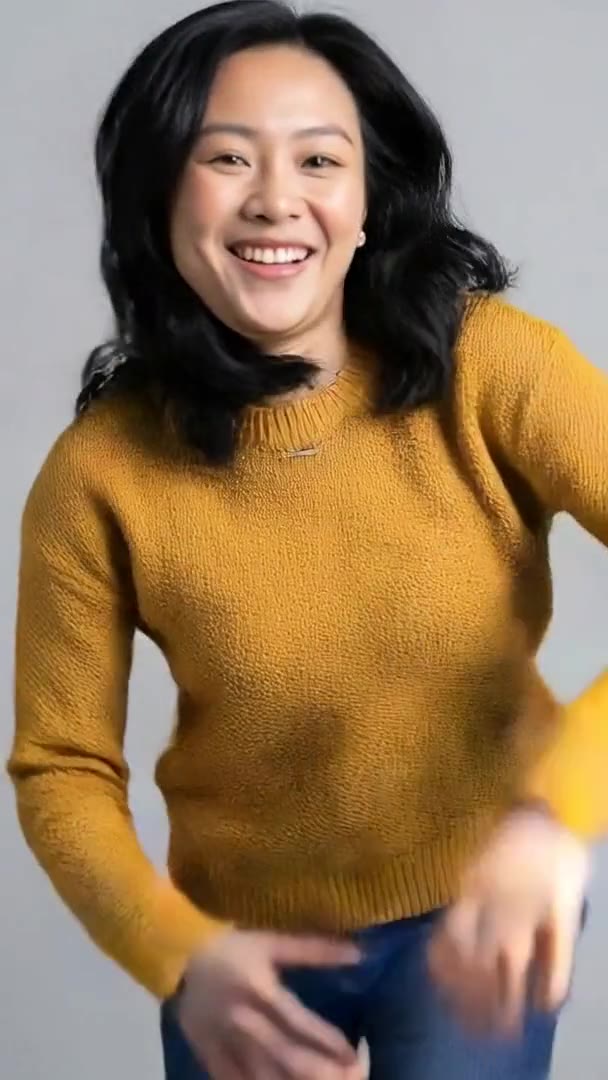
- The photo, dancingA second run, same inputs
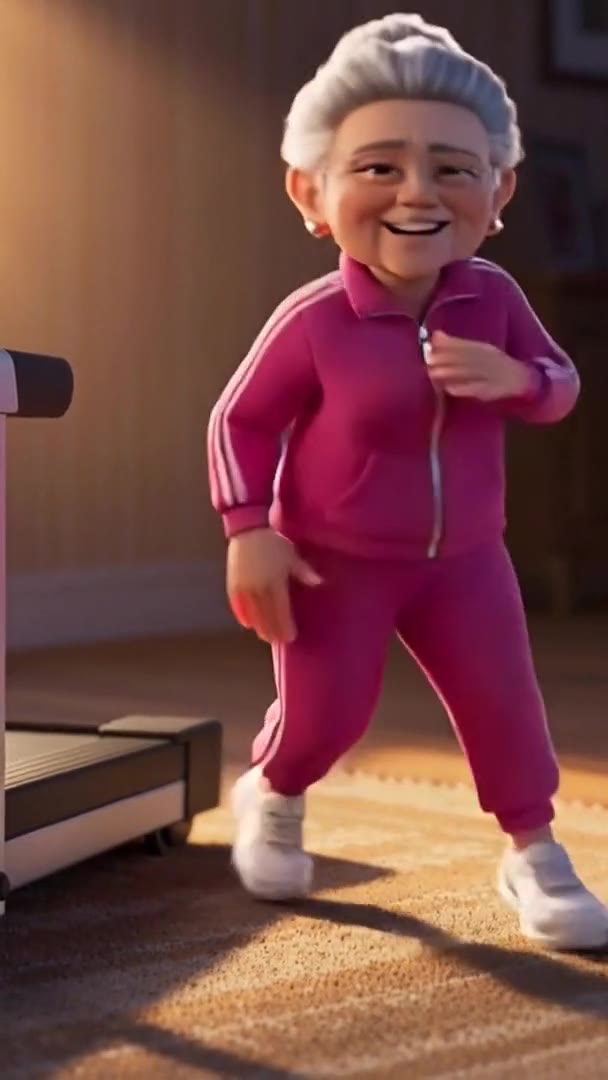
- A 3D characterKling 3.0, 720p
- Talking to cameraKling 2.6, 720p
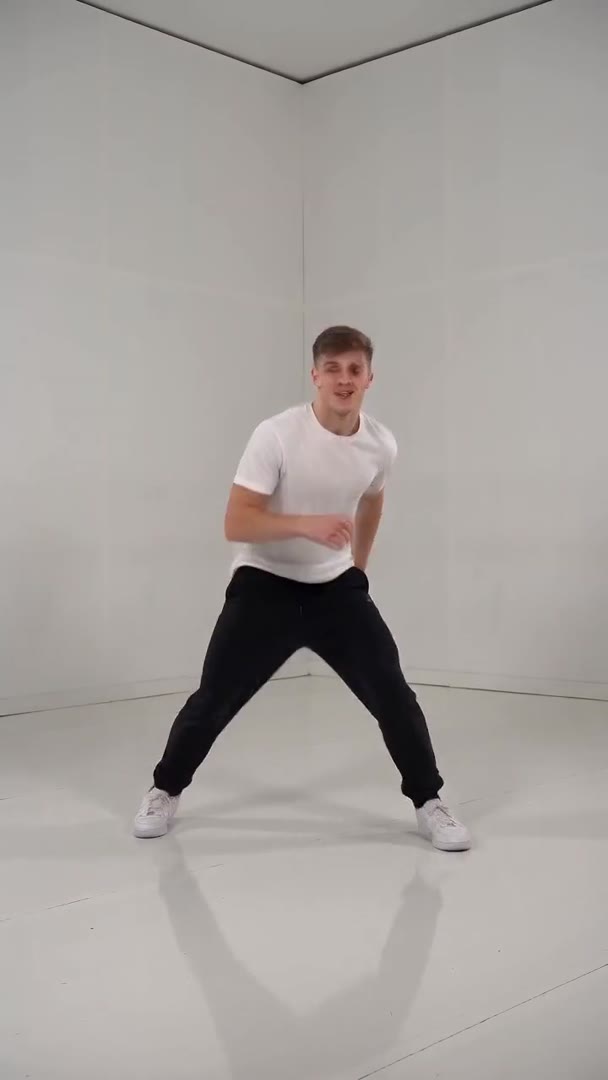
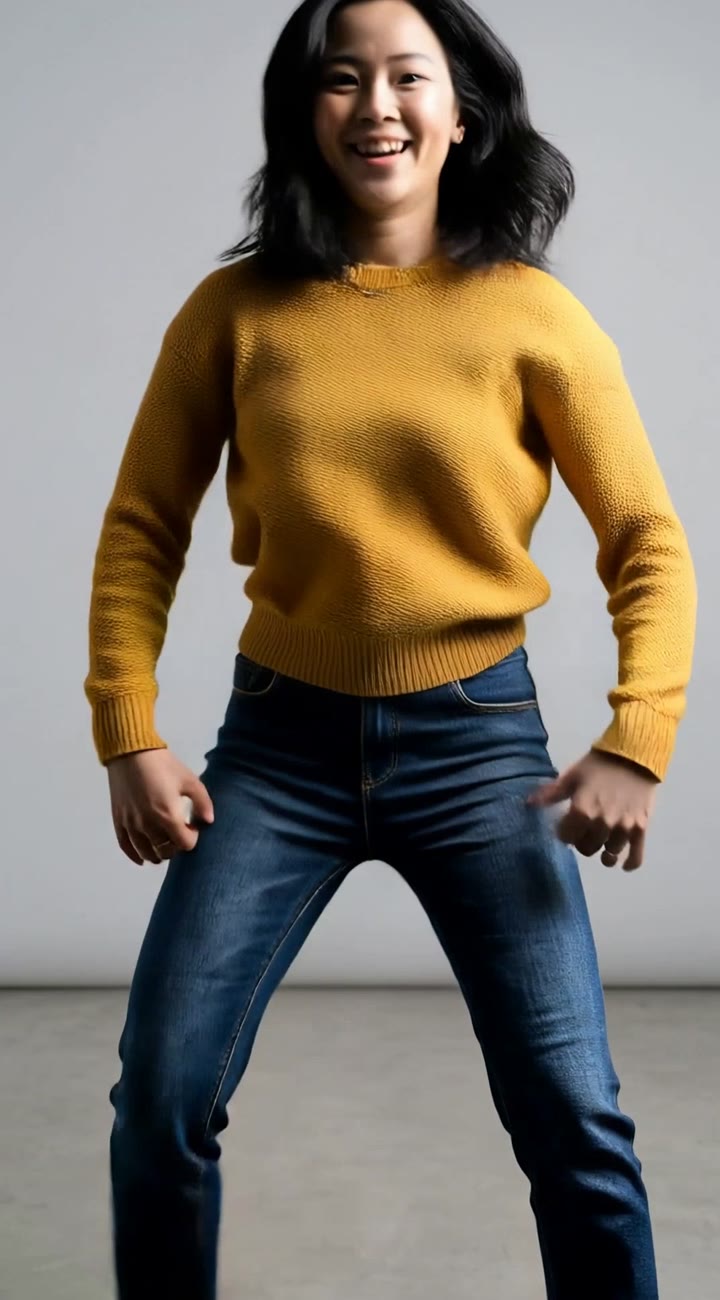
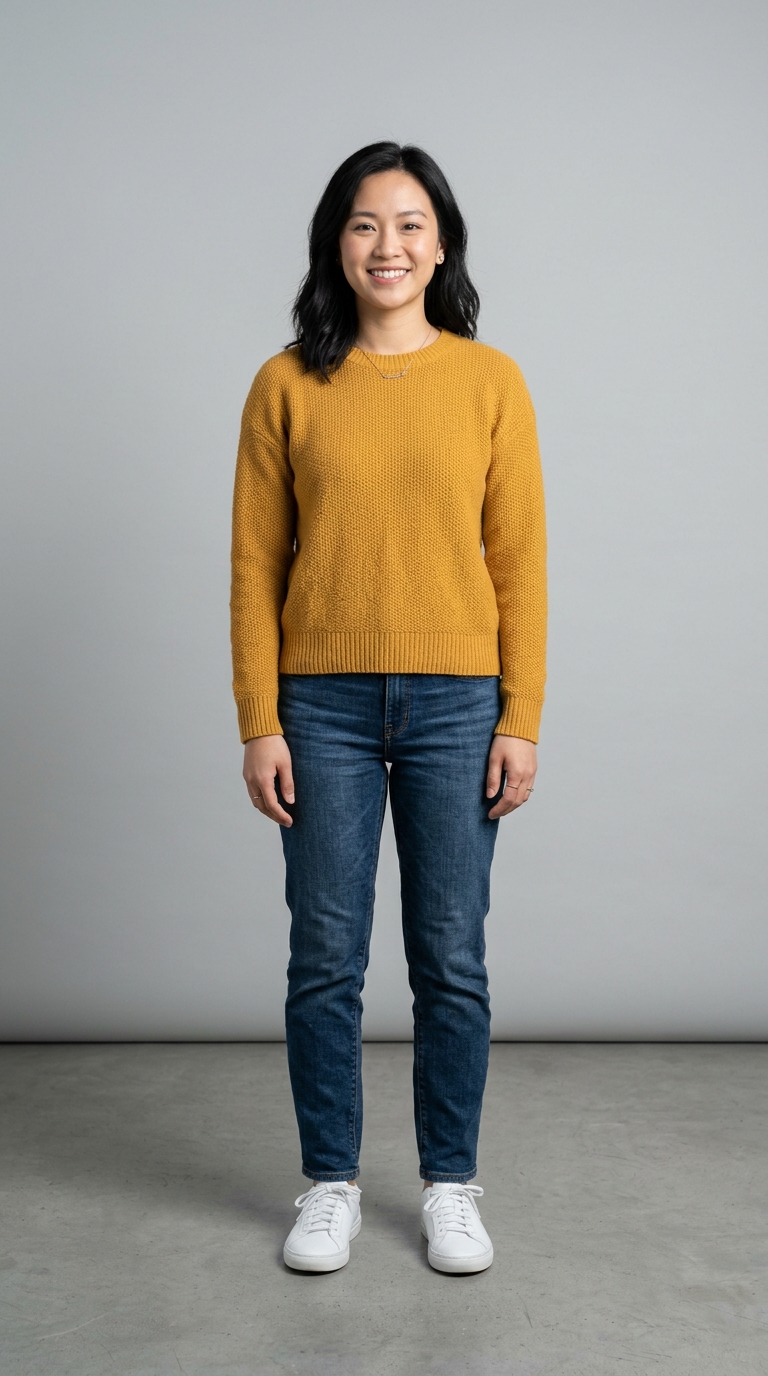
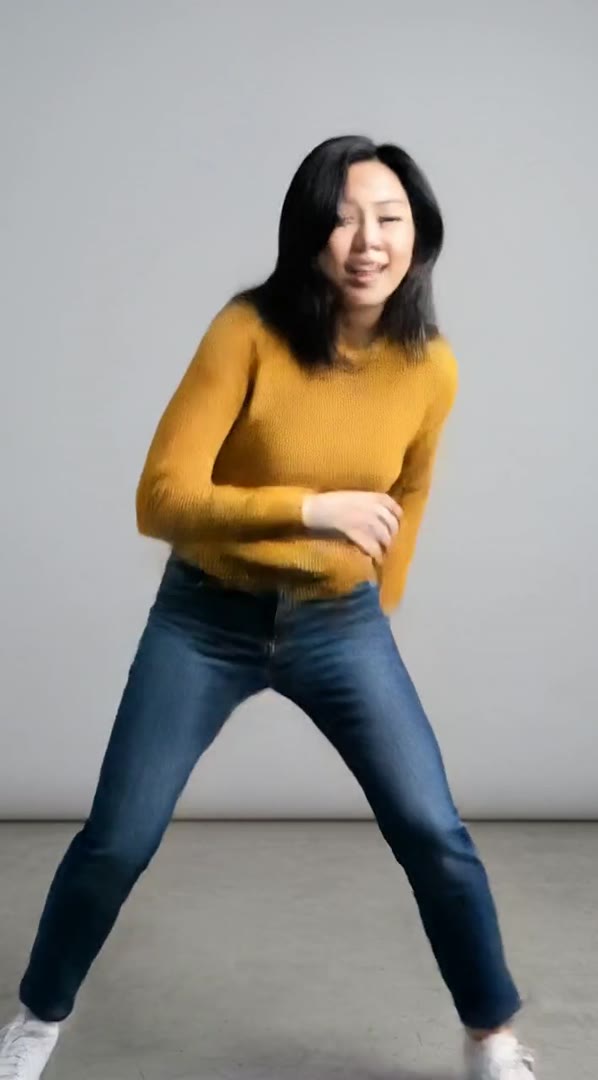
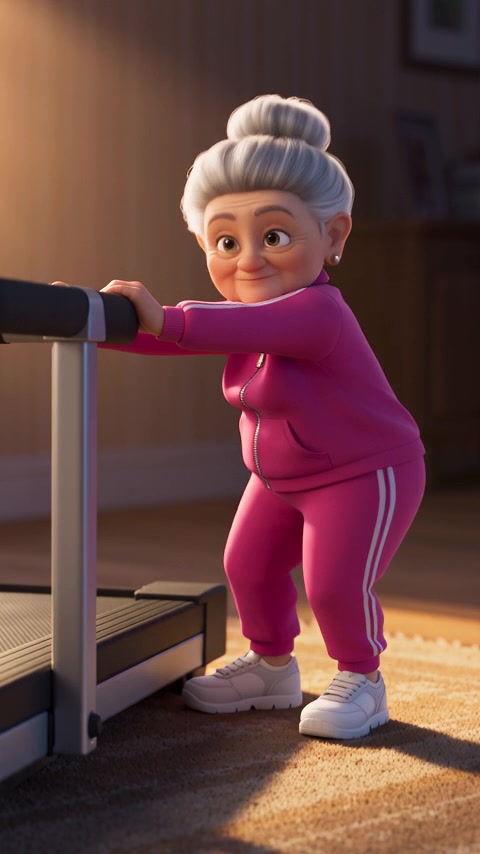
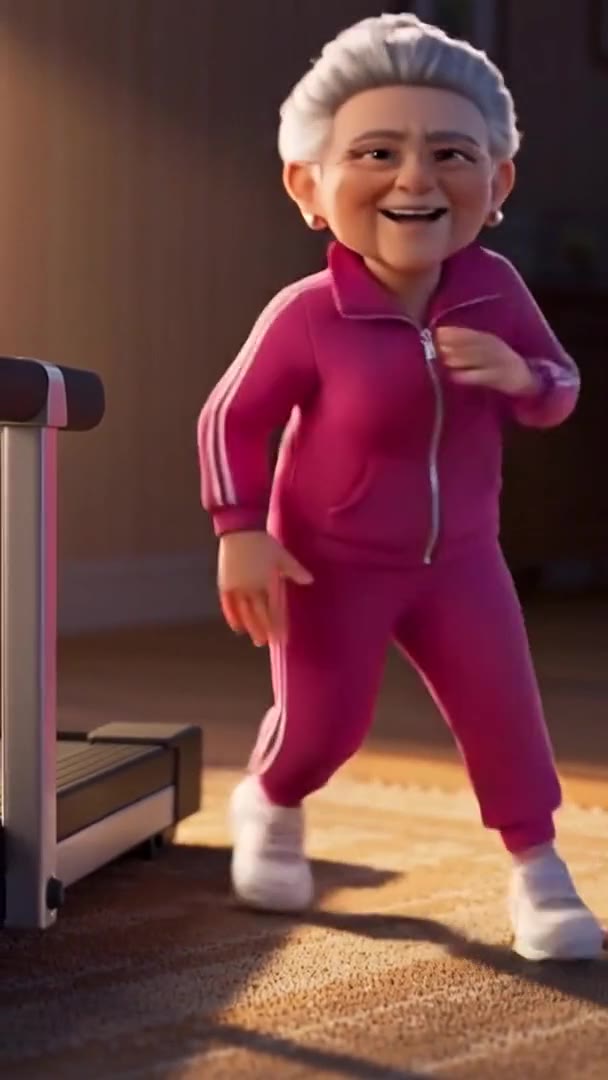
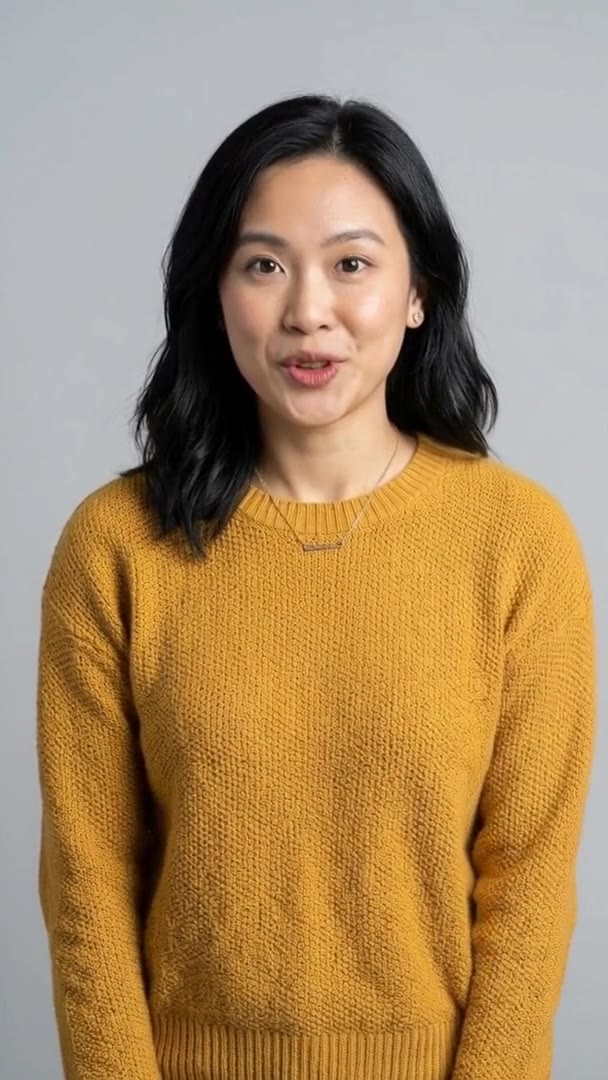
“Before” is the motion clip or the photo; “after” is your person doing the move. The two hip hop results are the last 5 seconds of a 10-second run: in the first half her face smears during a fast lunge, in every run. The grandma and the talk are whole runs on a shorter dance and a talk-to-camera clip.
Motion control at a glance
- Your person in any moveDances, walks and gestures, from one photo.
- 3 to 30 secondsThe motion clip, one person in it.
- One photoYour person, whole body in view.
- 720p or 1080pKling 3.0 at either quality.
- Original soundKeep the clip's audio, or none.
- Match backgroundPuts your person in the clip's scene.
- No watermarkThe result downloads clean.
Kling reads the body movement from the clip and makes the person in your photo do it. It runs on Kling 3.0 and Kling 2.6, and each run is priced for 10 seconds of motion. Read the limits
How it works in three parts
- Motion clipPhoto01
Give it a move and a person
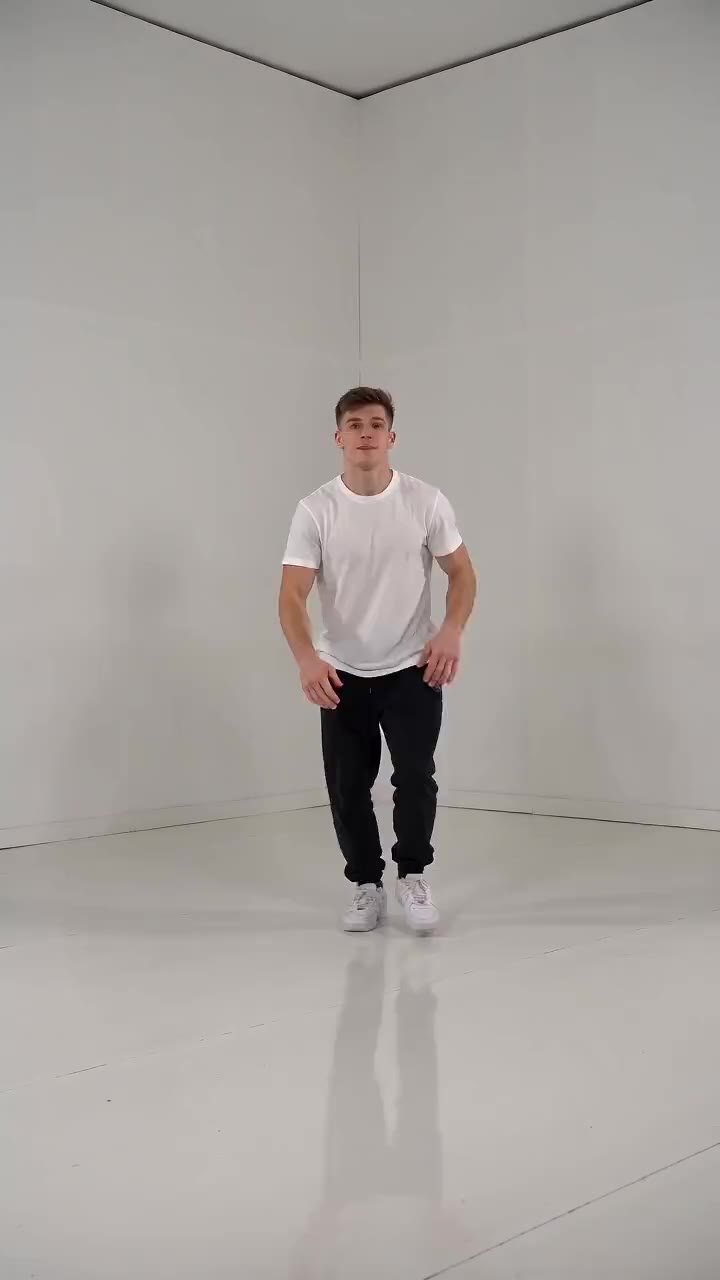
Add a clip of the movement, 3 to 30 seconds with one person in it, and one photo of your person. Both here were made in Everygen: a 10-second hip hop dance and a full-body photo of a woman facing the camera on a plain grey background.
One clipOne photo - Motion clipResult02
Kling copies the moves
Kling motion control follows the body in the clip, step by step, and moves your person the same way. In this cut she does his lunges, kicks, arm swings, turn and bounce, keeps the same sweater, jeans and sneakers in every frame, and ends facing the camera.
No prompt neededWatched on this cut - 03
Keep the sound and the scene
Pick Original sound and the clip's audio carries into the result, so a dance keeps its track. Match background first puts your person into the motion clip's scene. Pick 720p or 1080p, add an optional prompt for the scene or the clothing, and the result downloads with no watermark.
Original soundMatch background
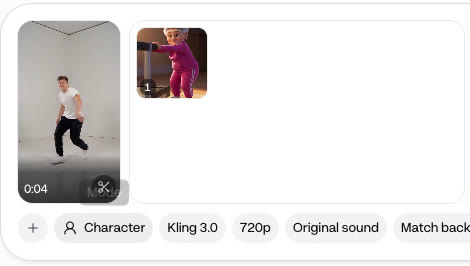
Copy a motion in 4 steps
- Step 1Open Clone on CharacterCharacter copies the moves.
- Step 2Add the motion clipOne person, 3 to 30 seconds.
- Step 3Add one photoYour person, whole body in view.
- Step 4Pick quality and sound720p or 1080p, with sound or none.
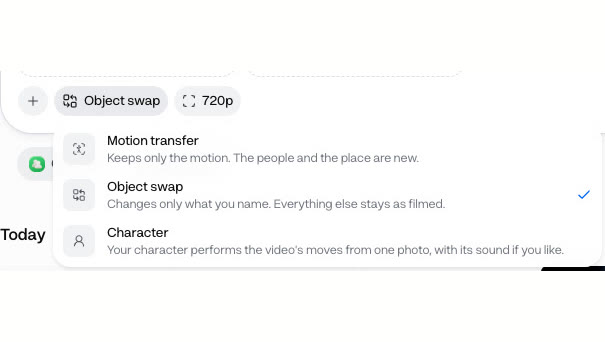
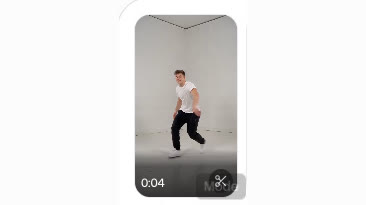
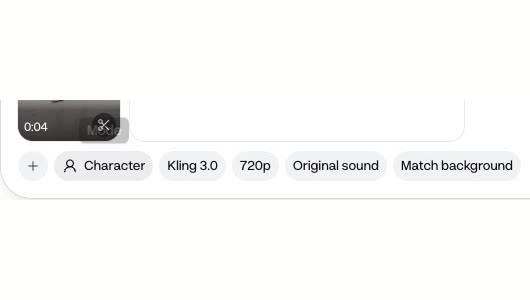
Character mode takes one person and one photo. To swap up to 4 people in a clip, use Clone’s Motion transfer mode instead.
720p or 1080p on the same photo and dance
- 720p · 21 creditsThe last 5 seconds of a 720p run.
- 1080p · 28 creditsThe last 5 seconds of a 1080p run.
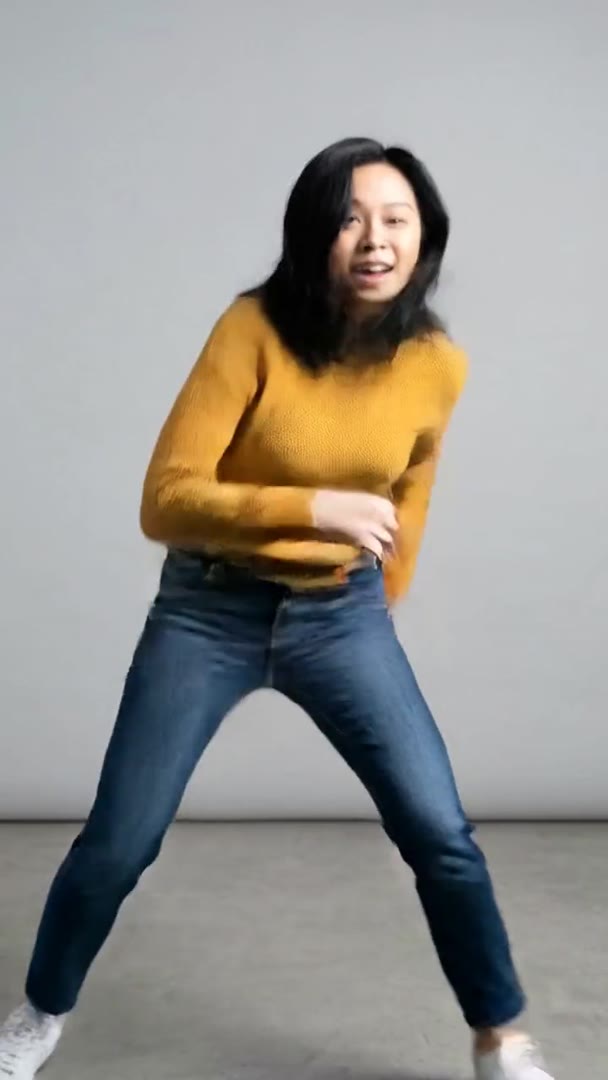
Each run is priced for 10 seconds of motion, whatever the clip’s length. Both prices are for a whole Kling 3.0 run; the clips show the same 5-second span of each, where the moves line up.
- Starter$0.95 a Kling 3.0 run at 720p, about 9 runs a month
- Pro$0.80 a Kling 3.0 run at 720p, about 23 runs a month
Dollar figures are plan credits at the yearly price per month. The generator shows the exact credit price before you start.
Tips for a clean copy
- Whole body, the whole timeHead to feet in frame in every second.
- One shot, no cutsA cut breaks the motion Kling follows.
- Steady over fastA fast lunge smeared the face here.
- Match the photo's poseFull body, facing the camera, arms down.
- One person each sideMotion transfer handles up to 4.
- Use a photo you may useYours, someone who agreed, or a made character.
The clearer the body in the clip, the closer the copy. You keep the rights to what you make in Everygen, as long as you have the rights to the photo and the clip you used.
Copy the move, don't film or swap it
- Film itLearn and film the danceRehearse it, light it, shoot it.
- HireBook a creator for each routineA new booking for every trend.
- Face swapSwap a face onto someone elseTheir body and clothes, a new face.
- Motion controlCopy a motionCopy the motion onto your photoYour person, outfit and all, dancing.
To copy a dance from a video onto a different person, give Clone the clip and their photo. The whole person comes from the photo, so her sweater, jeans and sneakers stayed hers while she did his steps.
What people use it for with their own people
- Dance trendCopy a motionPut your character in a danceOne photo, the trend's moves.
- Brand characterMove a made characterA 3D character from an Everygen Short, dancing.
- TutorialShow a move on a new personThe same steps, another body.
Make the move once and copy it onto anyone who has agreed to it. Make the dance in the video generator and the person in the Image Generator, as here.