
Start and end frame to video
Upload a first frame and a last frame, describe what happens between them, and Everygen makes the clip that connects them with Seedance, Kling, Gemini Omni and MiniMax, 3 to 30 seconds long.




Trusted by creators with billions of views
Two frames and the clip between them
- Bud to bloomKling 3.0 Pro, 5 seconds
- Winter to summerThe same product, two seasons
- Storyboard beatTwo key frames of one character
- Clean to frostedA product's two looks


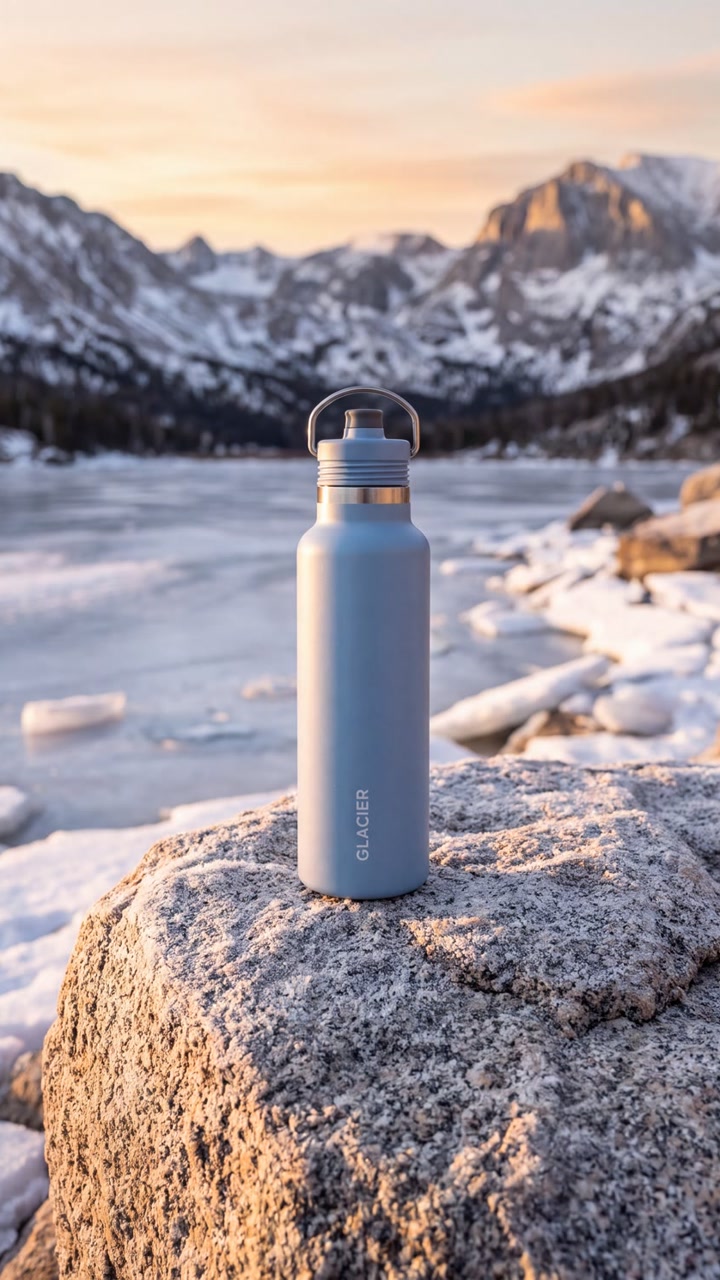
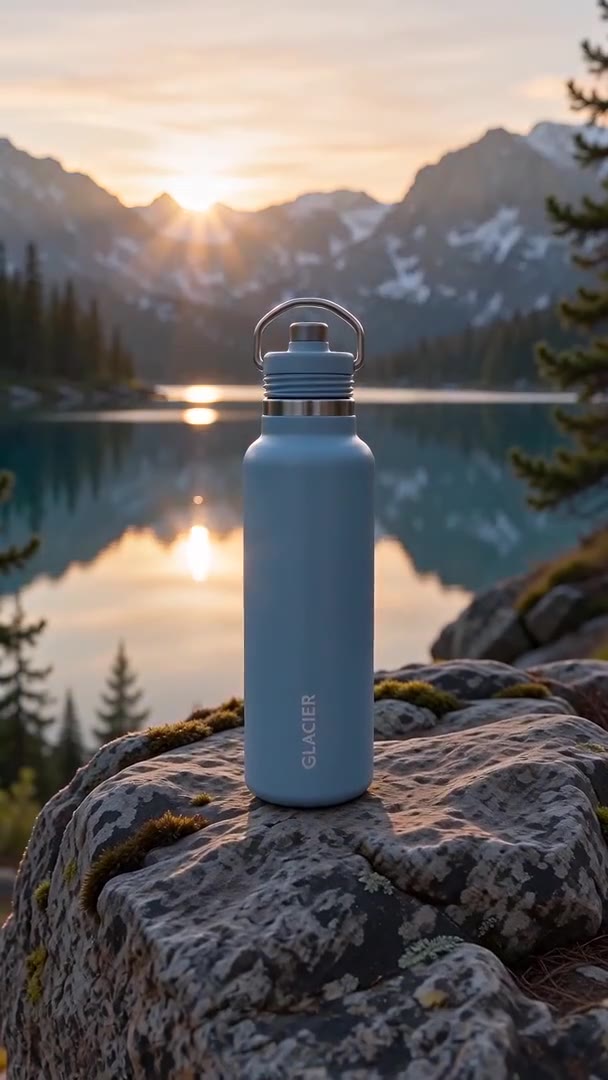
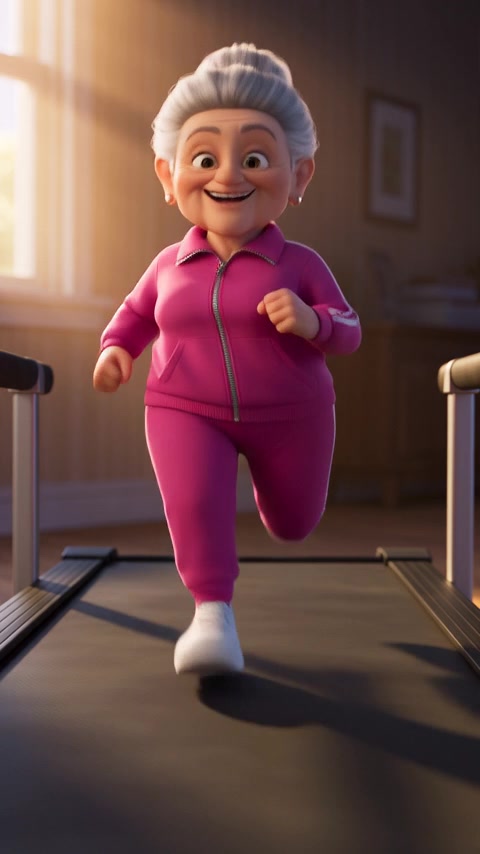

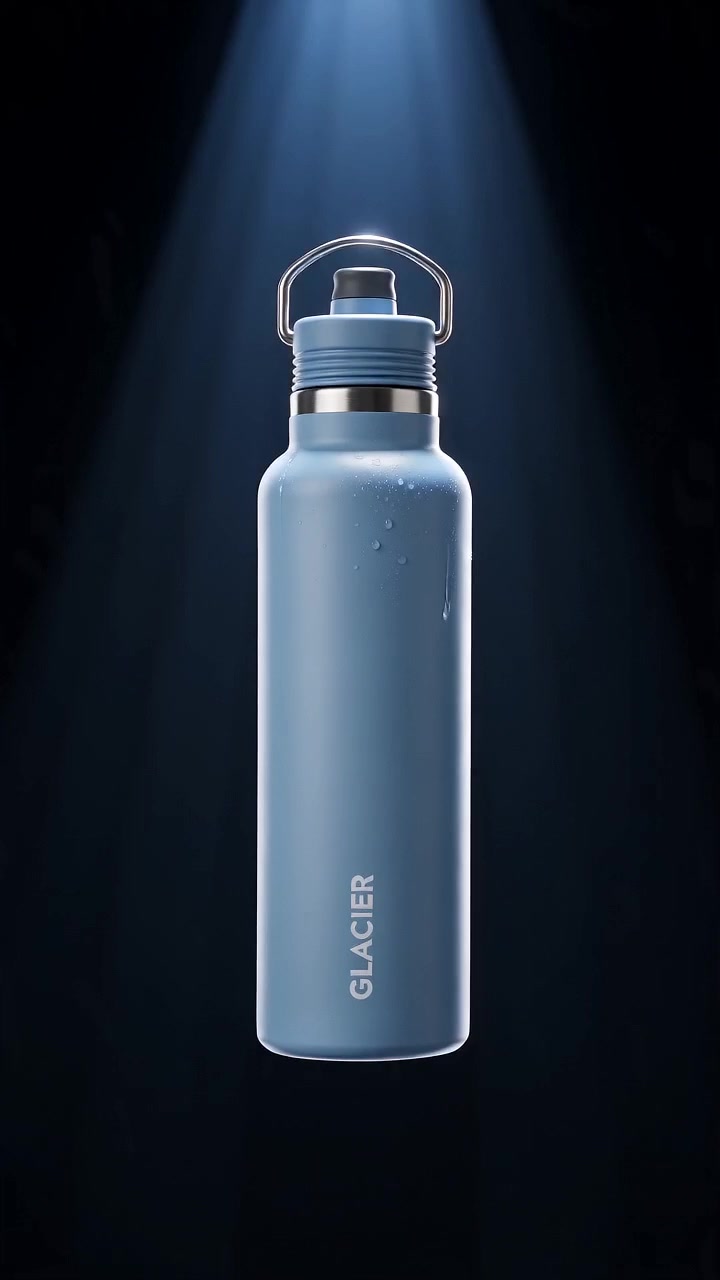

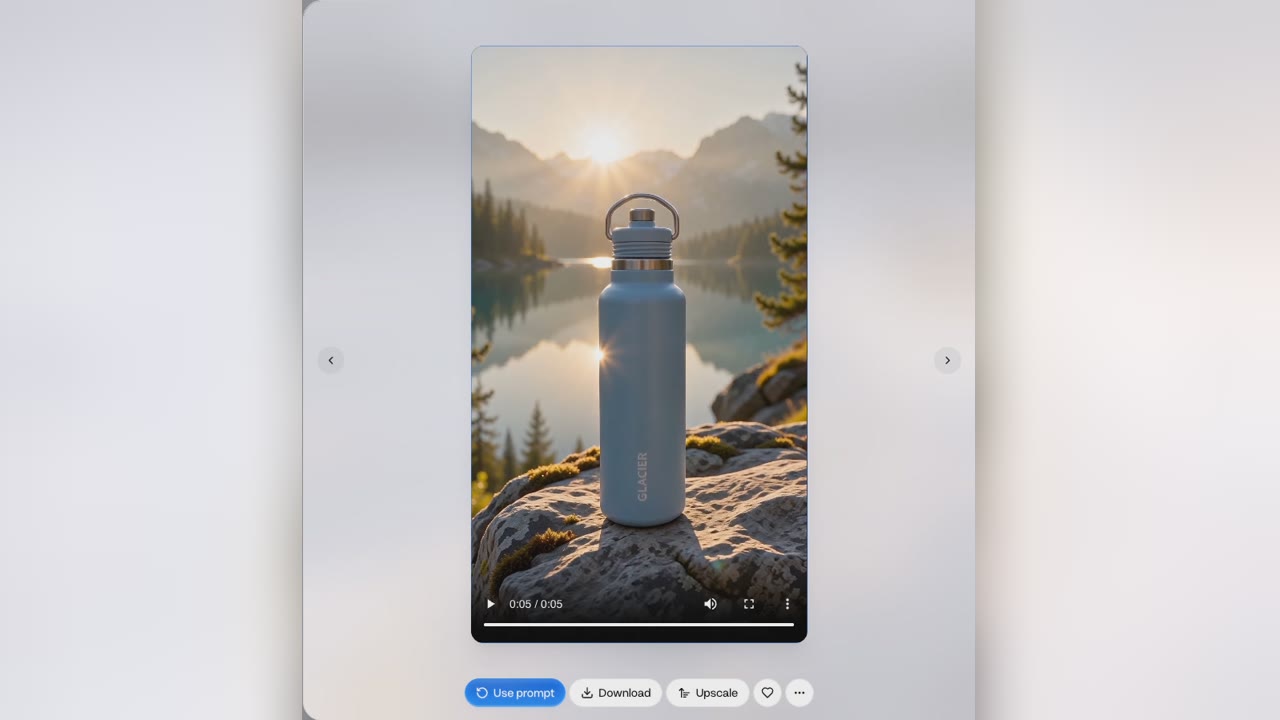
“Before” is the start frame; “after” is the clip Everygen made to land on the end frame. The peony’s end frame was a remix of its start frame in the Image Generator, so the stem, leaves and garden match. The other three are Seedance 2 Mini clips whose frames came from earlier Everygen clips; the bottle’s brand is made up.
Start and end frames at a glance
- 13 models take both framesPick one in the video generator.
- Two imagesA first frame and a last frame.
- Start frame firstThe End frame chip appears next.
- Describe the middleWhat happens between the two frames.
- 3 to 30 secondsA clip, depending on the model.
- Up to 4KBy model, with no watermark.
- 11 models add soundOf the 13 that take both frames.
The clip starts on your first image and ends on your second. Kling 3.0 Turbo, Grok Imagine and Grok Imagine 1.5 take a start frame only. Read the limits
How it works in three parts
- Start frameEnd frame01
Set the first and last frame
Press Start frame and add your first image; the End frame chip then appears for your last. Upload photos, or make both in the Image Generator. This end frame is a remix of the start frame, so the subject, the setting and the light are the same in both.
Two imagesUpload or make them - 02
Describe what happens between
One line is enough. This prompt was "Time lapse of the bud opening in morning light." The model works out the motion that gets from one frame to the other: here the bud swells, its petals part from about 2 seconds, and it ends fully open on the same stem.
One lineWatched on this clip - 03
Get a clip that lands on your frame
Pick a model and a length, 3 to 30 seconds depending on the model, and make the clip. It ends on your last frame, so the next clip can start from that same image. Everygen adds no watermark, and on Seedance 2.5 Flash 1080p is on Every plan.
Up to 4KNo watermark

Connect two frames in 4 steps
- Step 1Add a start frameUpload an image or make one.
- Step 2Add the end frameIts chip appears next.
- Step 3Describe the middleWhat happens between the two.
- Step 4Make the clip3 to 30 seconds, by model.
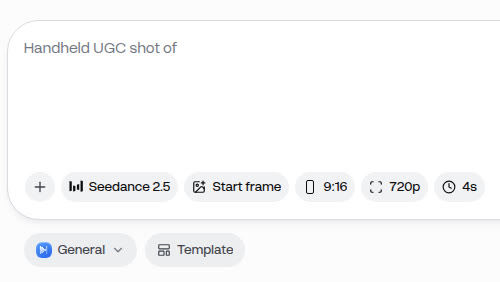
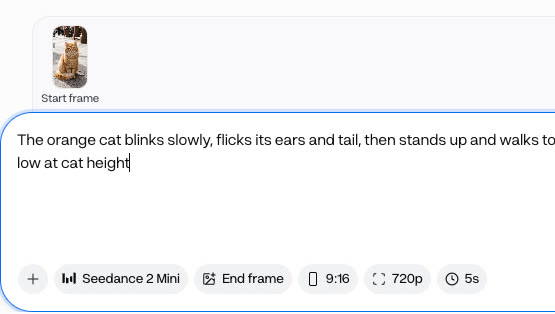
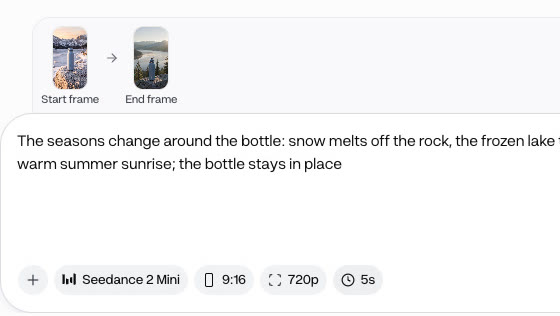
Add the start frame first: the End frame chip only appears once it is in. If it still does not appear, the model takes a start frame only, so switch models.
Two models on the same two frames
- Kling 3.0 Pro · 14 creditsThe peony run at the top of the page.
- MiniMax H3 Max Turbo · 7 creditsThe same two frames, at 1080p.

A start and end frame clip is priced by the model, the length and the resolution, not by the frames. Both clips are 5 seconds and open the same bud into the same bloom; the MiniMax H3 Max Turbo run was at 1080p with a slightly different prompt.
- Starter$0.63 a 5-second Kling 3.0 Pro clip, about 14 clips a month
- Pro$0.53 a 5-second Kling 3.0 Pro clip, about 35 clips a month
Dollar figures are plan credits at the yearly price per month. The generator shows the exact credit price before you start.
Tips for a smooth clip
- Make the end frame a remixRemix the start frame in the Image Generator.
- Keep the same camera angleThen only the subject has to change.
- Describe only the changeThe two frames already show the rest.
- Match the clip's aspect ratioA frame in another ratio may be cropped.
- Chain clips into a storyEnd one clip on the next one's start.
- Use images you may useYour own, or people who agreed to it.
The model only has to make what changes between the two frames, so frames with the same setting and angle give it one clear change. You keep the rights to what you make in Everygen.
Set both ends, don't leave the ending to chance
- Prompt onlyDescribe the ending in wordsThe clip may end somewhere else.
- Start frameStart from one imageYou set the start, not where it lands.
- CrossfadeDissolve one image into the otherA fade, with no motion between them.
- Both framesAdd framesSet both framesStarts and ends on your images.

To control how an AI video ends, give it the last frame. With a start and an end frame, the clip begins on one image and lands on the other. The crossfade card is an illustration made from the two peony frames, not an Everygen clip.
What people use it for with their own frames
- Time lapseAdd framesShow a change over timeA bud to a bloom, day to night.
- StoryboardTurn key frames into shotsConnect each pair of neighbouring frames.
- ProductMove a product between two looksWinter to summer, clean to frosted.
Start and end frames suit any shot where the ending matters. Make the frames in the Image Generator, then connect them in the video generator.