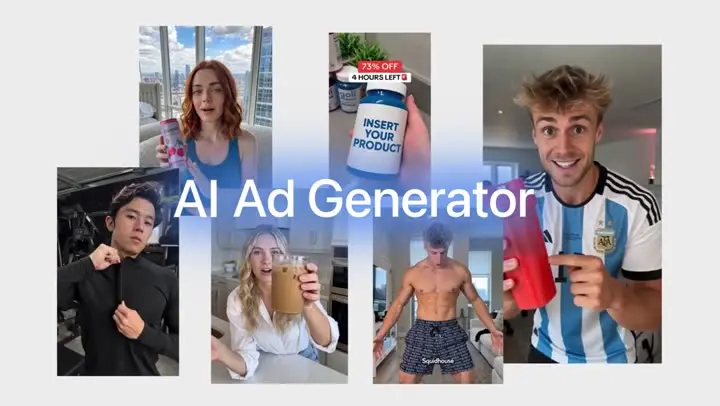
AI product photography
Upload a photo of your product and Everygen places it in a studio, lifestyle or poster scene with Nano Banana Pro, Nano Banana 2 and GPT Image 2, up to 4K, in any of 10 sizes.
Trusted by creators with billions of views
Product photos made in Everygen
- Frozen lakeNano Banana Pro, 4K
- Marble counterGPT Image 2.5 Sunburst
- Oak counterAn edit of the marble photo
- Prompt typed, no photoProduct photo of a matte black water bottle on a wet granite rock at a mountain lake at dawn, the bottle label reads "NORTHLINE 750 ml" in clean white sans-serif, soft mist, shallow depth of fieldNo photoNano Banana Pro, prompt only
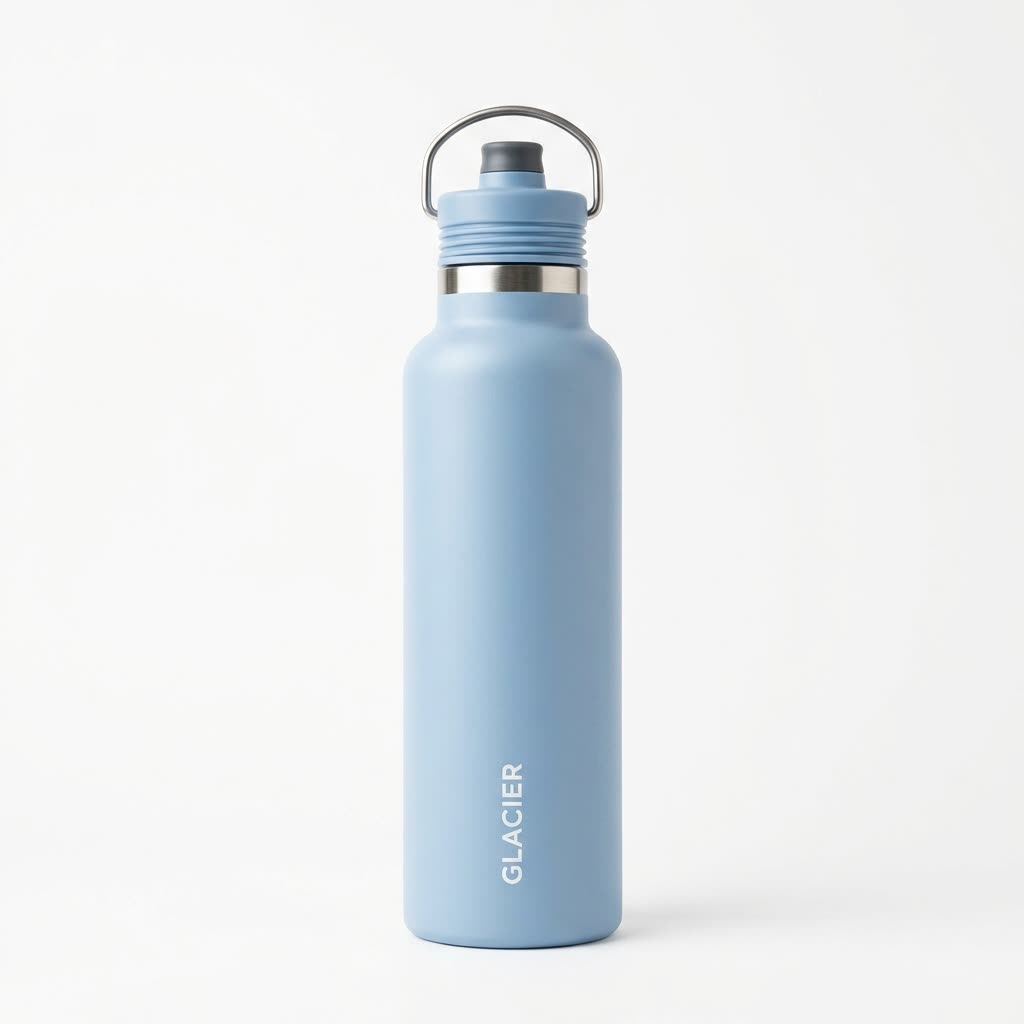
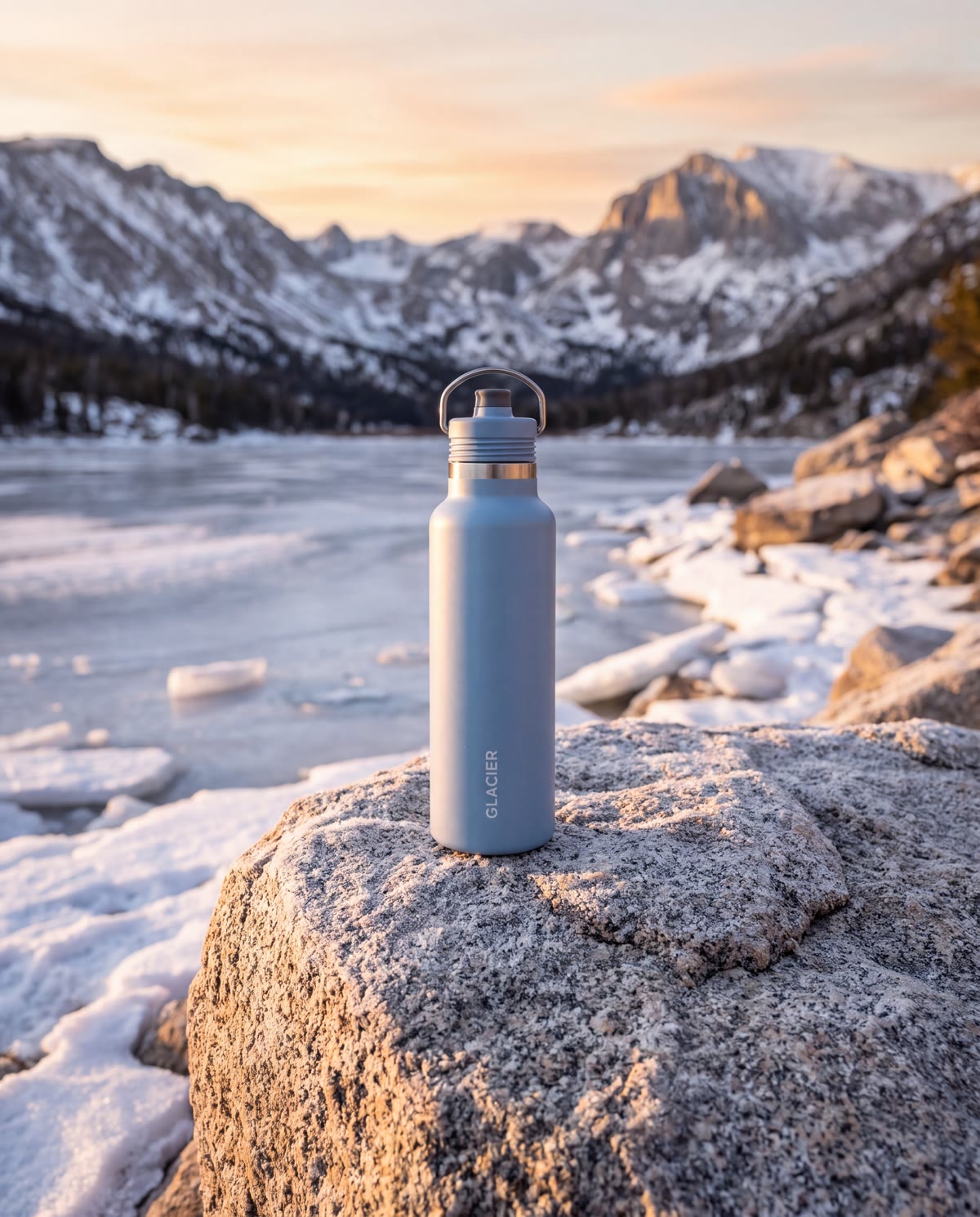
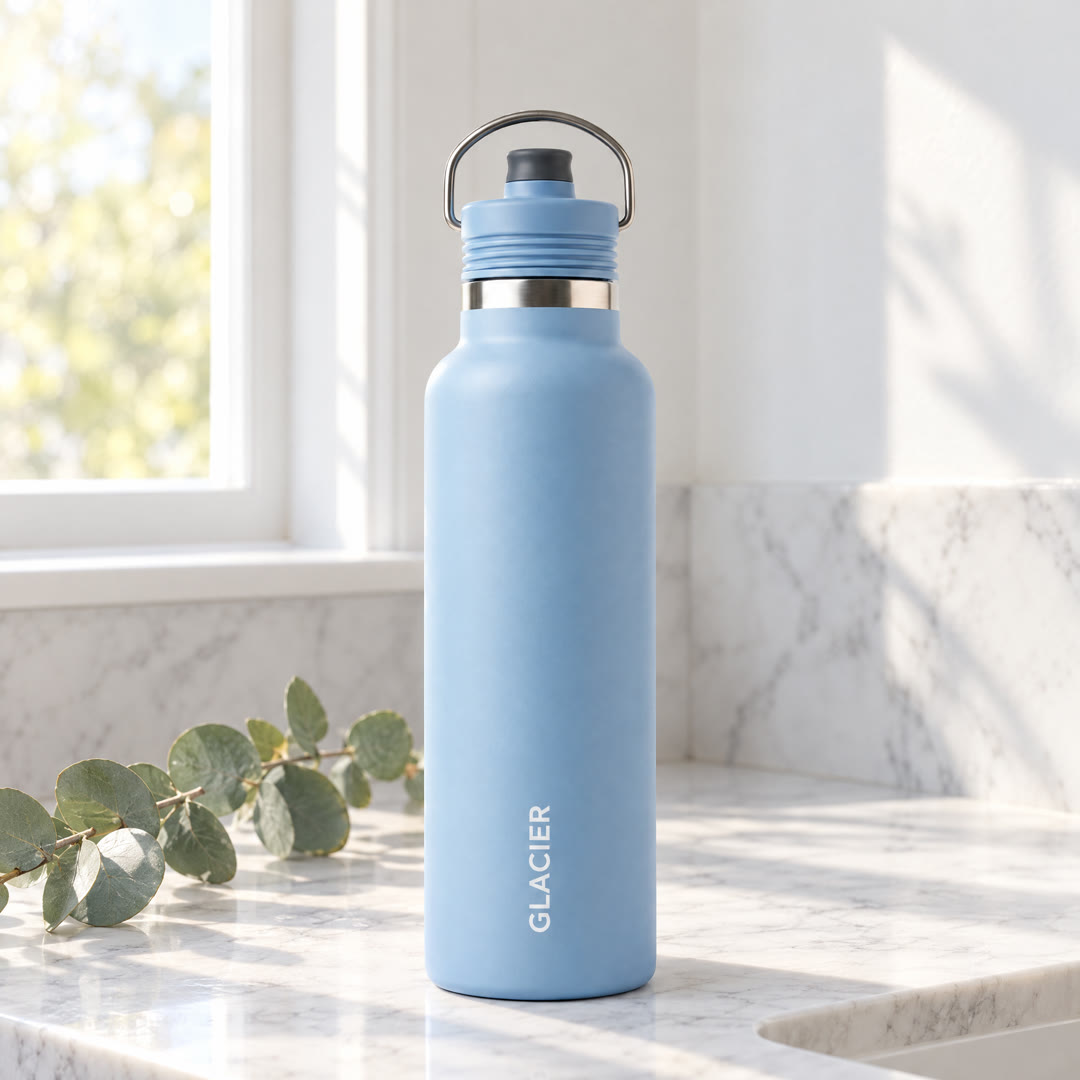
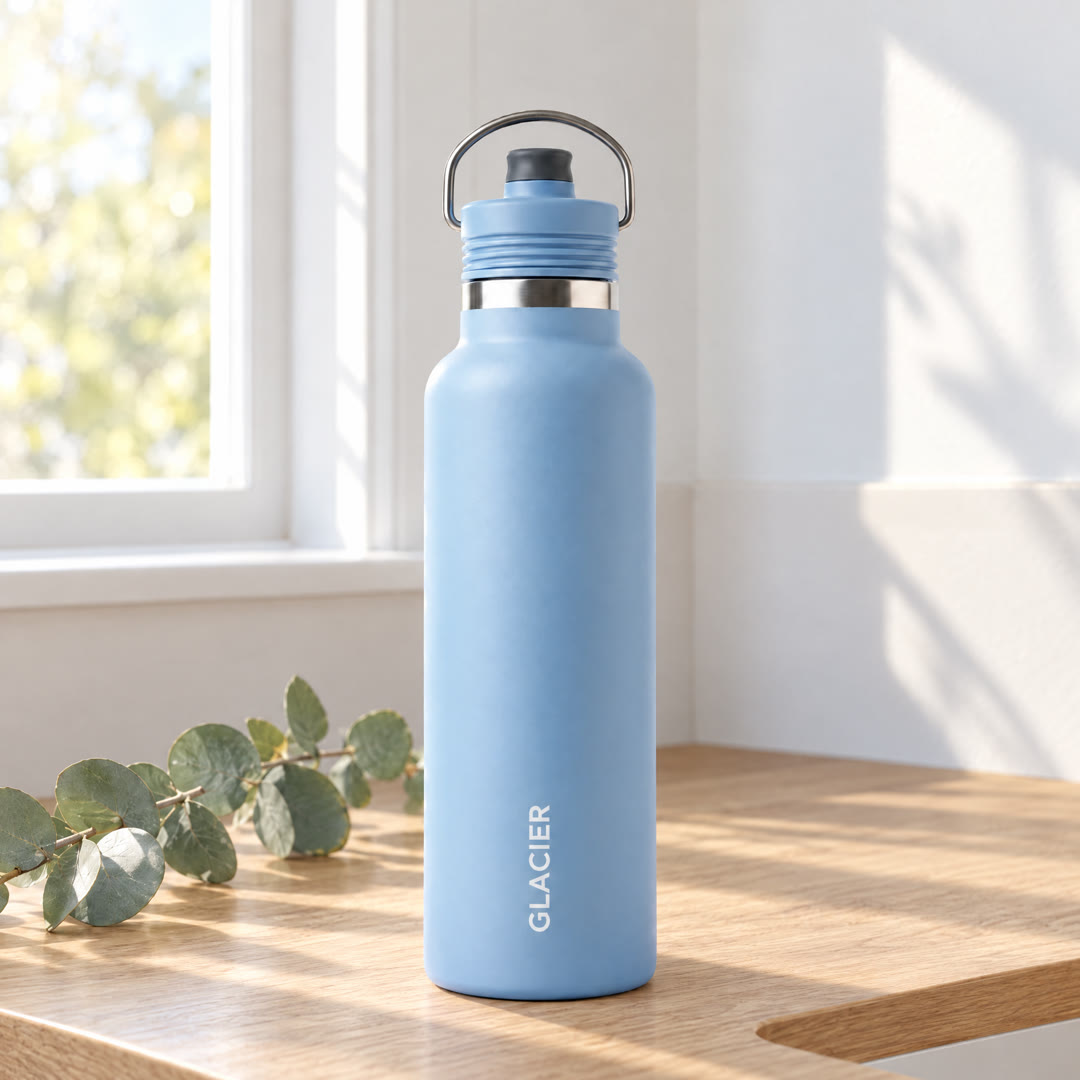
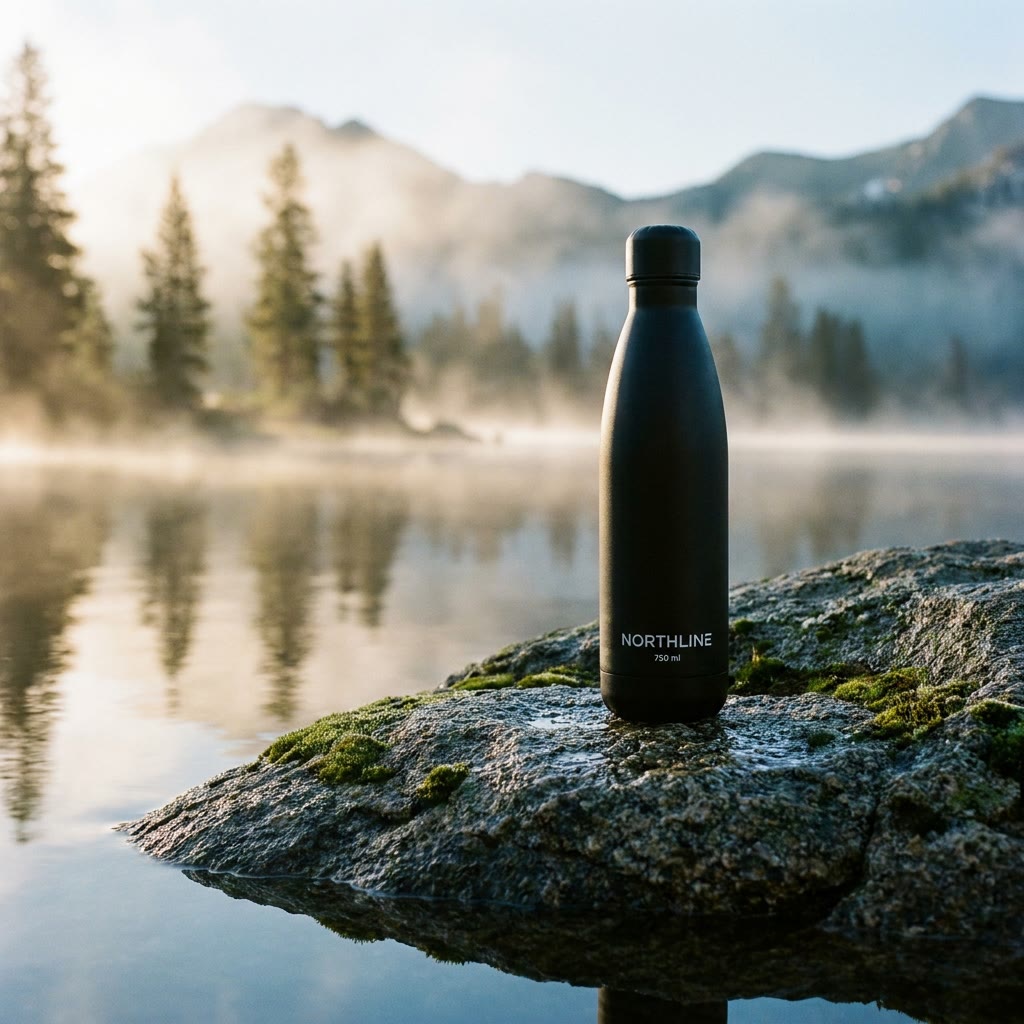
Before is the reference you add; after is the photo Everygen made from it. The oak photo is an edit of the marble one, with only the counter changed. The last one had no photo, only the prompt. Glacier and Northline are made-up test brands.
Product photos at a glance
- Studio shots from one product photo7 models in one Image Generator.
- 7 image modelsNano Banana and GPT Image, side by side.
- Up to 4KOn 5 of the 7 models.
- 14 reference imagesYour product from every angle, plus a logo.
- 10 sizesSquare, 4:5, 9:16, 16:9 and more.
- Edit a resultUse it as the next reference image.
- No watermarkFor listings, ads and posters.



Your photo goes in as a reference, so the product in the scene is yours, not a lookalike. The more angles you add, the closer the shape and print stay. Read the limits
How it works in three parts
- 01
Your product goes in
Add a photo of your product with "Add reference image", up to 14 on Nano Banana 2 and Nano Banana Pro. A clear shot on a plain background works best. Add the product from more angles, or a logo to put on it, as extra references.
Up to 14 referencesLogo as a reference - ReferenceResult02
Describe the scene
Say where the product stands, the light, the background and the angle, and what must stay exactly as it is. For the frozen lake shot, the prompt asked for the same light blue colour, steel band, loop handle and GLACIER print on a snow-covered rock at sunrise, and all of them came back.
Prompt in plain wordsLooked at on this photo - BeforeAfter03
Edit, then vary it
Use any result as the next reference and change one thing. Here the marble photo went back in with "change only the counter to warm oak wood", and the bottle, the light and the eucalyptus sprig stayed the same. Each run is a new image.
Edit any resultOne change per run
Make a product photo in 4 steps
- Step 1Add your product photoAs a reference image, up to 14.
- Step 2Describe the shotSurface, light, background and angle.
- Step 3Pick a model and size10 sizes, up to 4K on some models.
- Step 4Make it, then vary itChange the scene and run it again.
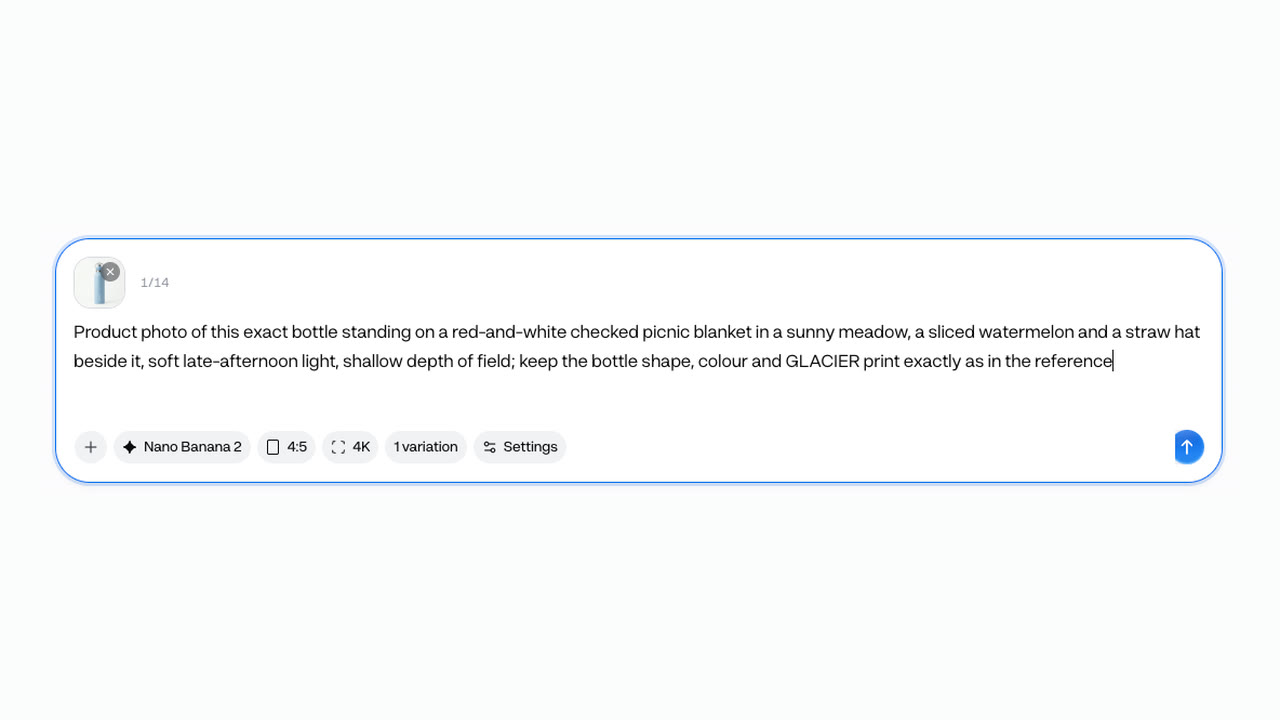
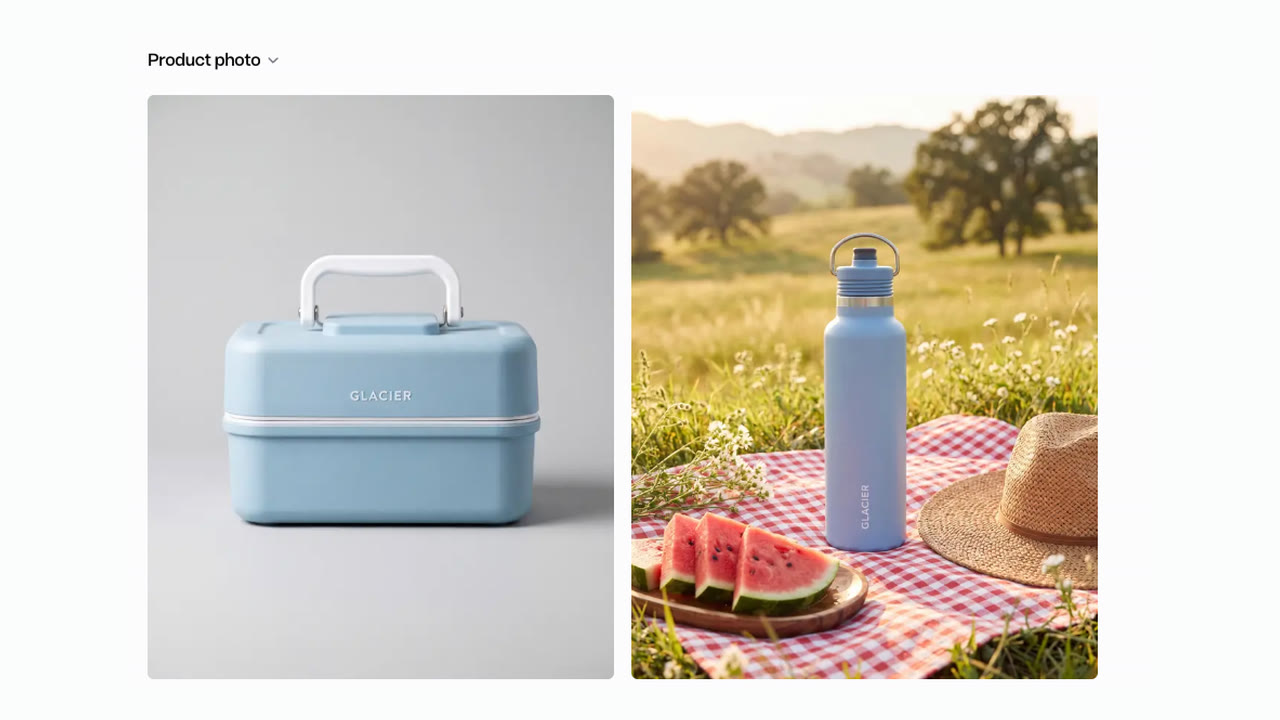
Nano Banana 2, Nano Banana Pro, GPT Image 2, GPT Image 2.5 Flare and GPT Image 2.5 Sunburst make 4K; the others make 1K. Pick 4:5 or 1:1 for a listing, 9:16 for Stories and Reels.
Nano Banana Pro or 2 on the same references
- Nano Banana Pro · 3 creditsWarm late light, the wave mark on the label.
- Nano Banana 2 · 2 creditsDaylight, the wave mark and the word.
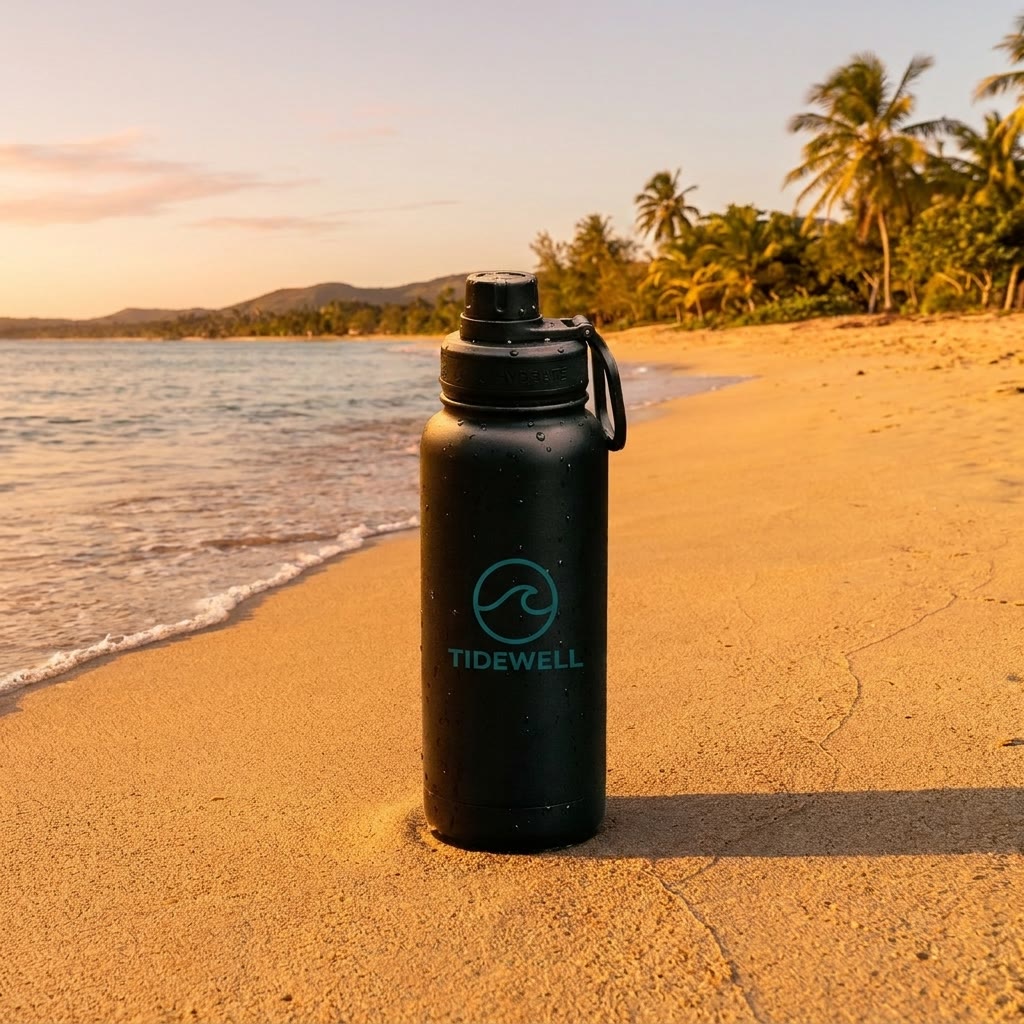
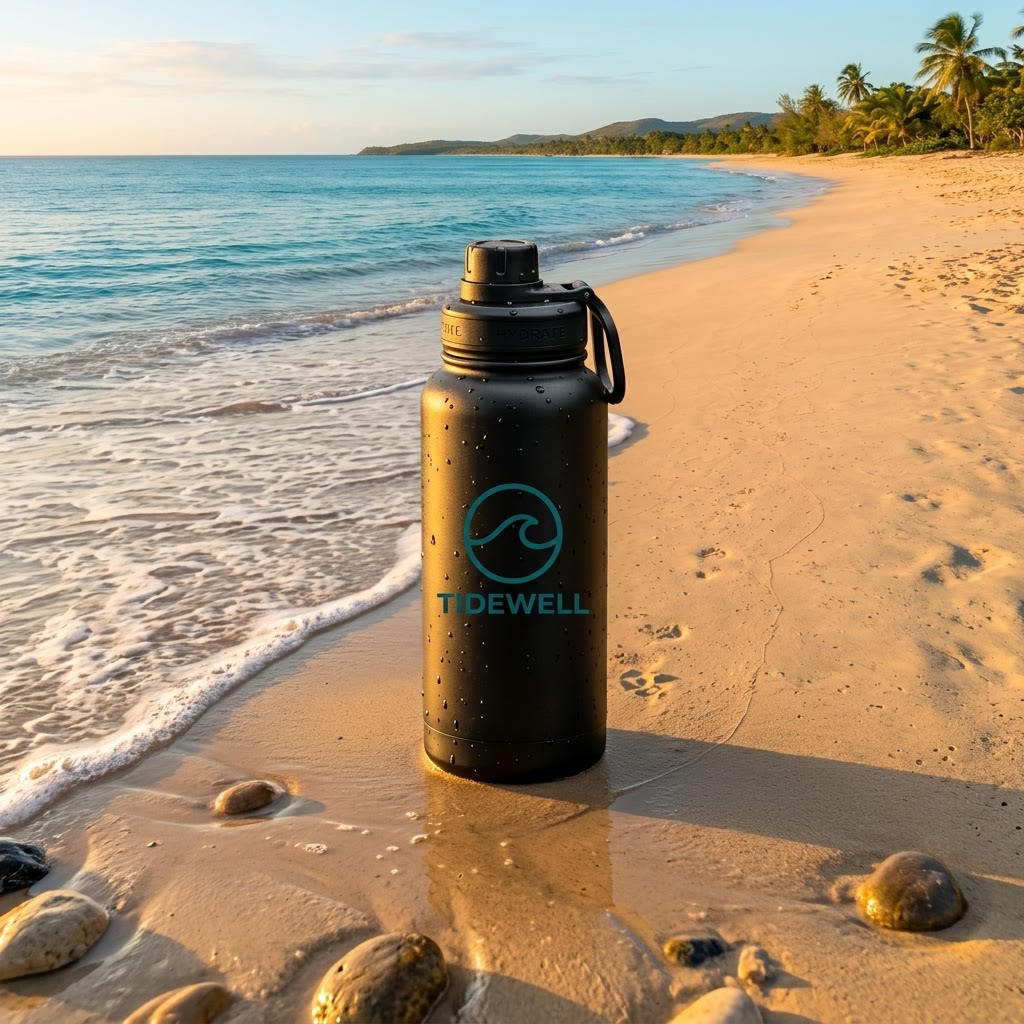
Both runs took the same three references: a bottle, a beach and a logo. Each placed the bottle on the sand with the logo on its label; Nano Banana 2 also wrote the brand name under the mark. Both kept a faint word on the cap collar from the bottle photo, so check small print.
- Starter$0.09 a 1K photo with Nano Banana 2, about 100 photos a month
- Pro$0.08 a 1K photo with Nano Banana 2, about 250 photos a month
Dollar figures are plan credits at the yearly price per month. The generator shows the exact credit price before you start.
Tips for a product that stays yours
- Start from a clean photoThe product on a plain background, in focus.
- Add more anglesMore references help keep the shape and print.
- Name what must not changeColour, label, cap: say keep them exactly.
- Describe surface, light, angleWet stone, morning light, eye level.
- Change one thing per editSwap only the counter, keep the rest.
- Zoom in on the labelCheck every letter before you post.
The model copies what it can see in your reference, so a sharp, well-lit photo gives the closest match. You keep the rights to what you make in Everygen.
One photo, not a studio day
- StudioBook a studio shootEvery new scene is another booking.
- PhoneShoot it on your tableYour kitchen light, your kitchen background.
- Cut-outCut it out on whiteClean for a listing, plain for an ad.
- EverygenCreate product photosPlace it in any sceneOne photo in, a new scene each run.
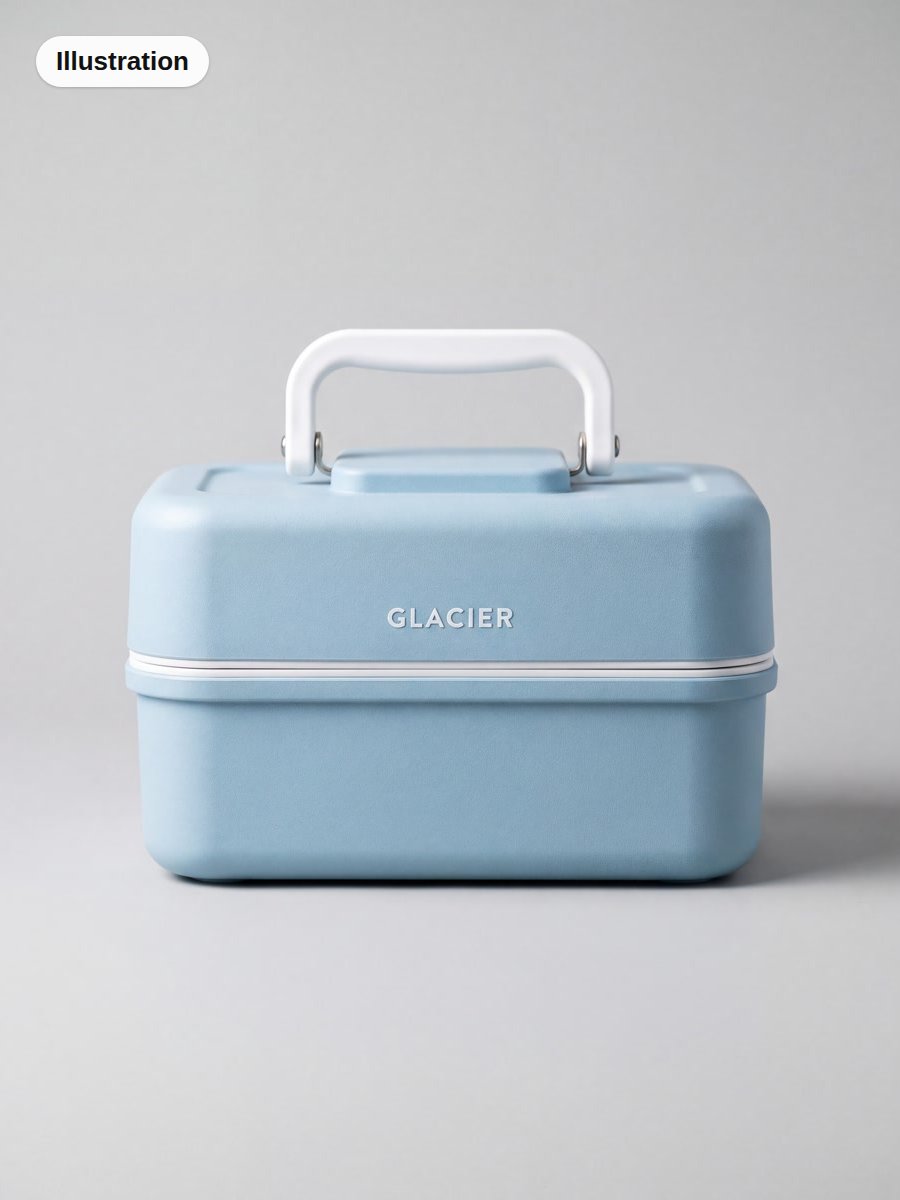
To make studio product photos without a studio, add one clear photo to the Image Generator and describe the scene. The cut-out on white is the reference the frozen lake shot was made from. The studio still is an illustration: an Everygen shot of a lunch box on plain grey, not a real studio photo.
What people use it for with their own products
- ListingsCreate product photosShop listing photosA clean lifestyle shot for each product page.
- AdsStatic ads to testSame product, a new scene per variant.
- PostersA launch posterPut the name and size on the label.
Write the words you want on the product into the prompt. The Northline photo was made from a prompt alone, and its label reads NORTHLINE 750 ml as asked.