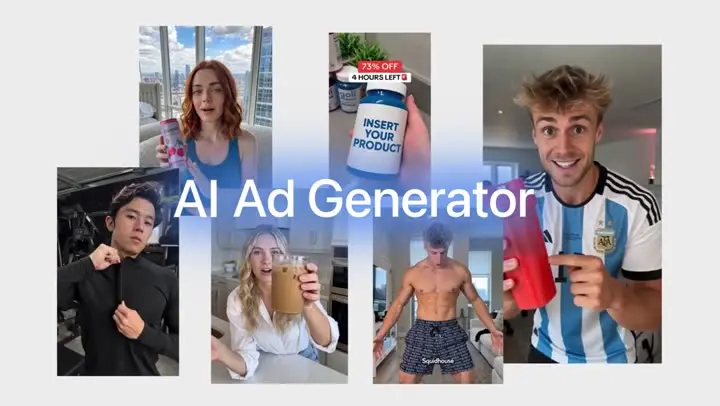
Clone a winning ad
Add a video ad that works and photos of your product or a new person, and Everygen Clone remakes the same ad, with the same shots, timing and pacing, with your product, a new face or new on-screen text, from a 4 to 30 second clip.


Trusted by creators with billions of views
The ad, then its clone made in Everygen Clone
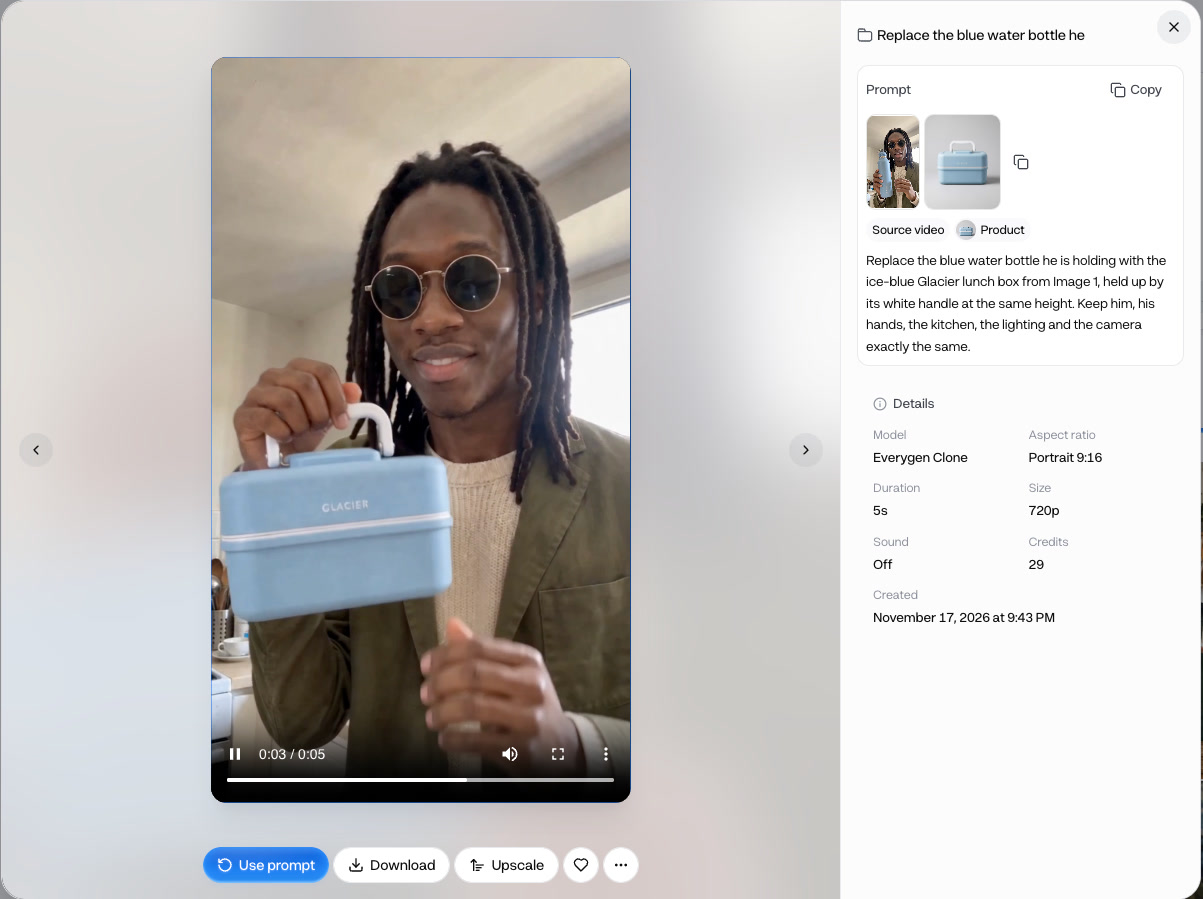
- Lunch box to bottleObject swap
- Bottle to lunch boxObject swap
- New outfit and placeMotion transfer
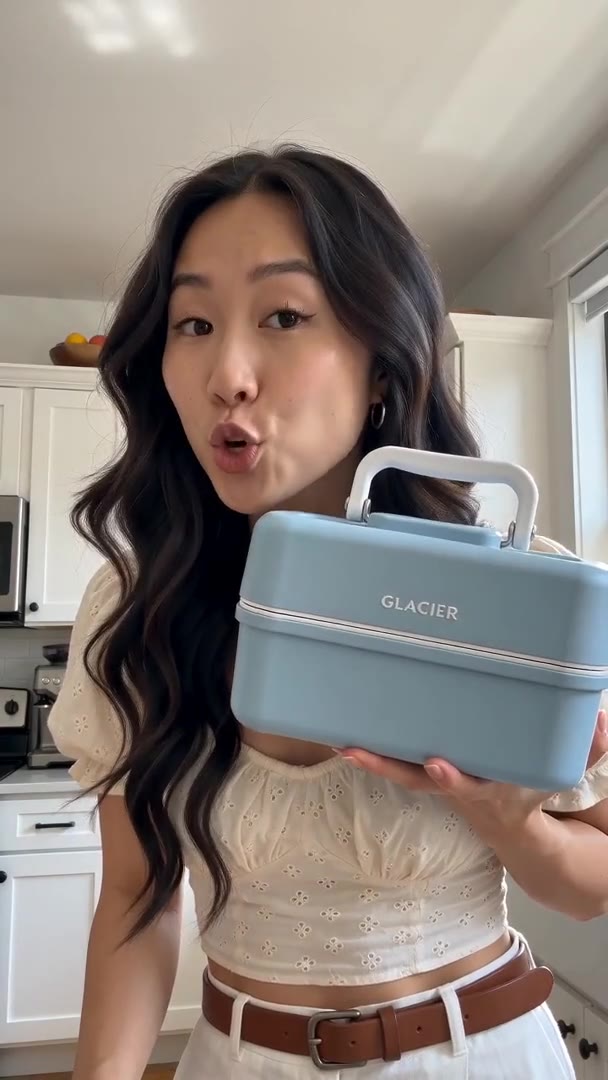
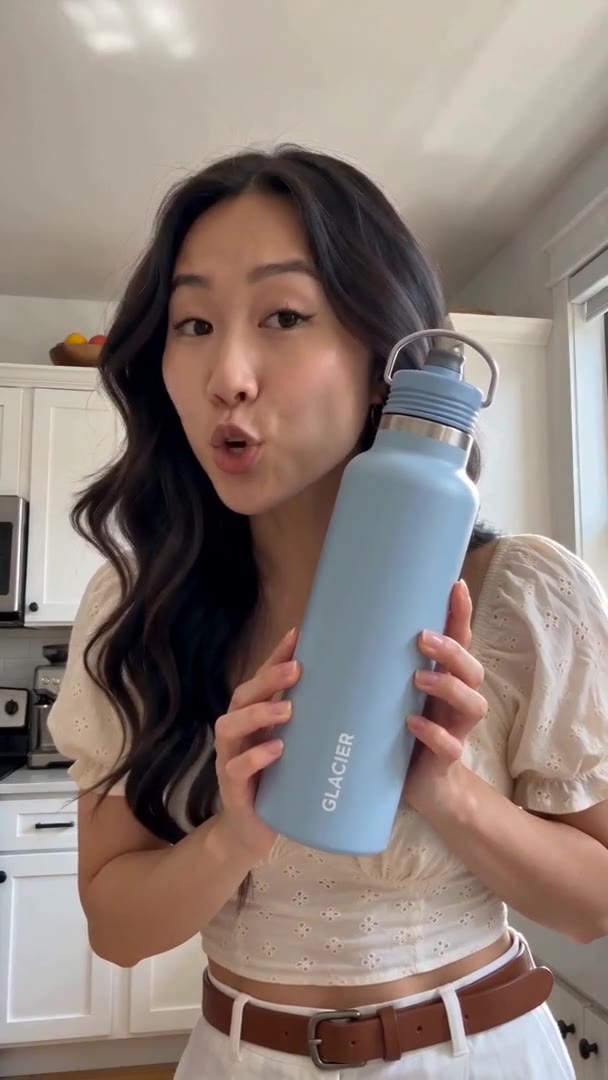
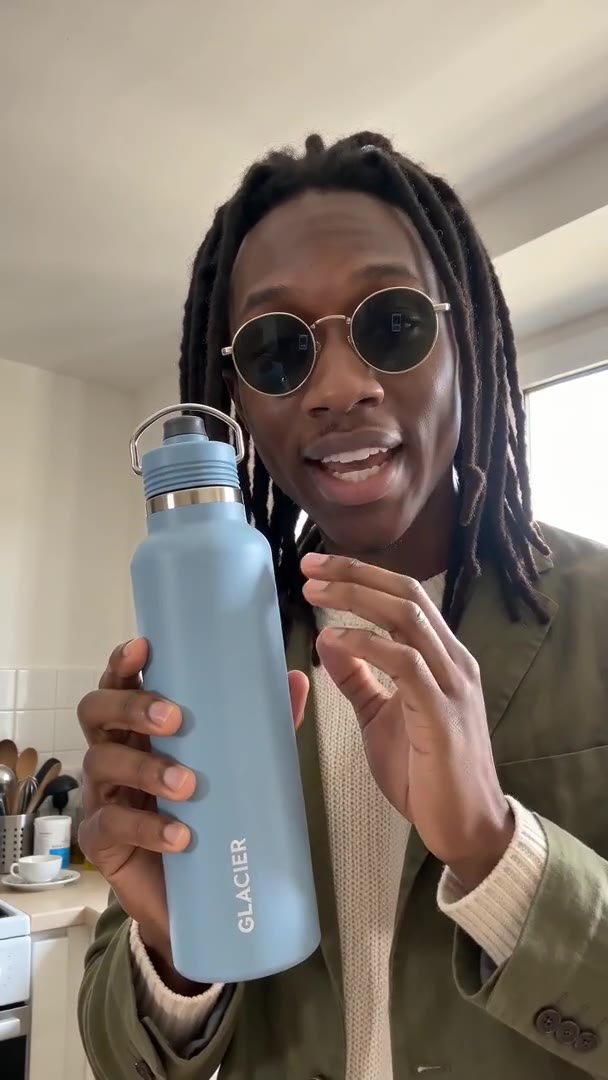
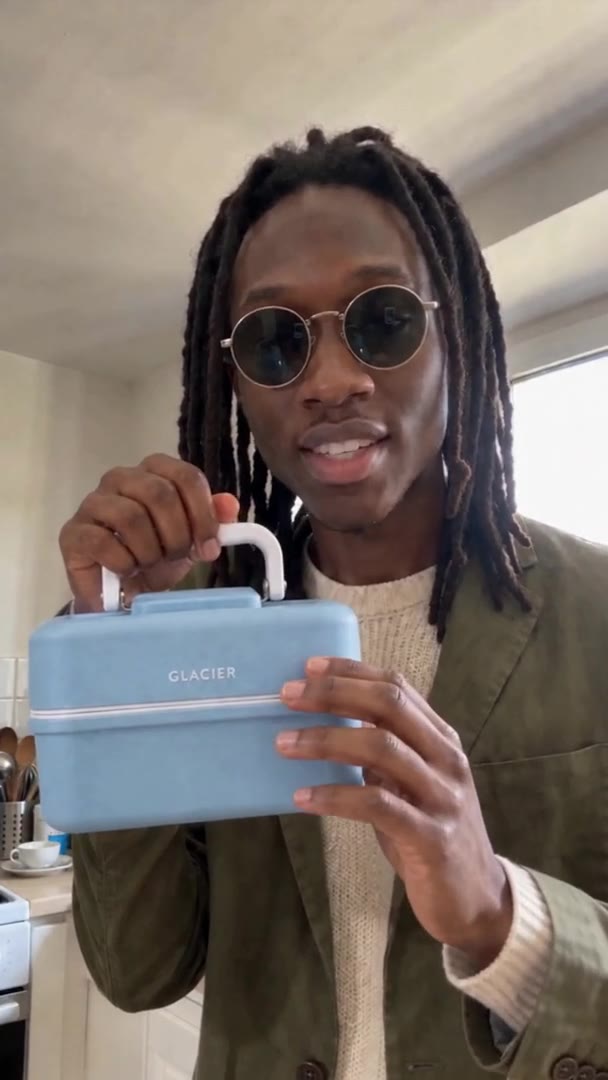
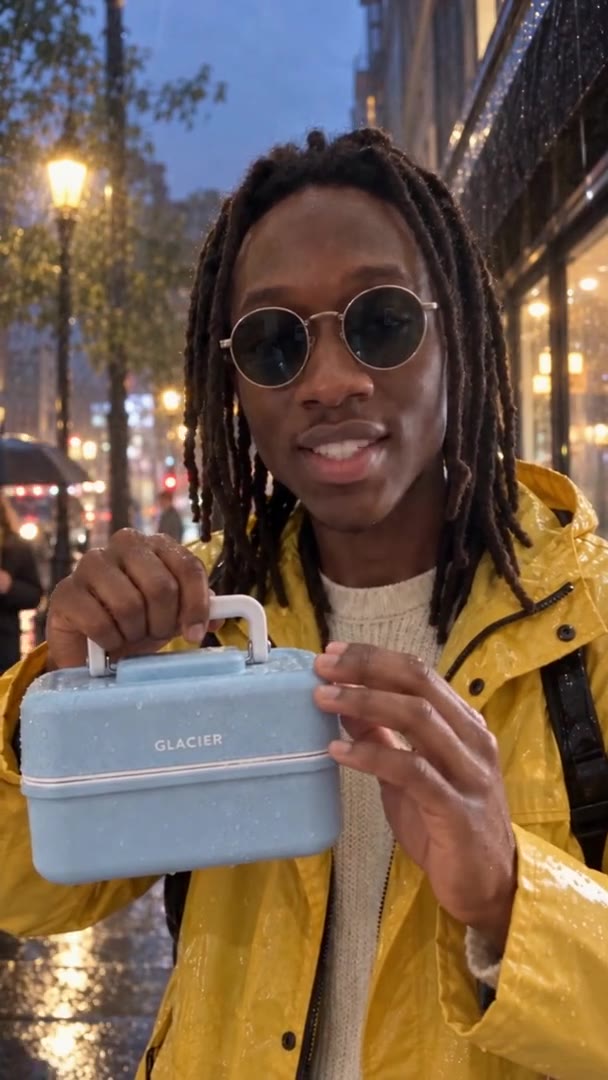
Each pair is one Everygen ad before and after a single Clone run. In the two swaps only the product named in the prompt changed; the person, kitchen and camera stayed as filmed. The third is a Motion transfer of the same ad. The brand is made up.
Clone at a glance
- New versions of the ads that already workKeep the structure, change the product or face.
- 4 to 30 secondsThe ad you start from.
- MP4 or MOV, 300 MBOne ad per run.
- 12 photosUp to 4 people per ad.
- Same shotsTiming, pacing and camera as filmed.
- Up to 1080pRendered at 720p, then upscaled.
- No watermarkDownload the new ad and run it.
Object swap changes only what you name and keeps everything else as filmed. Each run makes one new ad from one source ad, with up to 12 photos of what goes in. Read the limits
How it works in three parts
- 01
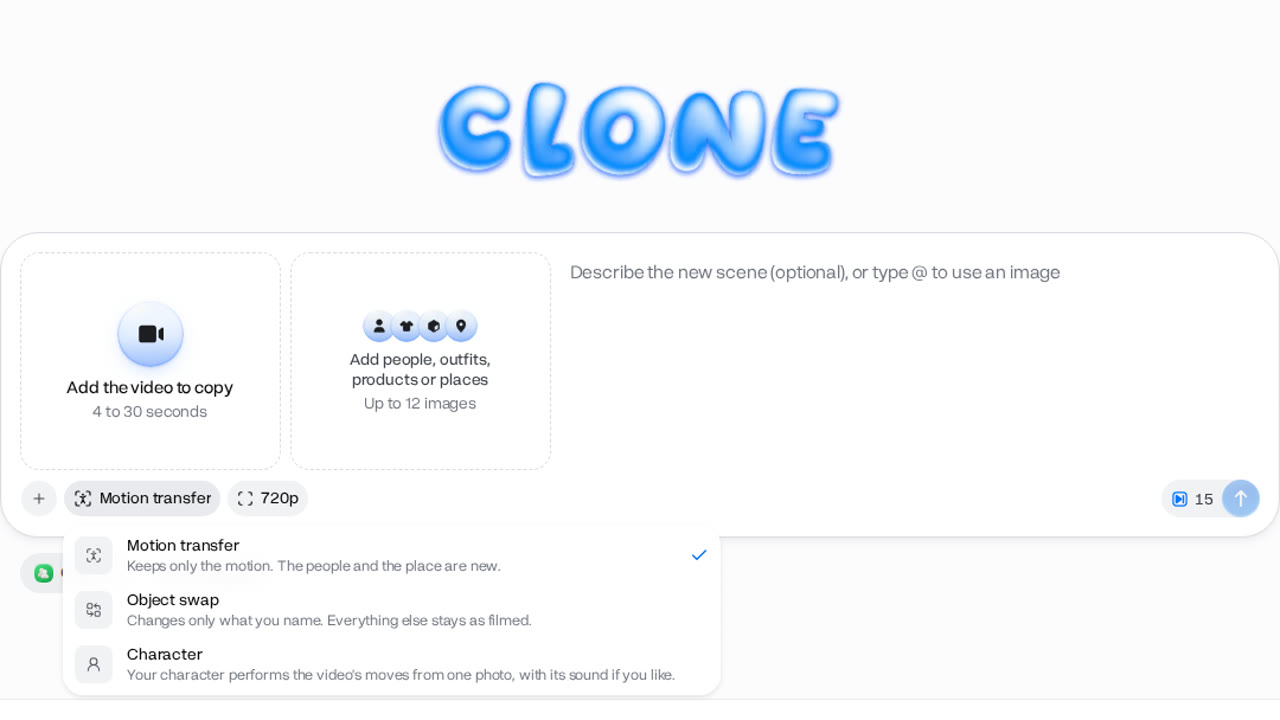
Pick Object swap
Clone has three modes. Motion transfer keeps only the motion and puts in new people and places. Character puts your character into the video's moves from one photo. Object swap, the one for ads, changes only what you name. Clone opens on the mode you used last, so check it first.
Three modesObject swap for ads - 02
Add the ad and what goes in
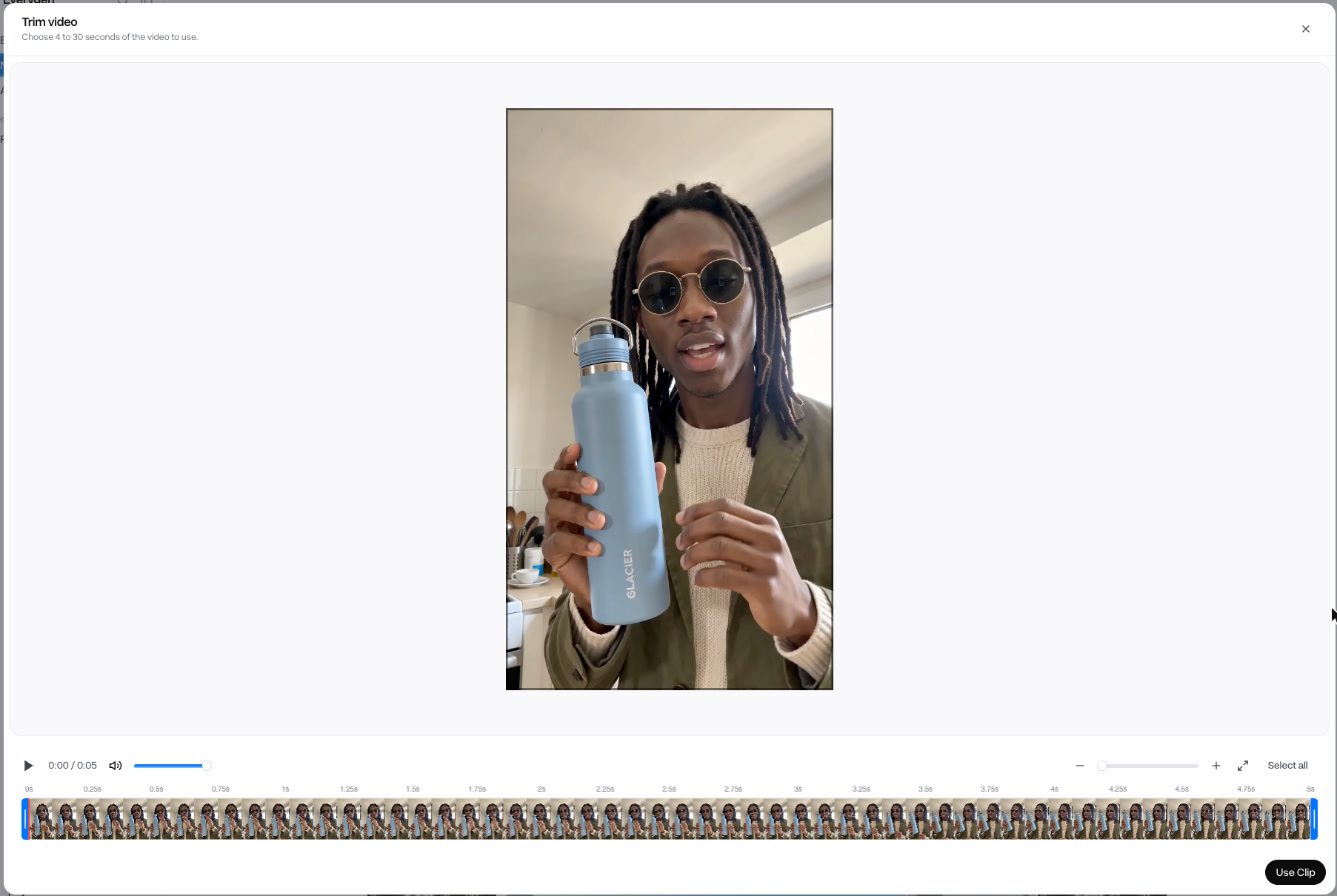
Add the ad you want to remake, an MP4 or MOV of 4 to 30 seconds and up to 300 MB. Then add photos of what goes in: your product, a new presenter, an outfit, or a place, up to 12 photos and 4 people.
4 to 30 s12 photos4 people - BeforeAfter03
Change one thing, keep the rest
Say what to change, such as "replace the lunch box she is holding with the bottle from Image 1", and what must stay. Clone remakes the ad with the same shots, timing and pacing. The new ad keeps the original's audio, so a voiceover naming the old product needs replacing.
Same shotsOriginal audio kept
Clone an ad in 4 steps
- Step 1Open Clone, pick Object swapIt changes only what you name.
- Step 2Add the adMP4 or MOV, 4 to 30 seconds.
- Step 3Add what goes inYour product, a person or an outfit.
- Step 4Say what to changeClone keeps the rest as filmed.
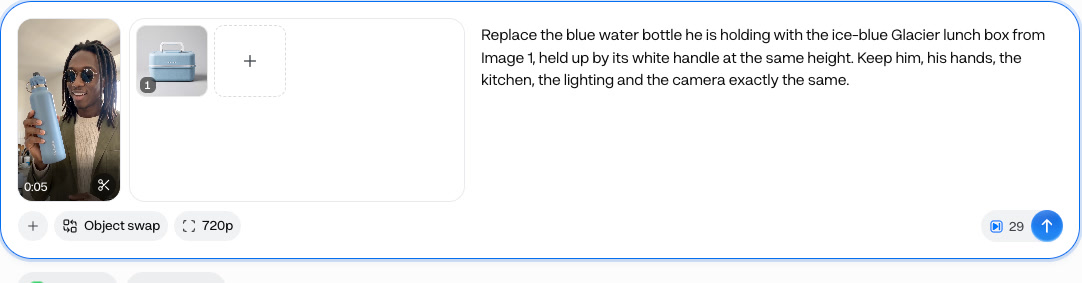
Clone shows the price on the button before it runs. Files go up to 300 MB, so trim a long ad to the part that works first.
Object swap or Motion transfer on the same ad
- Object swap · 52 creditsOnly the product changed; the kitchen stayed.
- Motion transfer · 62 creditsSame moves, new outfit and street.
For a new version of a winning ad, use Object swap: it keeps the scene the ad was proven with. Both clips are the same source ad; the prices are for a 10-second vertical ad at 720p with one person, and length, people and resolution change them.
- Starter$2.34 a 10-second Object swap at 720p, about 3 ads a month
- Pro$1.98 a 10-second Object swap at 720p, about 9 ads a month
Dollar figures are plan credits at the yearly price per month. The generator shows the exact credit price before you start.
Tips for a clean swap
- Name exactly what changesThen say what must stay the same.
- Use a clear product photoOne plain shot of the label, no clutter.
- Swap like for likeA bottle for a bottle holds up best.
- Trim to the part that worksClone takes up to 30 seconds.
- Check the voiceoverThe new ad keeps the original's audio.
- Clone ads you may useYour own, or ones you have rights to.
The prompt decides what changes, so name the swap and the things to keep. You keep the rights to what you make in Everygen.
What people use it for on their own ads
- Ad fatigueClone an adRefresh a tired winnerNew product or scene, same structure.
- New settingA new setting for a proven adSame gestures and timing, new place.
- New productReuse an ad for another productOne proven ad across your range.
Clone ads you made or have the rights to use. For an ad you don't own, use its structure as a guide and make your own version with Ads.