


A hero film for your product
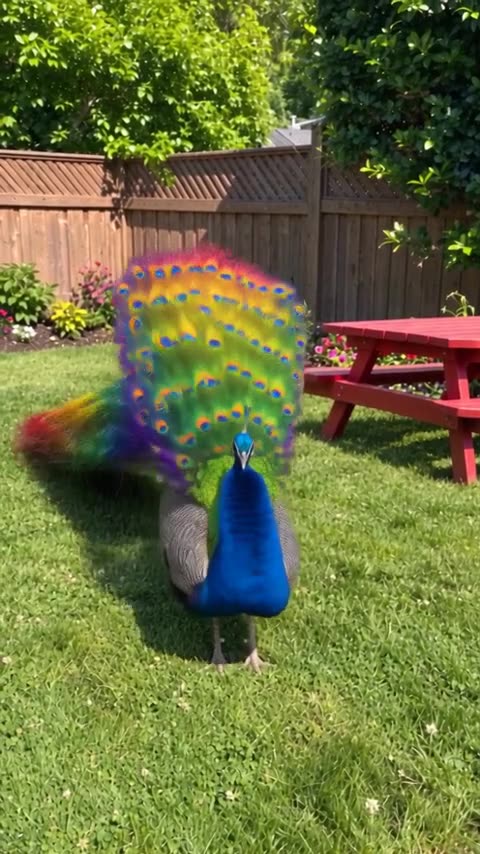
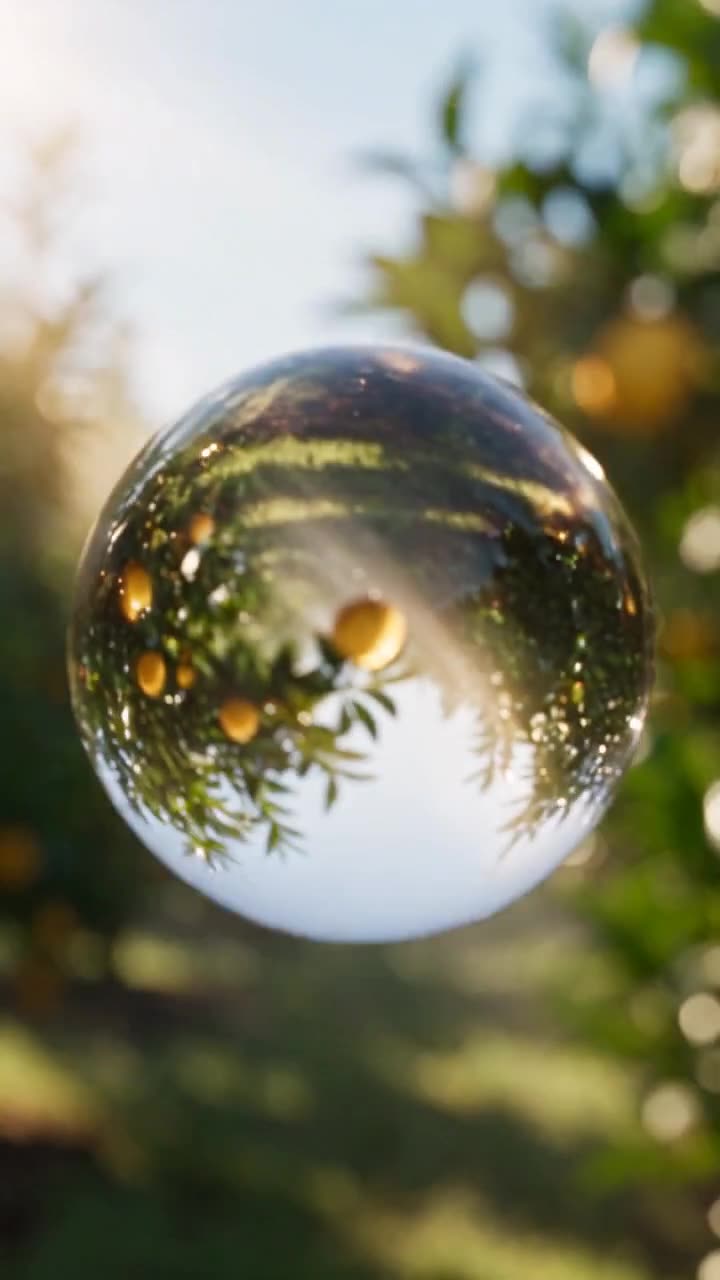
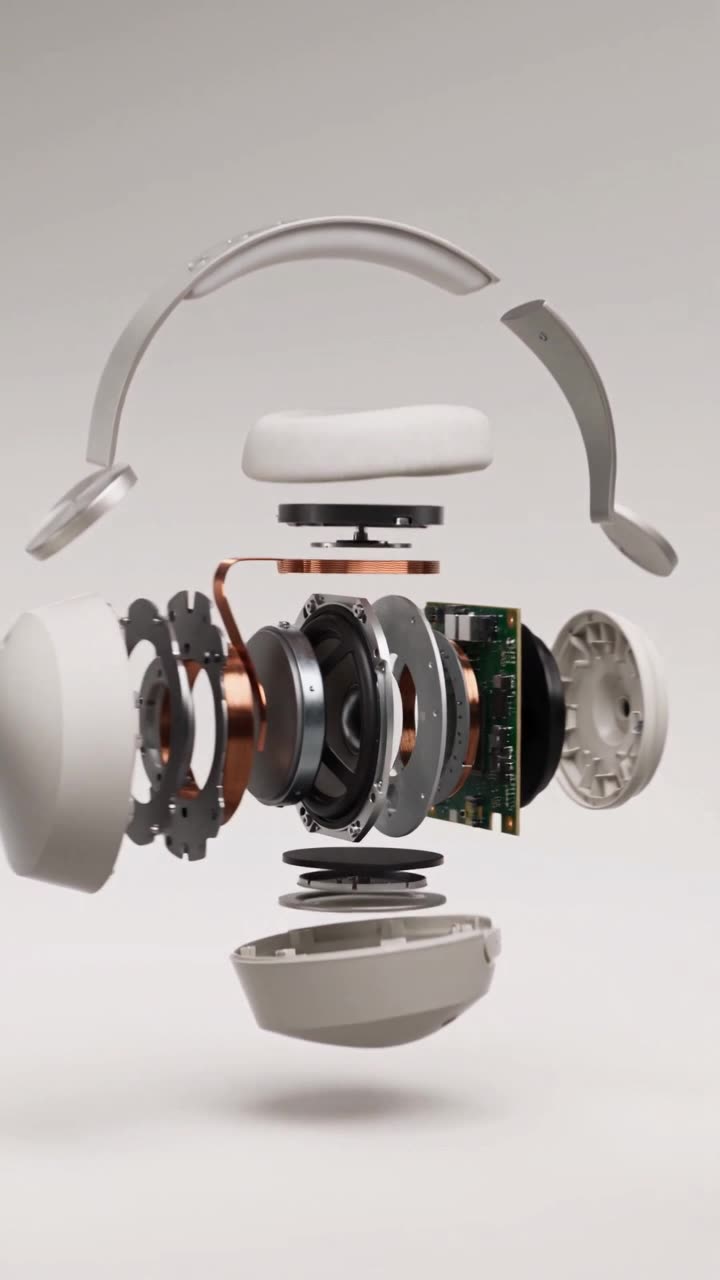
One continuous camera move through bright, sunlit worlds that lands on your label. Ten seconds, vertical, with sound.
Seedance 2.5UGC & ads
With the Everygen plugin & MCP
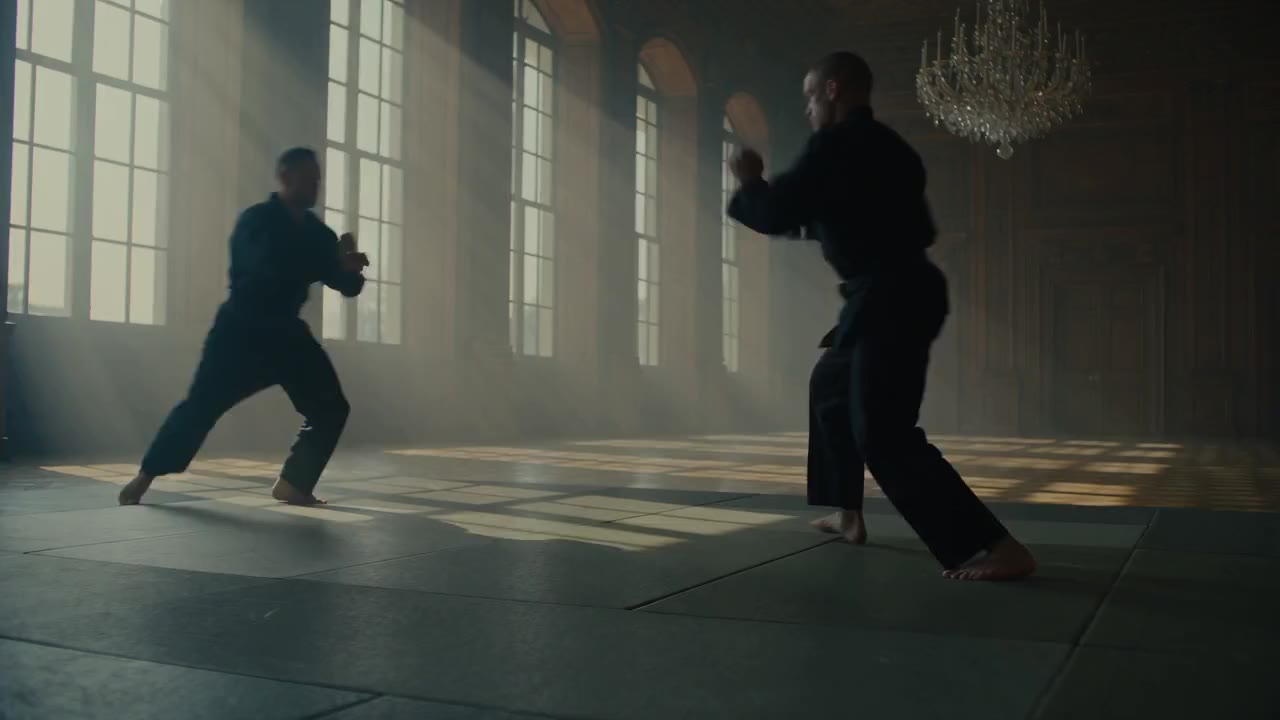
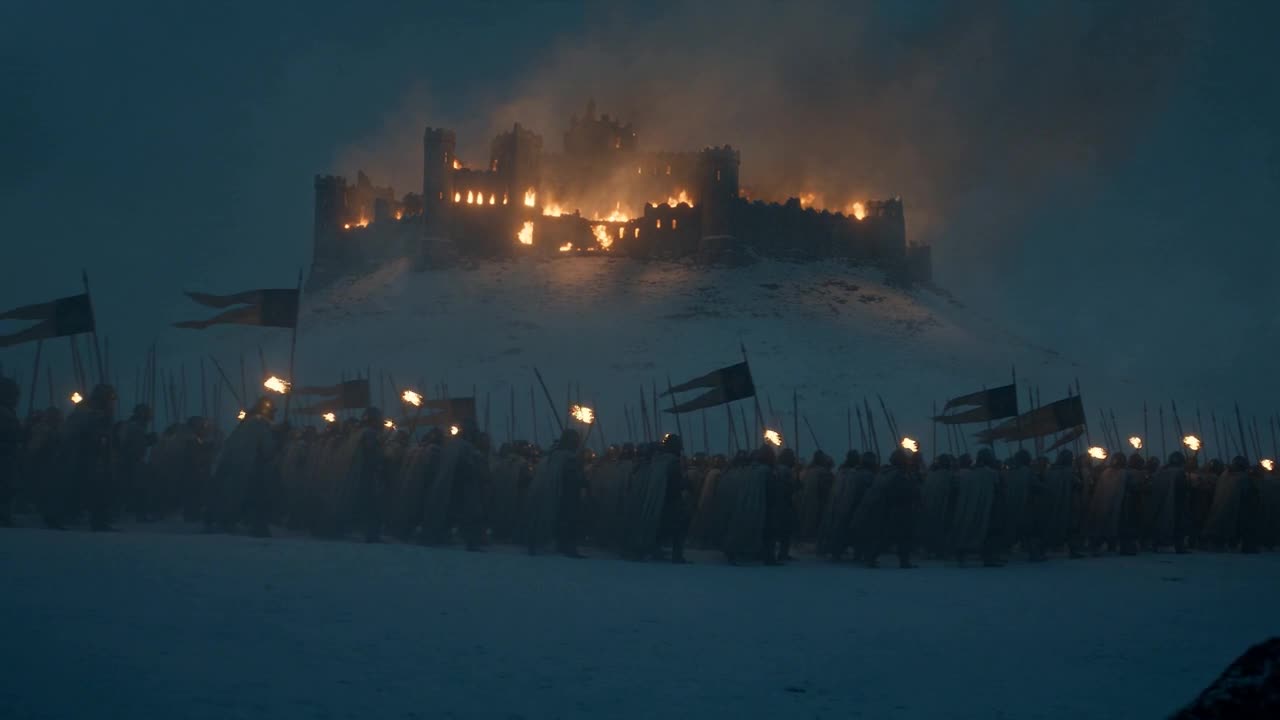
https://everygen.ai/api/mcpUse the Everygen MCP to make a 15-second 16:9 cinematic scene with sound: a beaten medieval army retreats through a blizzard at night while their castle burns behind them. An epic film look with few cuts, wide shots of the column in the snow, and the fire glowing behind them.
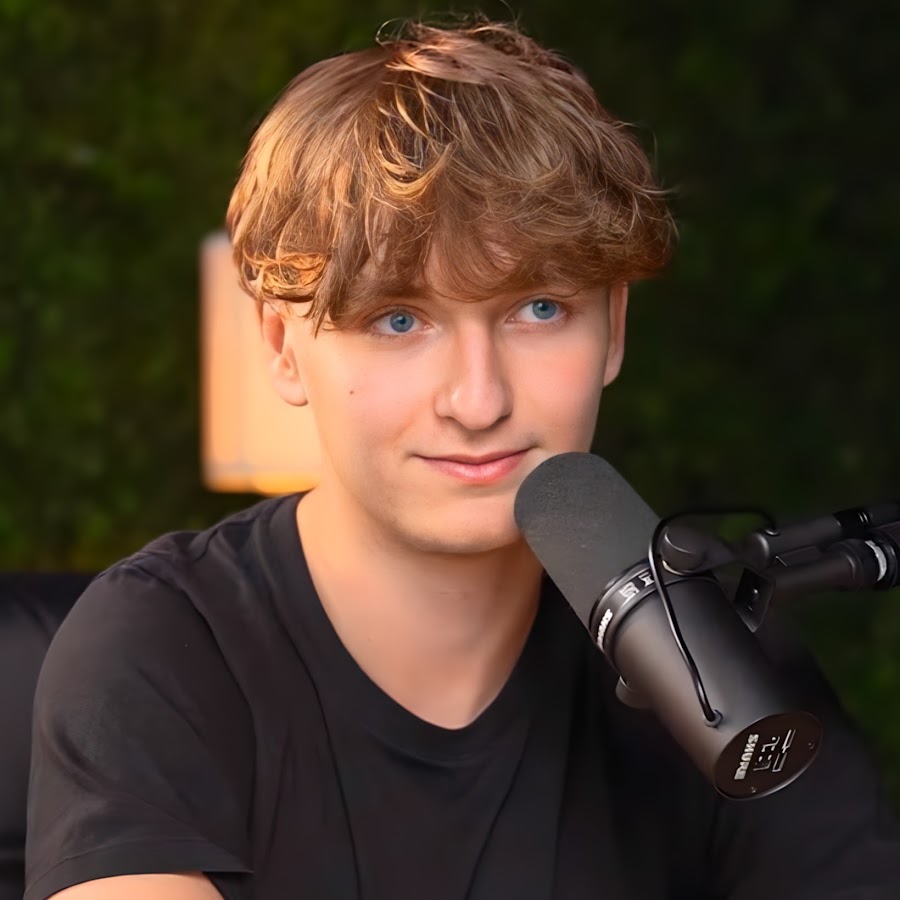
Use the Everygen MCP to make a 16:9 YouTube thumbnail for my video "I traded a paperclip for a car in 12 trades". Make it a before/after split: the same original host on both halves, holding a red paperclip on the left under big white "trade 1", and a car key on the right under "trade 12" with a yellow car behind him, looking a little worn. Clean daylight, bold lowercase text, nothing else.
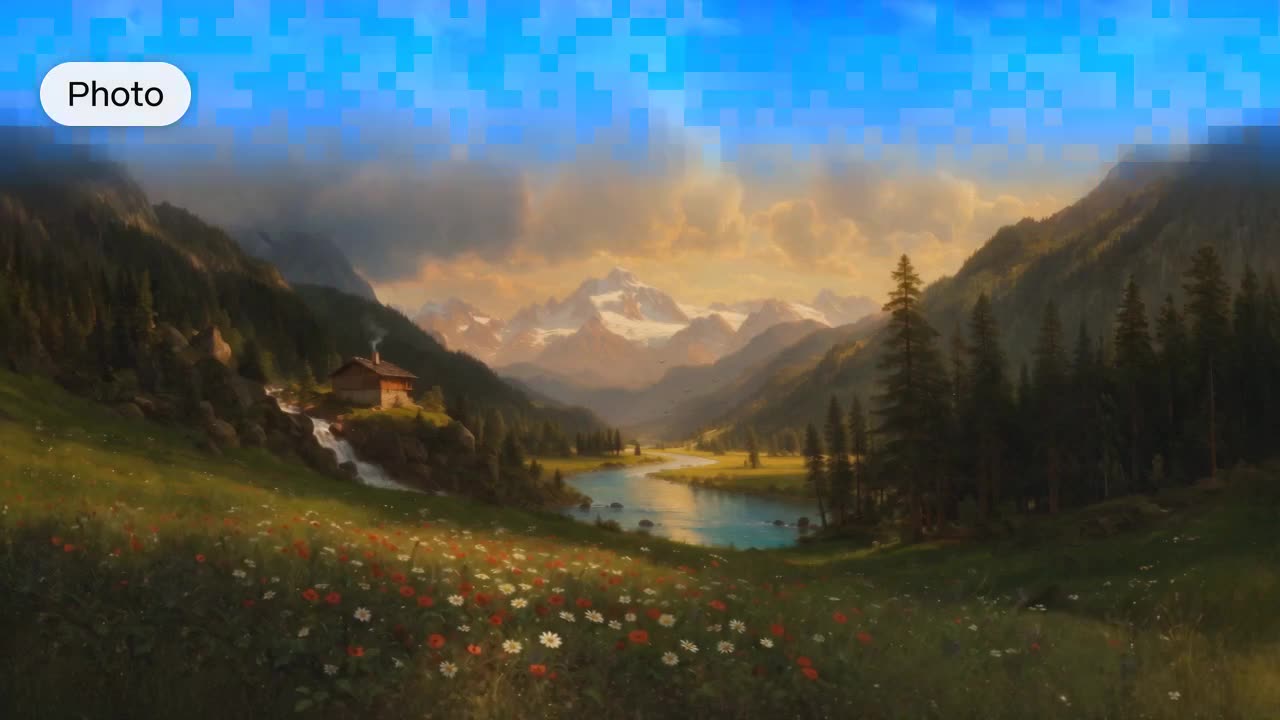
Use the Everygen MCP to bring the photo I've attached to life as a short video with natural motion and natural sound. Keep the faces and the composition exactly as they are.
One continuous camera move through bright, sunlit worlds that lands on your label. Ten seconds, vertical, with sound.
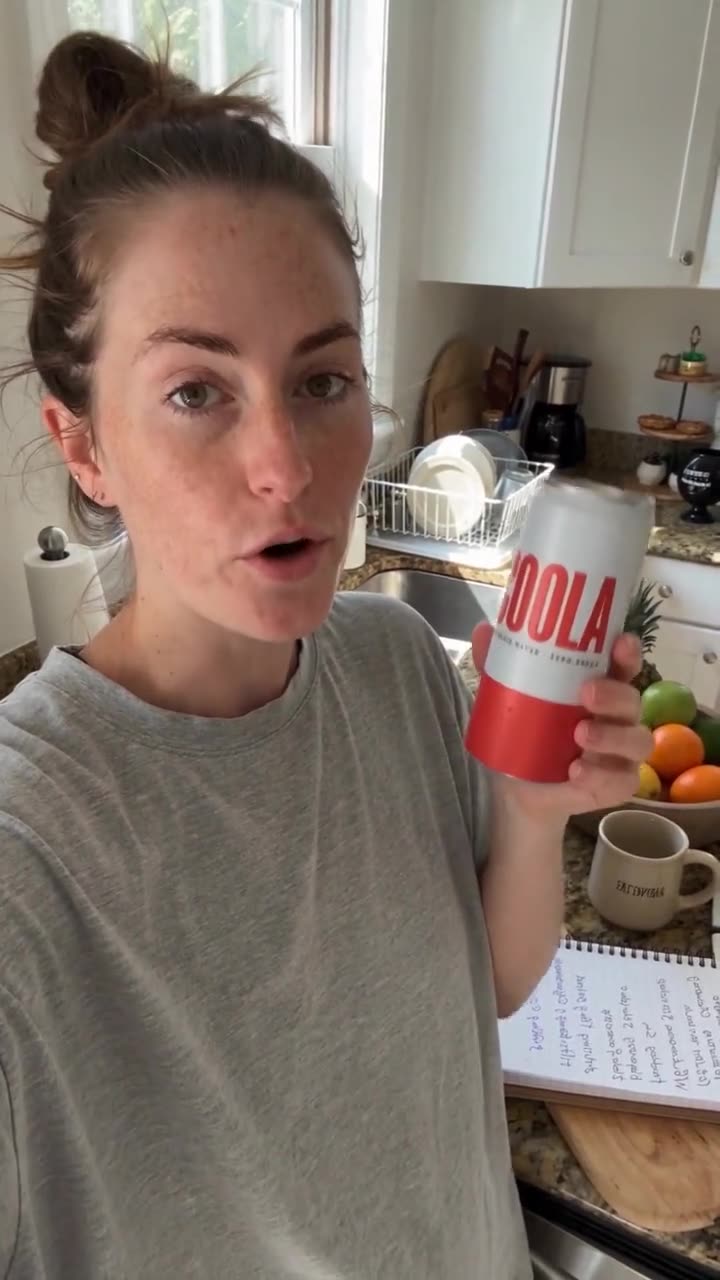
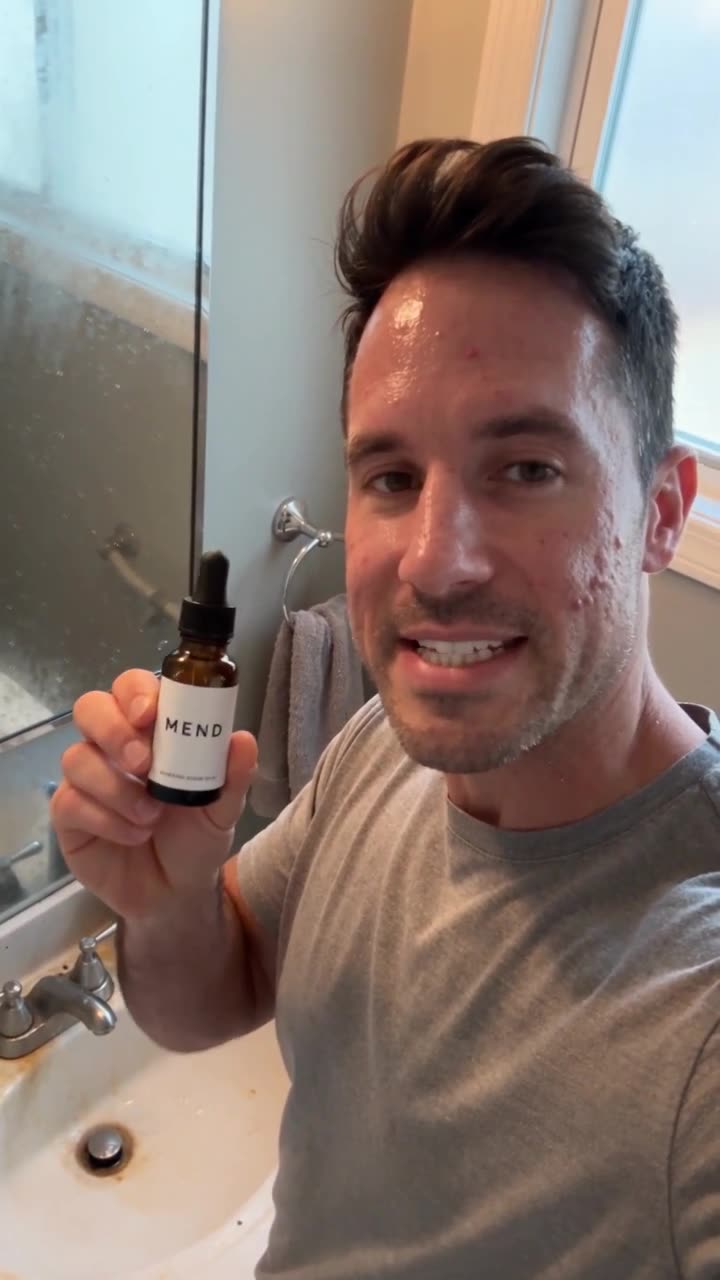
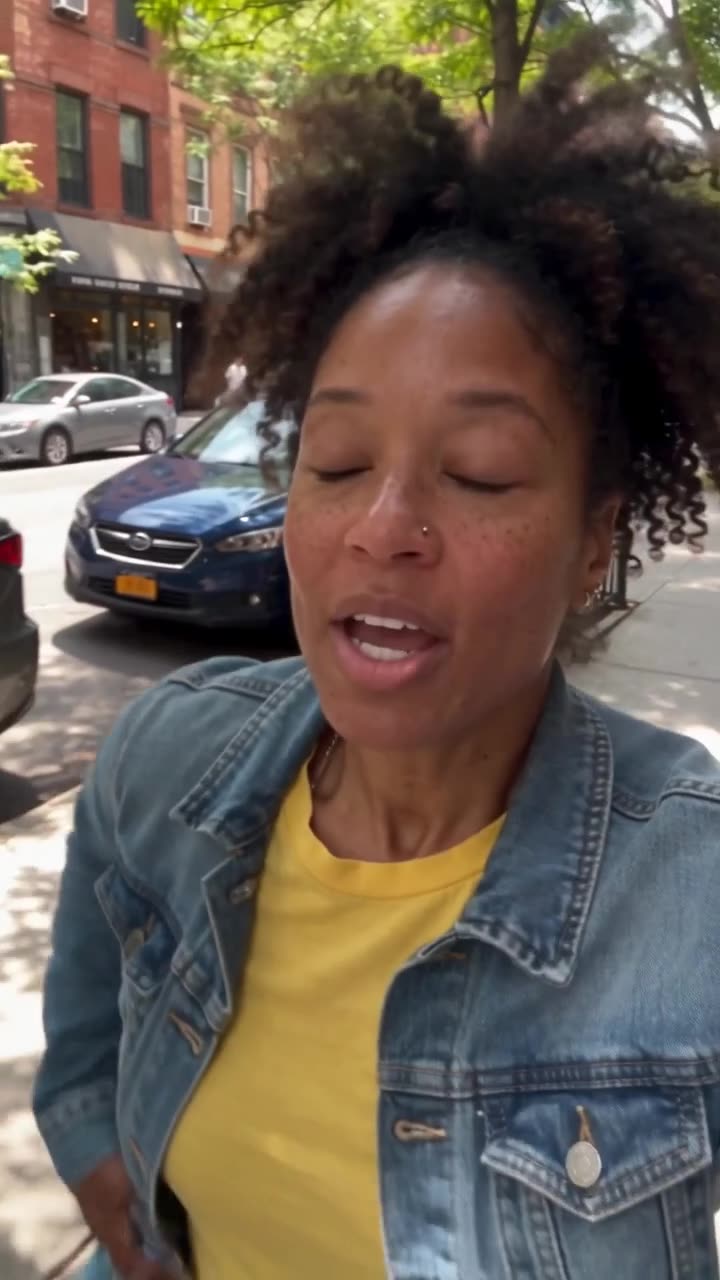
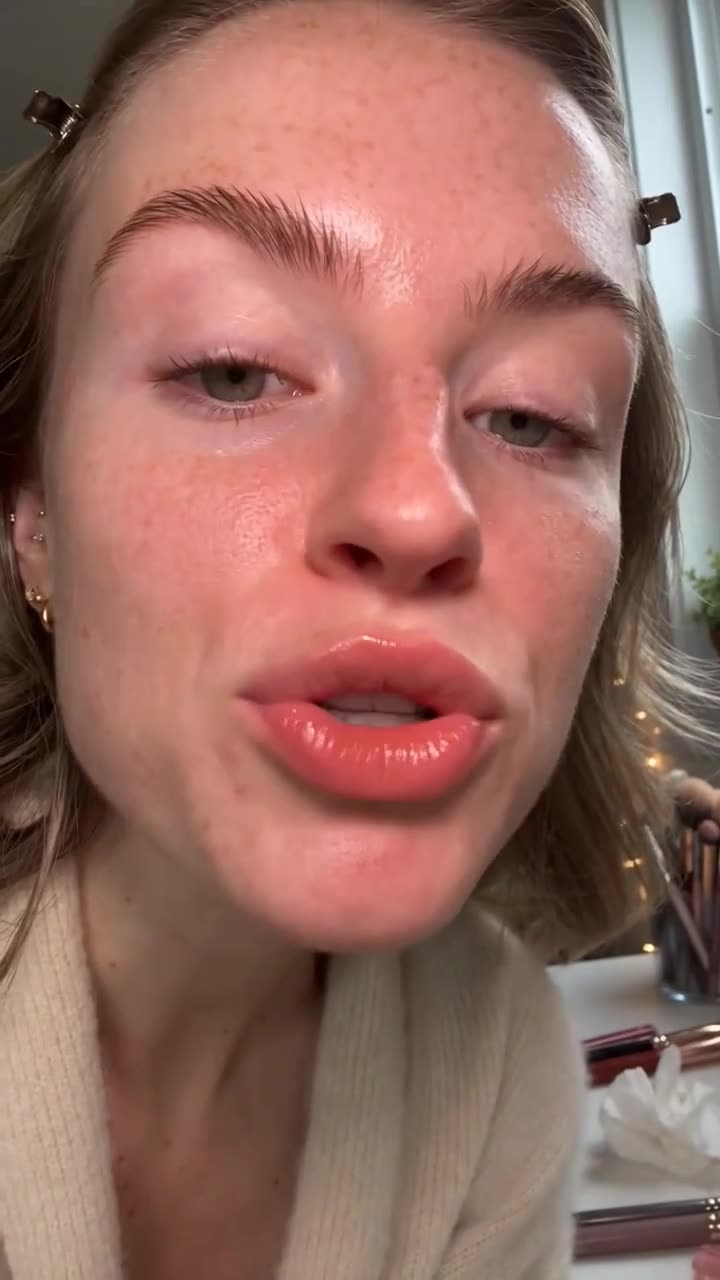
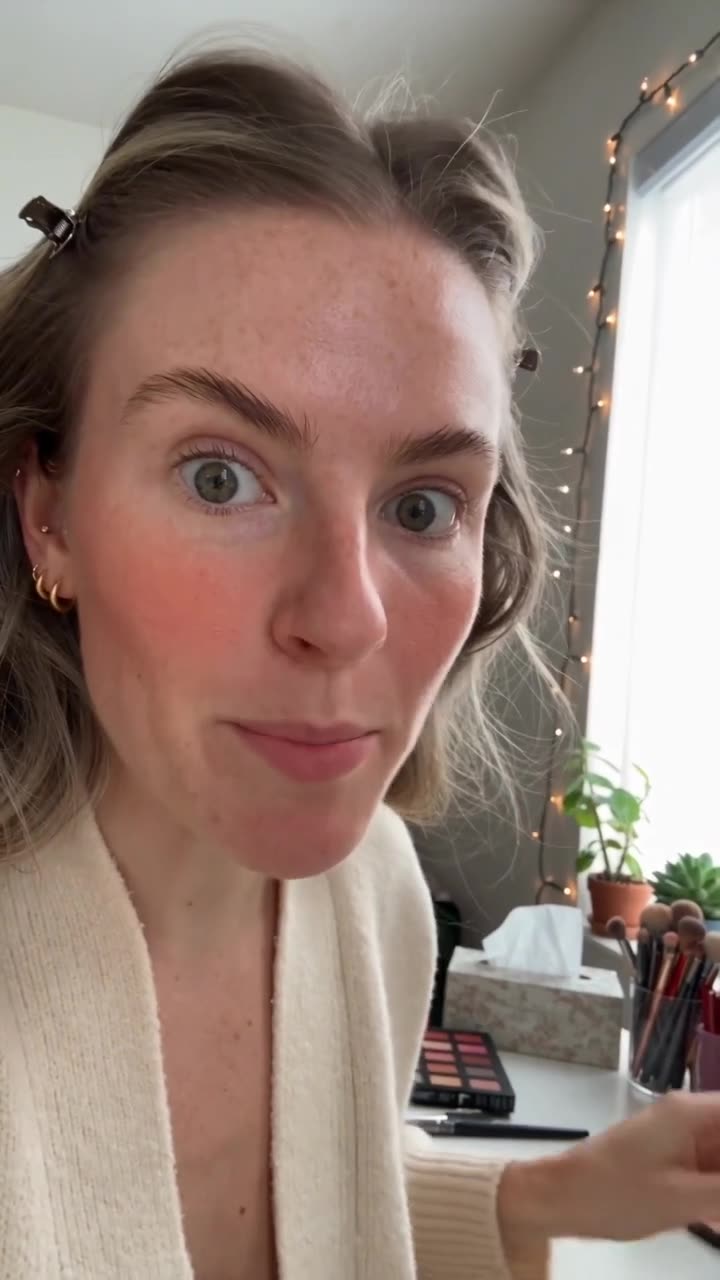
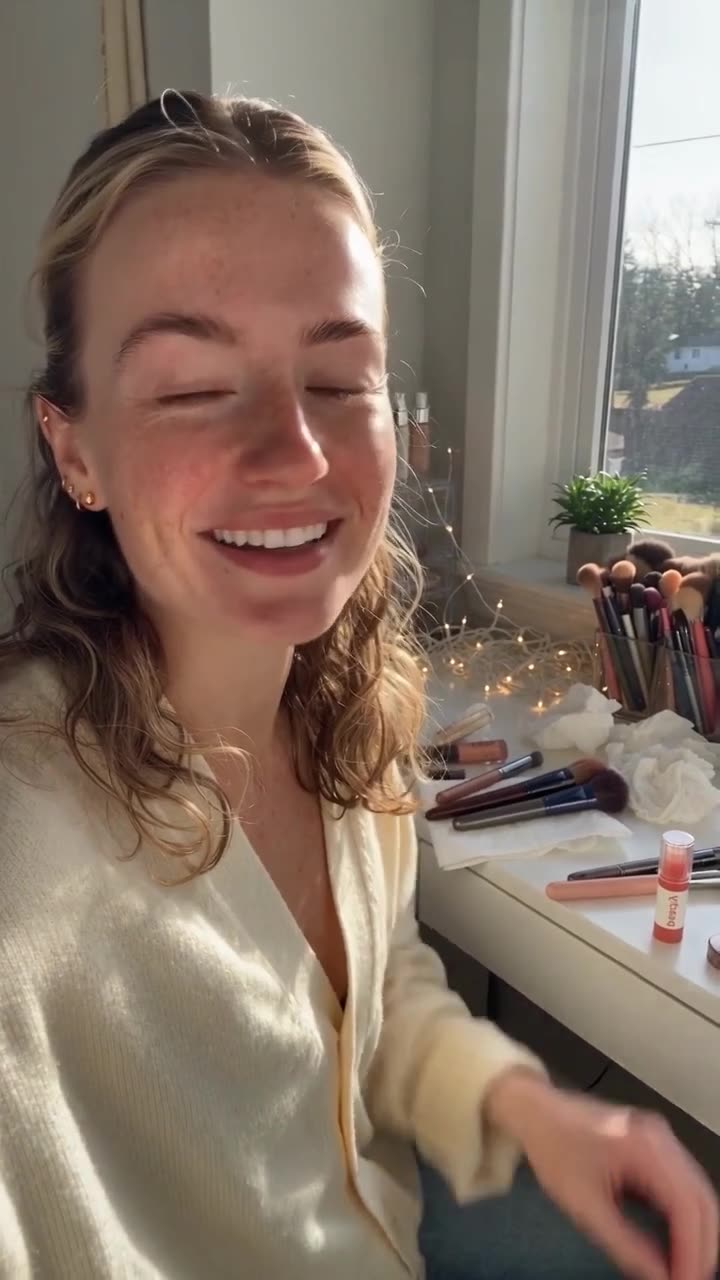
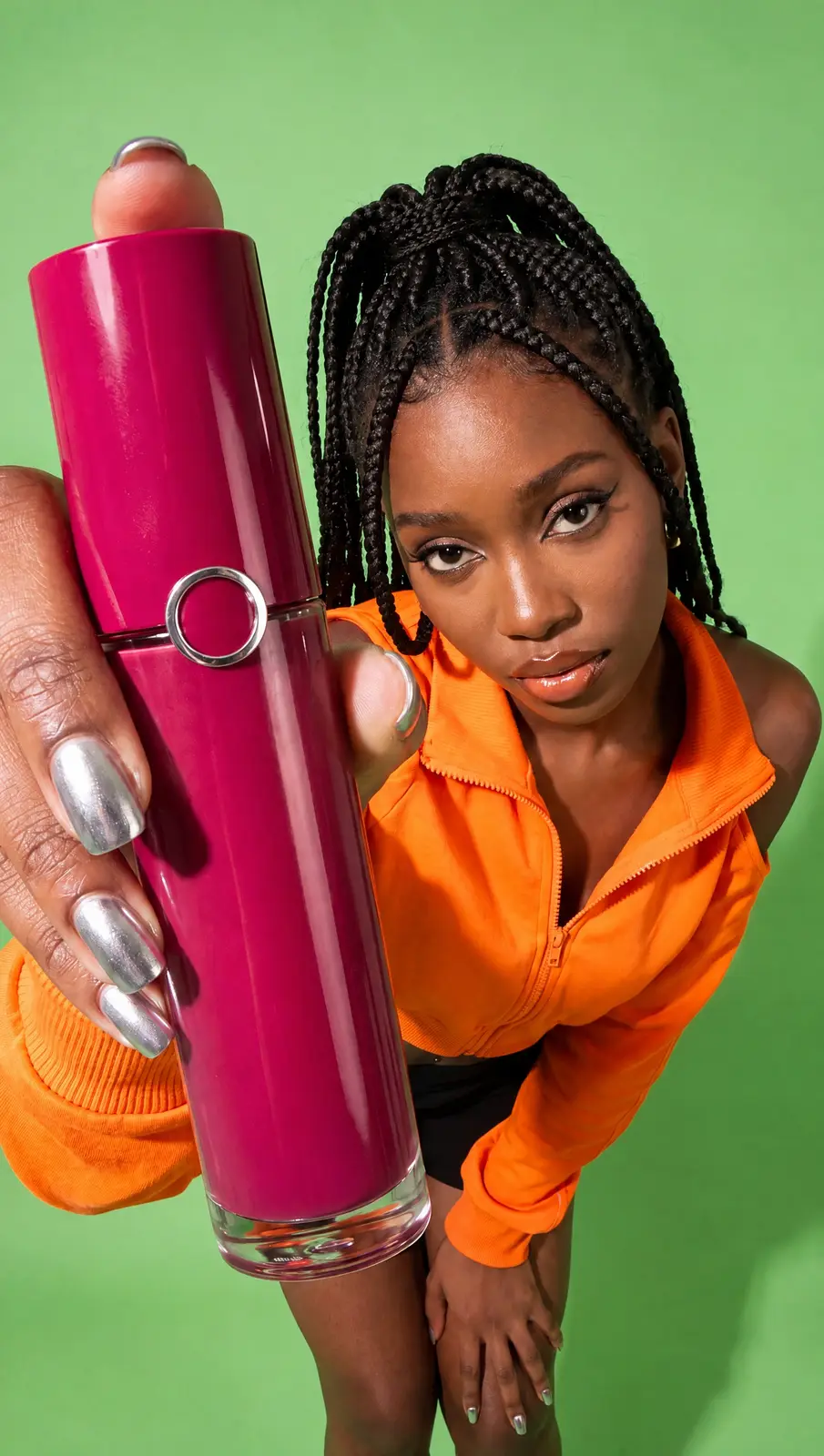
A real-looking creator opens, tries and talks up your product in a handheld phone clip, with the label kept exact.
Describe the scene and the look, and get a cinematic shot with few cuts, wide framing and sound.
Upload one still and get a moving shot with natural motion and sound, ready to post.
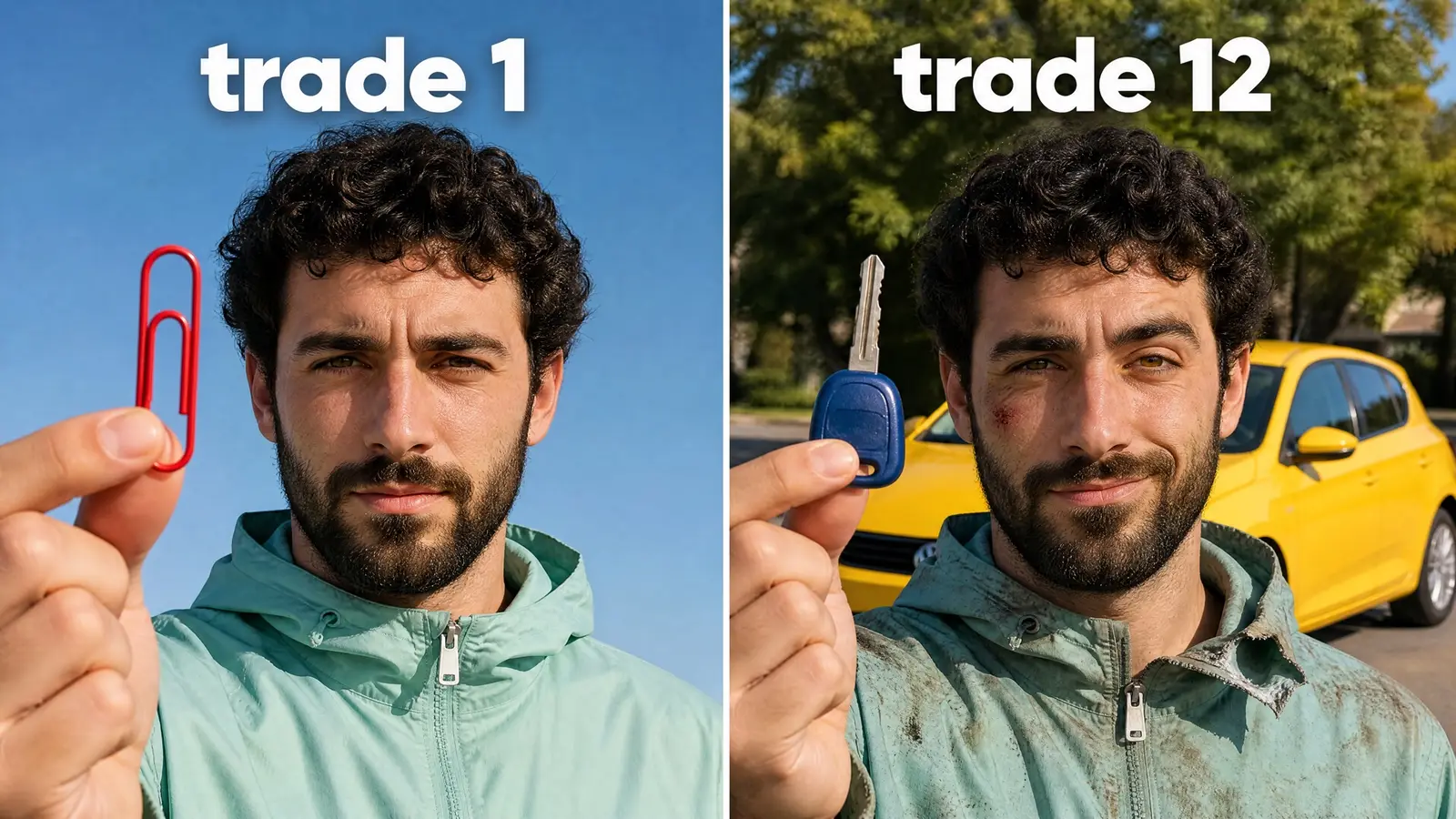
Bold faces, big contrast and almost no text. Made for the 2-second scroll.
Three cuts of the same ad, each opening a different way, so you can test which one wins before you spend.
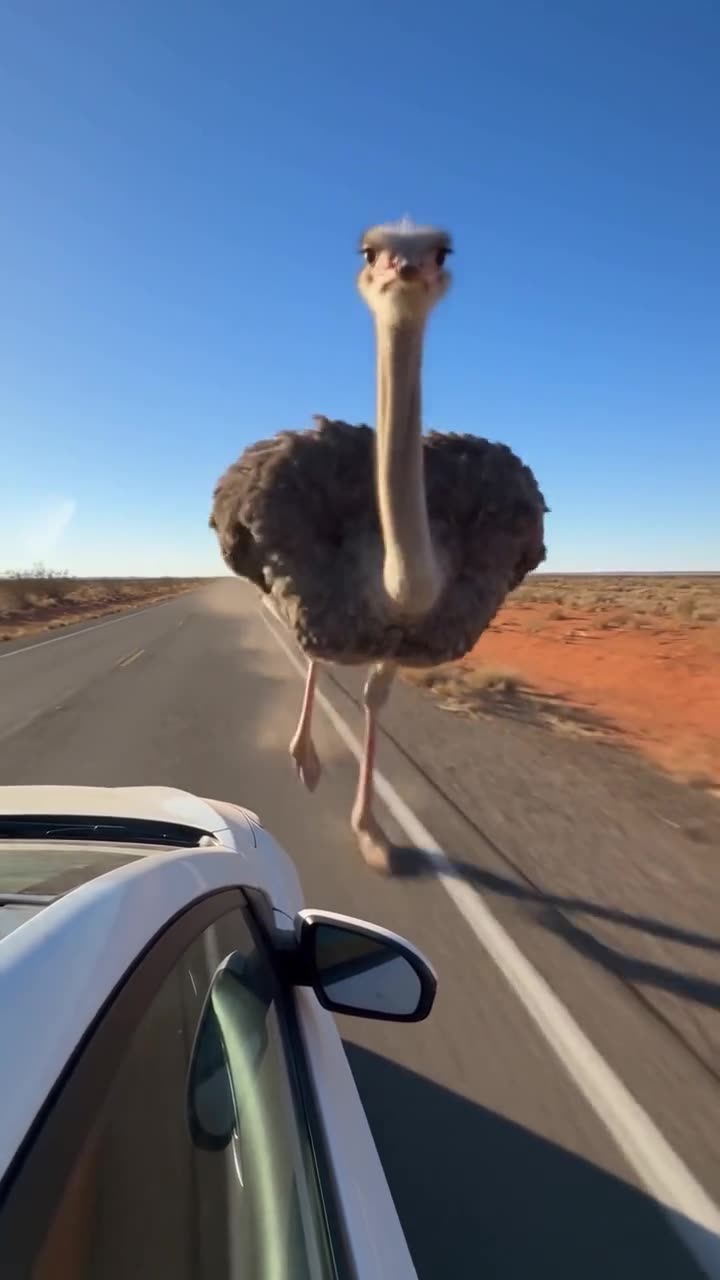
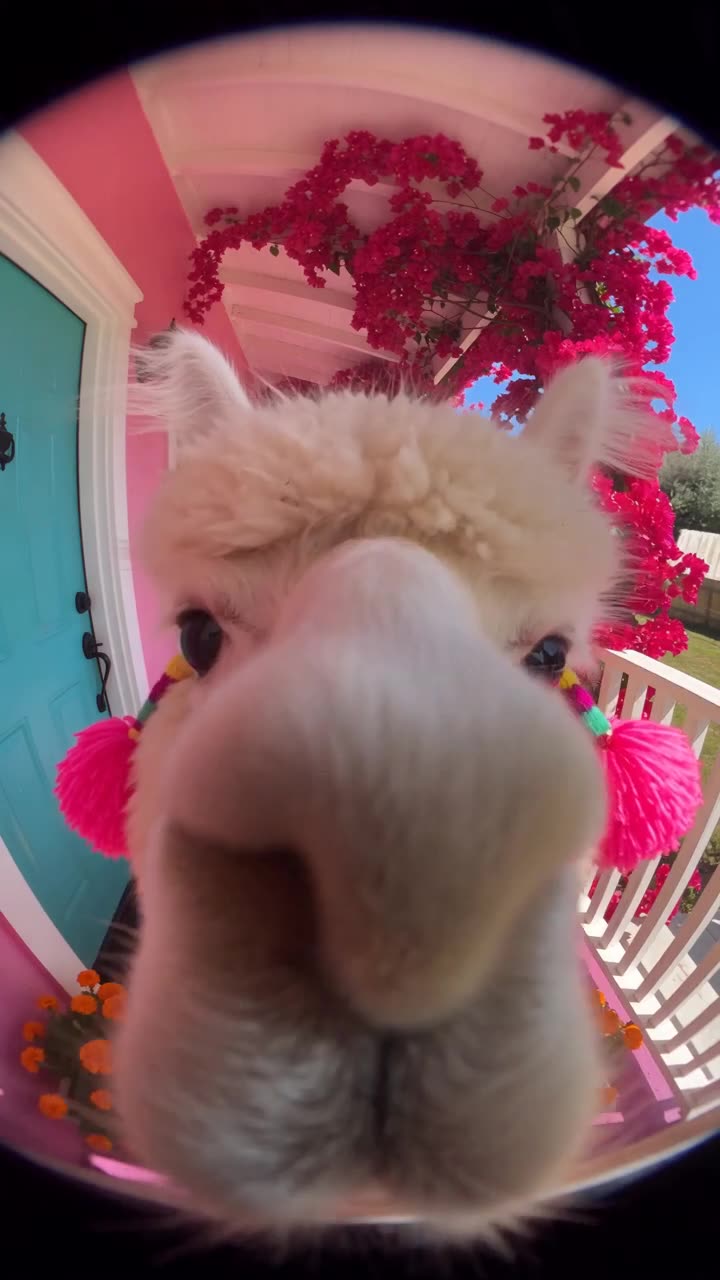
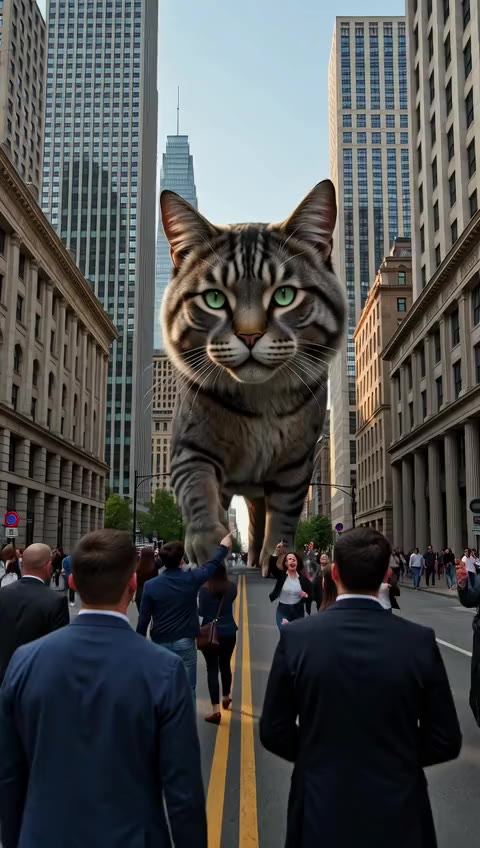
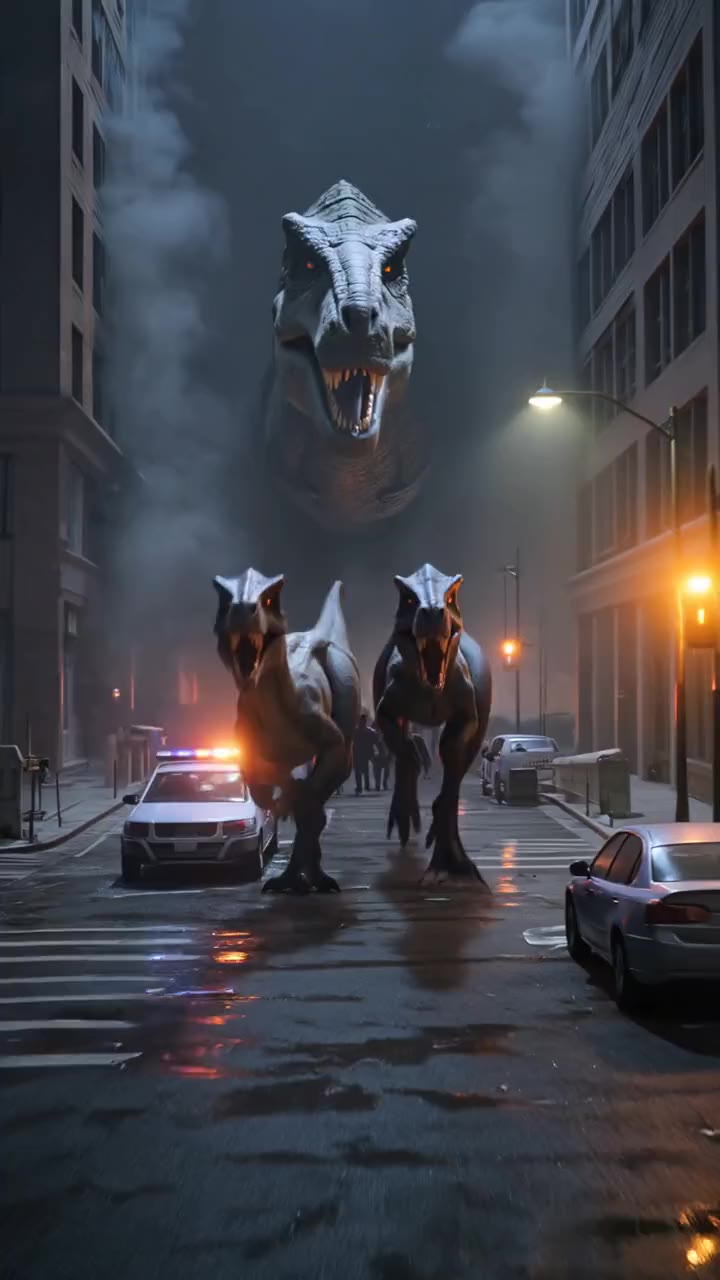
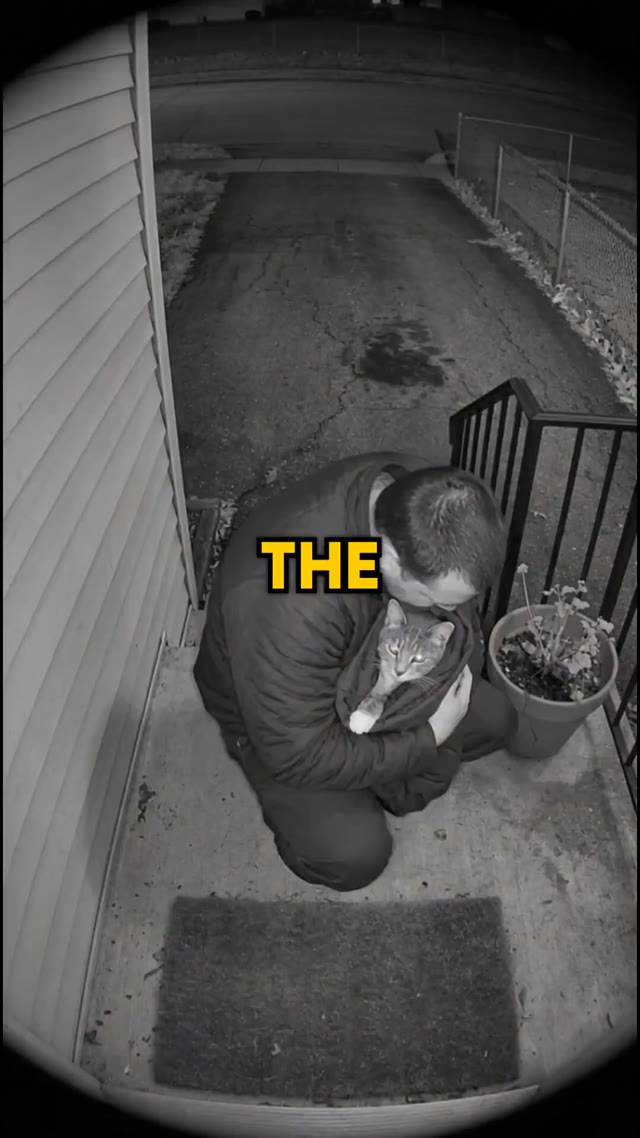
Dashcam and doorbell looks that make an unlikely moment feel caught on camera.
Bright 3D animation that never stops moving, with the song sung by children's voices and no text on screen.
Trusted by 5,000+Trusted by 5,000+ creators