Auto captions for Shorts and TikTok
Upload a video up to 2 minutes and Everygen Auto Captions transcribes it and lays out animated captions in one of 33 styles, in the spoken language or translated into one of 33 others, then exports a 9:16 MP4.





Trusted by creators with billions of views
Before and after made in Everygen
- ClassicUGC ad, spoken word in yellow
- CleanTalking head, two-line subtitles
- LowkeyProduct clip, small words low down
- Sticker chipsTalking clip, a chip per word
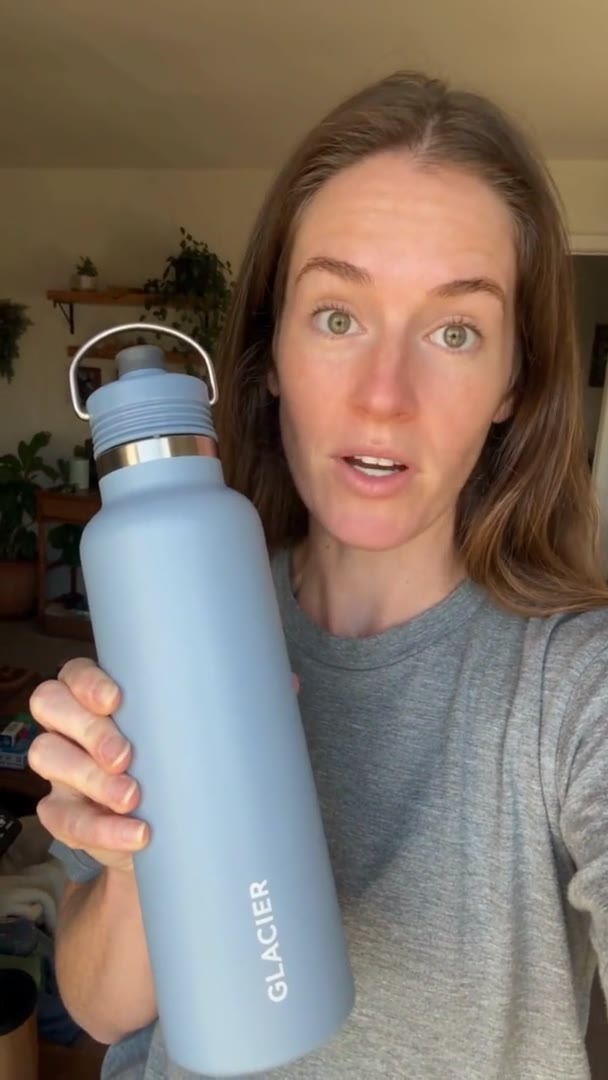
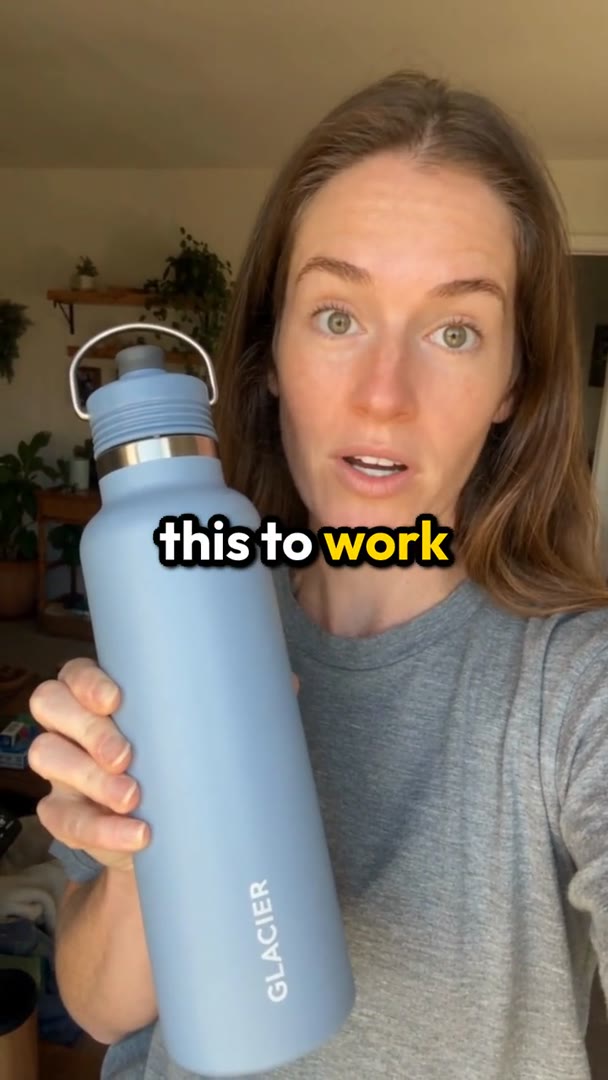
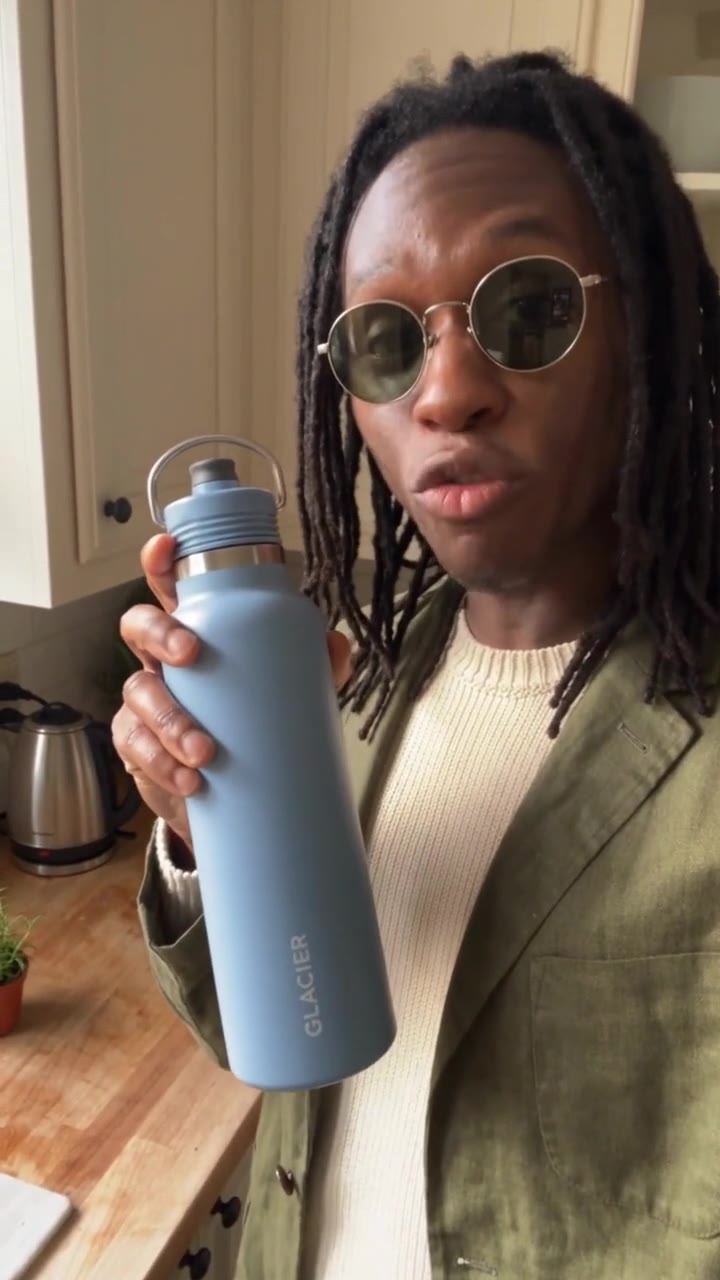
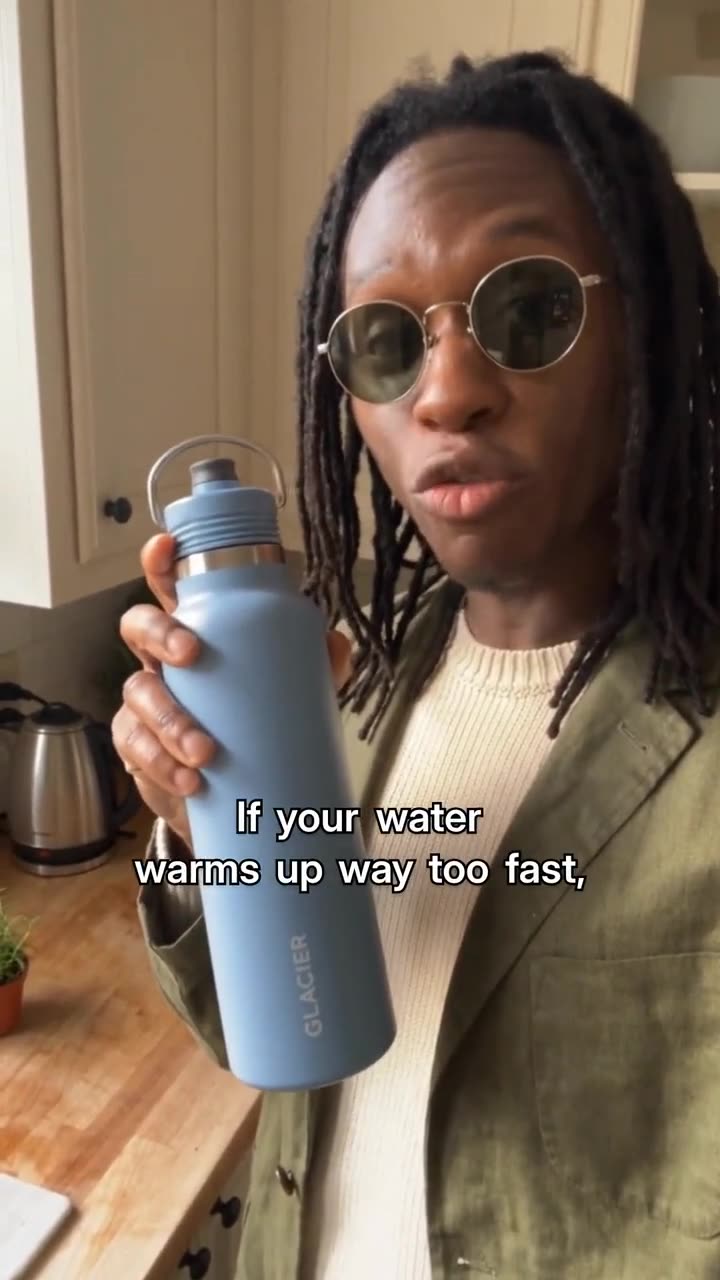

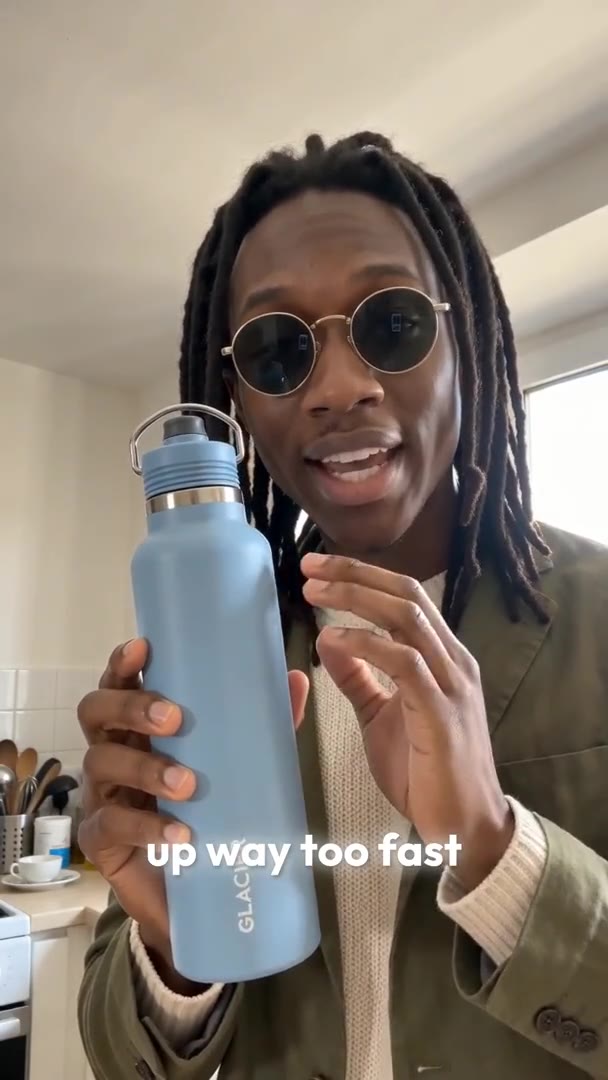


Each pair is one Everygen clip before and after Auto Captions. Classic sets one line mid-frame and turns the spoken word yellow; Clean sets two lines of plain subtitles low in the frame; Lowkey shows a few small words at a time; Sticker chips puts each word on a coloured chip. Every source was made in Everygen with no text on it.
Auto Captions at a glance
- Captions for TikTok, Shorts and ReelsBurned in, so they show on every app.
- 2 minutesThe longest clip captioned in one go.
- 100 MBThe largest file the upload takes.
- Video or audioMP4, WebM or MOV, or MP3, WAV or M4A.
- 33 stylesIn 11 families, from Clean to Kinetic.
- 33 languagesTranslated with the same word timing.
- 9:16 MP4Captions burned in, with no watermark.
Auto Captions makes vertical video: a wider or longer clip gets a crop and trim step first. The captions are part of the picture, so they show wherever you post the MP4. Read the limits
How it works in three parts
- 01
Hear every word
Upload a clip and Everygen transcribes the speech with a timing for each word. Leave "Captions in" on the spoken language and it is detected, or pick one of 33 languages and the words are translated with the same timing, at no extra charge.
Word timingsLanguage detected33 languages - BeforeAfter02
Lay out animated captions
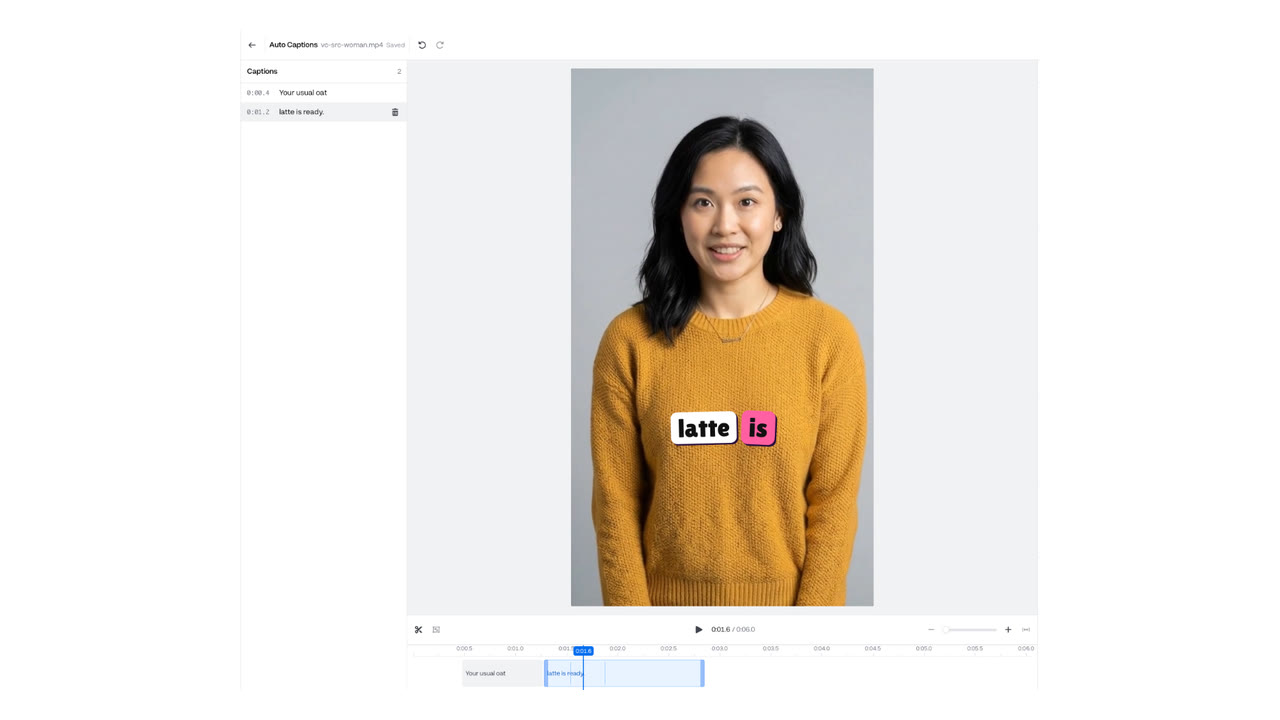
The style you pick groups the words into short lines and animates them as they are spoken. In this clip, Classic set one line across the middle of the frame, in white with a dark outline, and turned each spoken word yellow. Change any word or restyle it in the editor.
33 stylesWatched on this clip - 03
Export a 9:16 MP4
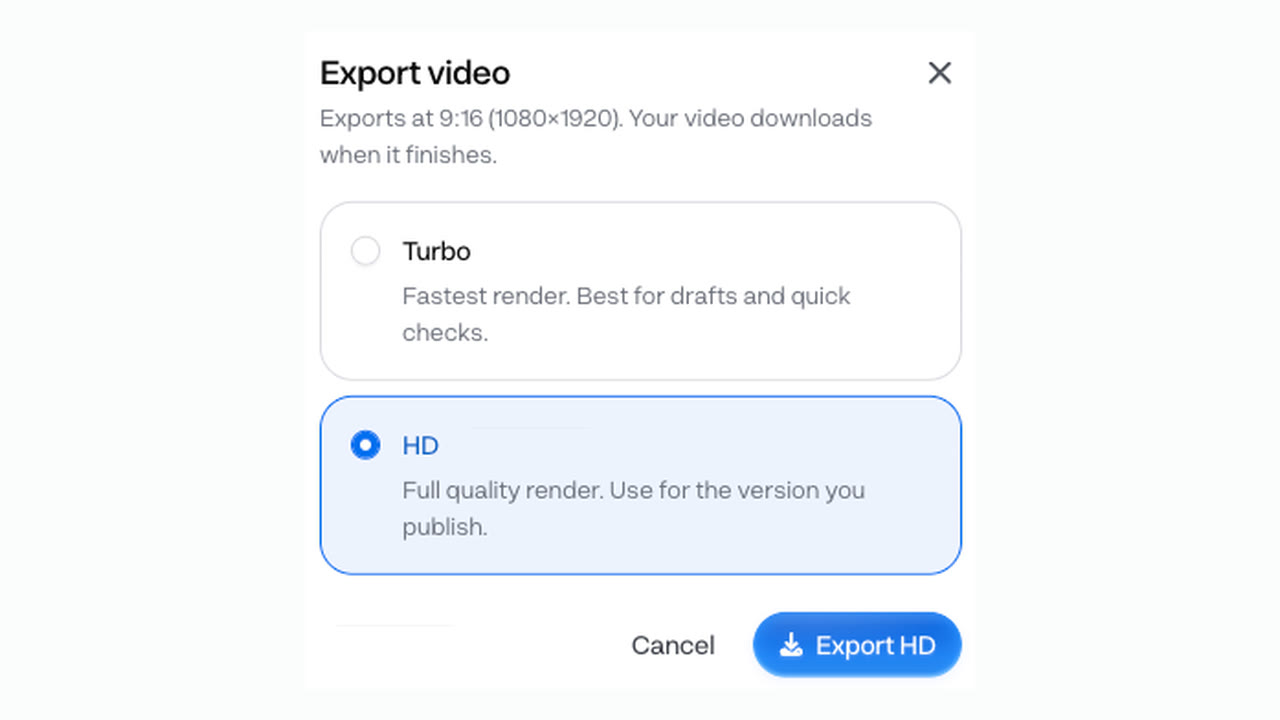
Export burns the captions into the picture and downloads a vertical MP4 with no watermark, ready for Shorts, TikTok and Reels. Because the words are part of the picture, they look the same on every app you post to.
9:16 MP4No watermark
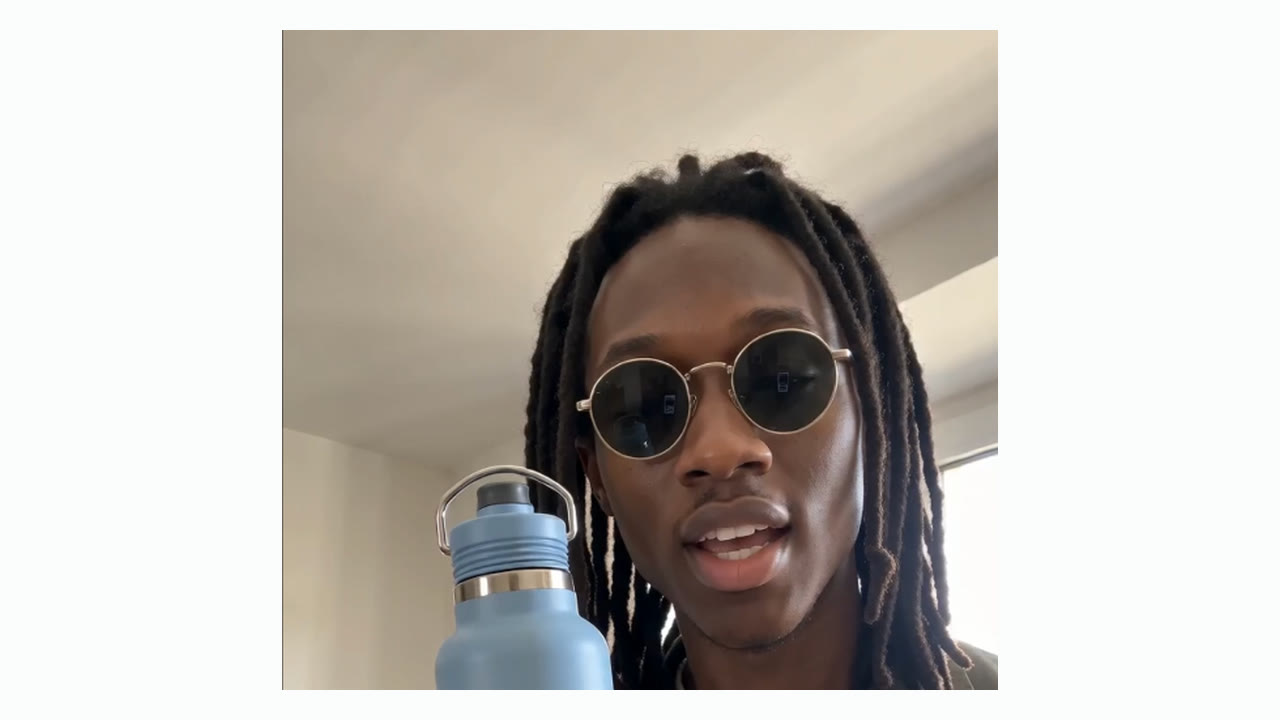
Caption a video in 4 steps
- Step 1Upload a videoMP4, WebM or MOV, up to 2 minutes and 100 MB.
- Step 2Pick the languageThe spoken one, or one of 33 to translate into.
- Step 3Pick a style and fix wordsChoose from 33 styles, then edit any word.
- Step 4Export the videoDownload a 9:16 MP4 with the captions on.
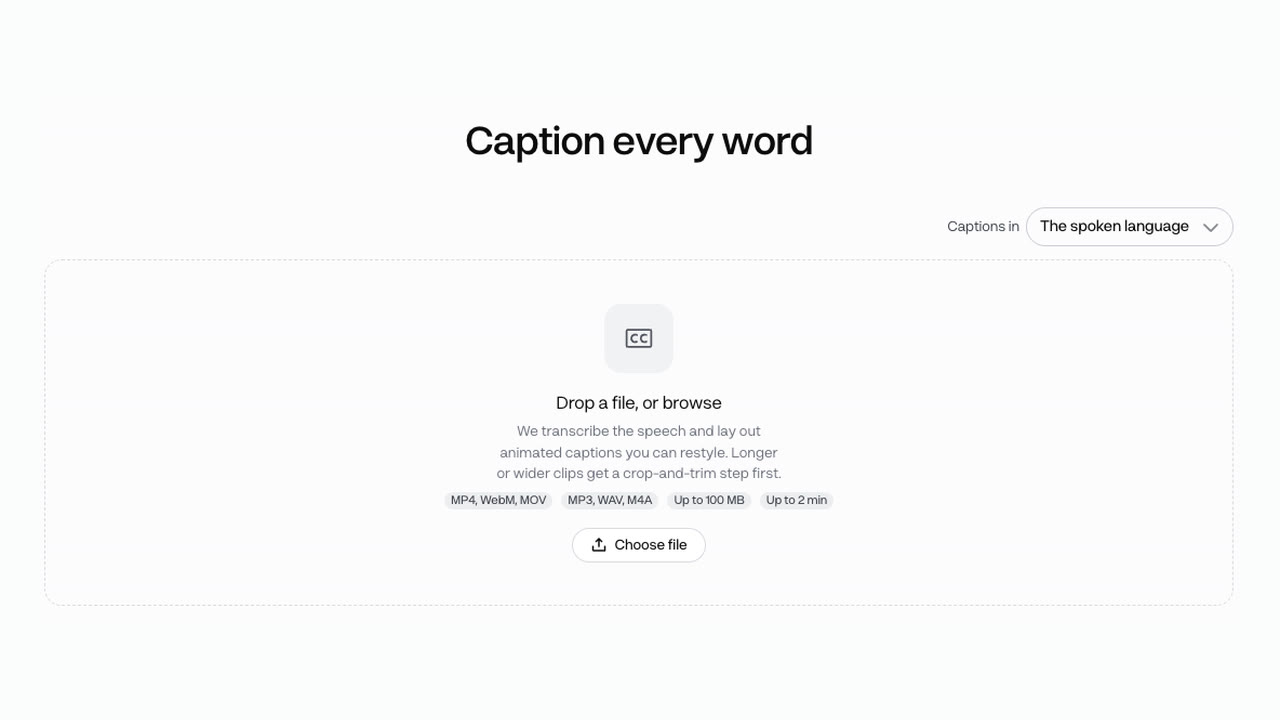
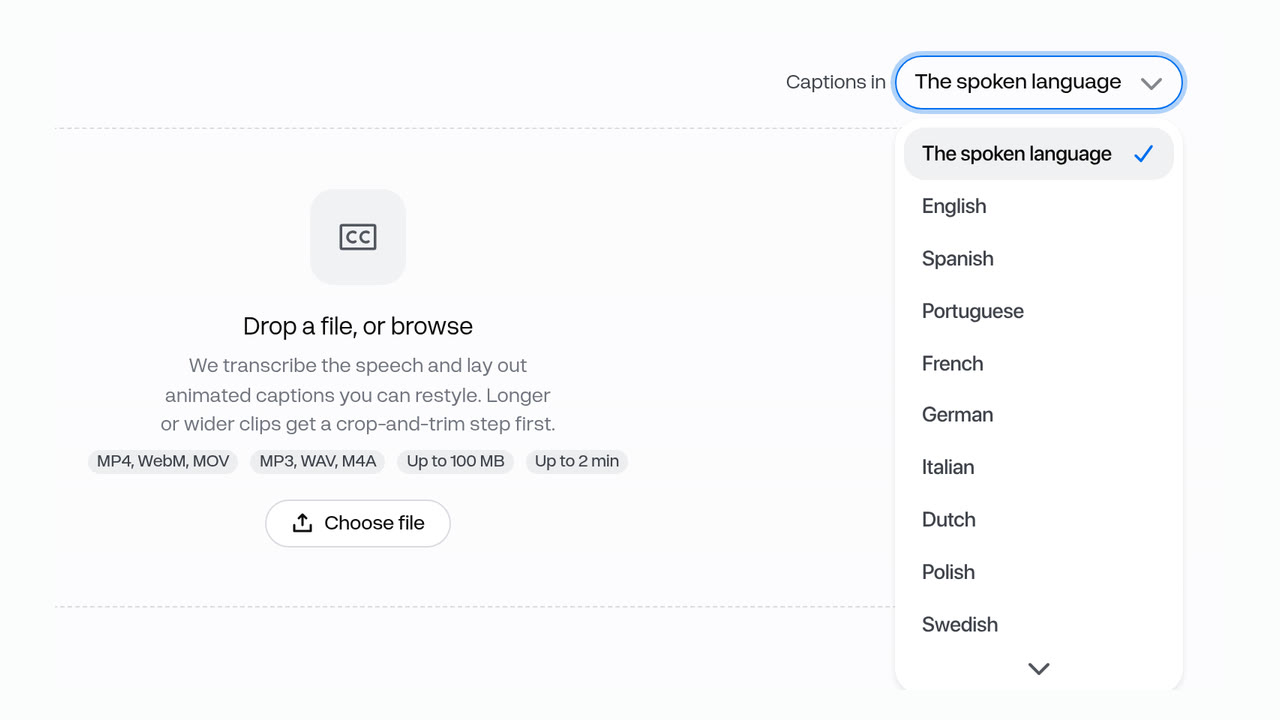
Audio works too: MP3, WAV or M4A up to 100 MB. Pick the language before the upload, since translation runs on the words as they are heard.
Two styles, one clip, at the same price
- Sticker chips · 1 creditEach word on its own coloured chip.
- Classic · 1 creditOne line, the spoken word in yellow.

Every style costs the same: you pay for the export, and translating the captions is free. Both clips are the same upload, exported once in each style. Most accounts pay 1 credit an export; older accounts pick Turbo for 2 credits or HD for 3 credits. Transcription is 1 credit per 25 minutes of audio.
- Starter$0.05 an export, about 200 exports a month
- Pro$0.04 an export, about 500 exports a month
Dollar figures are plan credits at the yearly price per month. The generator shows the exact credit price before you start.
Tips for captions people read
- Check names and brand wordsFix any word in the editor before export.
- Trim to the part you postClips over 2 minutes get a trim step first.
- Centre the speakerA wide clip is cropped to 9:16.
- Save your brand styleRestyle once, reuse it on the next video.
- Remove old captions firstClear burned-in text with Caption Remover.
- Caption footage you can editYour own clips, or ones you may repost.
The transcript is only as good as the audio, so check names and product words before you export. You keep the rights to what you make in Everygen.
Auto Captions, not typing them by hand
- By handType them in an editorEvery line placed and timed by you.
- In-appUse one app's captionsThey stay on that app when you repost.
- NonePost with no captionsViewers with sound off get no words.
- AutoAdd captionsAuto CaptionsTimed word by word, burned into the MP4.
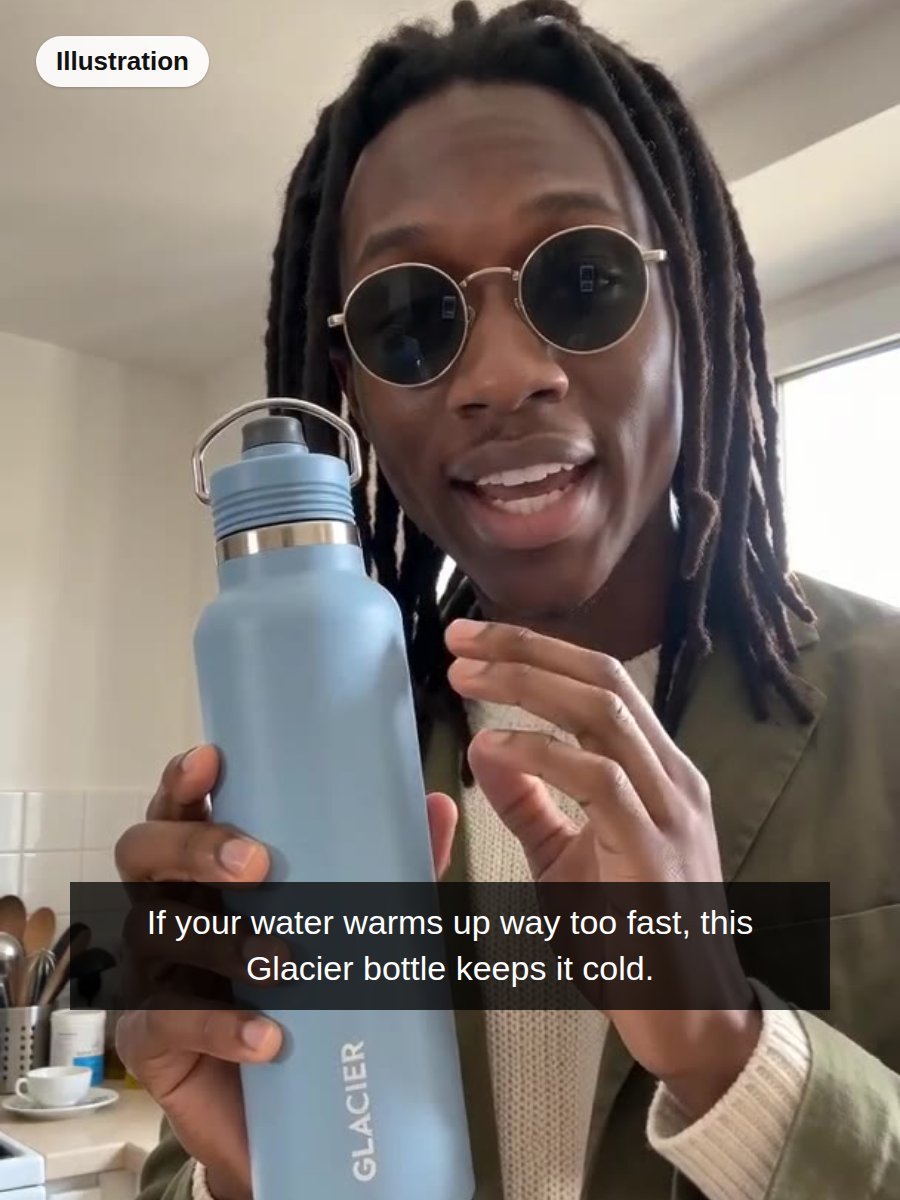
To add word-by-word captions to a Short, upload it to Auto Captions and pick a style. The words are timed for you, and the export carries them to TikTok, Shorts and Reels alike. The typed caption is an illustration: the Lowkey clip’s own words laid on as one block.
Pick a style from 33
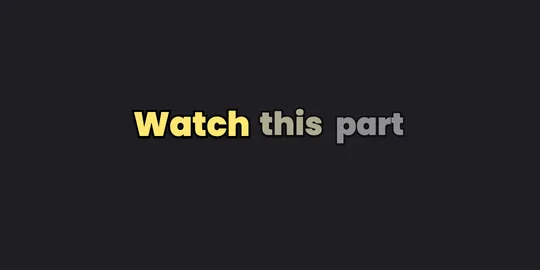

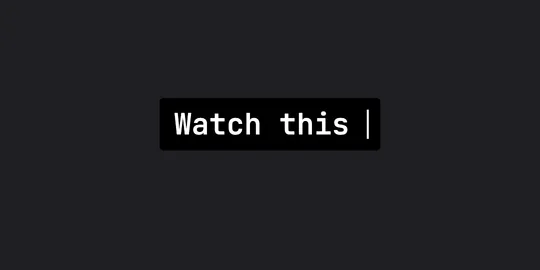

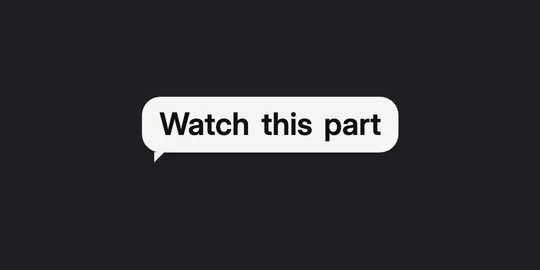
33 styles in 11 families, from plain subtitles to word-by-word highlights. These five are stills of real Auto Captions styles.
What people use it for on their own clips
- UGC adsAdd captionsCaption a UGC adPut the pitch on screen for muted viewers.
- Talking headsSubtitle a talking-head clipUp to 2 minutes, captioned 9:16.
- One-linersCaption a one-line clipA chip per word for a short spoken line.
Caption your own clip, or one you saved with Video Downloader. To swap captions already burned in, clear them with Caption Remover first.