

Make videos in Claude
Claude can't make video by itself; add the Everygen MCP connector (https://everygen.ai/api/mcp) and Claude creates videos, images and voiceovers in the chat, charged to your Everygen credits at the website's prices.
https://everygen.ai/api/mcp




Trusted by creators with billions of views
Prompt in, video out made with the Everygen MCP
- PromptUse the Everygen MCP to make a 10-second vertical 3D explainer short on what happens inside a lightning strike. Vivid, realistic 3D, no voiceover, and something new happens every second.3D explainerInside a lightning strike
- PromptUse the Everygen MCP to make a 10-second vertical clip that looks like real dashcam footage: an ostrich sprints alongside the car on a sunny desert highway and races it while the driver loses it laughing.Dashcam lookAn ostrich races a car
- PromptUse the Everygen MCP to make a 12-second vertical 3D animated short with sound: a tiny robot tries to water a dying flower. Bright, colourful family-film animation, expressive characters, and a clear beginning, middle and end.Animated shortA robot and a flower
- PromptUse the Everygen MCP to make a 10-second vertical anime fight: a swordswoman against a hooded chain assassin on a rooftop at sunset. The fight is already moving in the first frame and never lets up, with clashes, sparks, leaps and sound.Anime fightA rooftop duel




Before is the prompt; after is the video the Everygen MCP made from it. These are four of the /mcp templates, each a 10 to 12 second vertical clip. Paste one into Claude to make your own version.
Everygen in Claude at a glance
- One connector for video in ClaudeAdd it once; every chat can use it.
- 5 model familiesSeedance, Kling, Gemini Omni, MiniMax and Grok Imagine.
- 2 model familiesNano Banana and GPT Image.
- Voice and musicVoiceovers, voice change and music.
- Captions and joinsAdd or remove captions, join clips.
- Website pricesThe same settings cost the same.
- No watermarkIn Claude, as on the website.
Claude writes text and code but has no video model of its own. The Everygen connector gives it one: Claude sends the job to Everygen, checks on it, and posts the result in the chat.
How it works in three parts
- 01
Connect once
Add Everygen as a custom connector in Claude with the URL https://everygen.ai/api/mcp, then sign in to Everygen and approve its permissions. Each permission is its own scope, such as making videos or reading your credits. After that, every chat can call Everygen's tools.
Custom connectorOAuth sign-in - Prompt, opening wordsUse the Everygen MCP to make a 10-second vertical 3D explainer short on what happens inside a lightning strike. Vivid, realistic 3D, ...PromptVideo02
Ask in plain words
Describe the video, or paste a template prompt. Claude picks the tool and the settings, runs Kling 3.0 Turbo unless you name another model, and checks on the job until the clip is ready. This 3D explainer came from the prompt beside it.
Any model by nameKling 3.0 Turbo by default - 03
The same tools, the same prices
Videos from Claude go through the same start and charge as the website's generator, and images use the same price list, so the same settings cost the same. Claude posts the result in the chat, with no watermark.
Website pricesNo watermark

Claude charges your Everygen credits at the website's prices, for the model and length it runs. Name a model in your message to switch; Claude can tell you the price before it starts.
- Starter$0.45 a 5-second Kling 3.0 Turbo clip, about 20 clips a month
- Pro$0.38 a 5-second Kling 3.0 Turbo clip, about 50 clips a month
Dollar figures are plan credits at the yearly price per month. The generator shows the exact credit price before you start.
Tips for prompting video in Claude
- Start with "Use the Everygen MCP"Claude then knows which tool to call.
- Say length and shapeSuch as 10 seconds, vertical, with sound.
- Name a model to switchOtherwise Claude uses Kling 3.0 Turbo.
- Ask the price firstClaude can estimate a run and check your balance.
- Attach the product photoThen say what must stay exactly as shown.
- Use photos you may useYour own, or ones you have rights to.
Say the length, the shape and the sound in the prompt, as the templates do. You keep the rights to what you make in Everygen.
What people use it for without leaving Claude
- Faceless explainerConnect to ClaudeExplainers for a channelAn explainer with no one on camera.
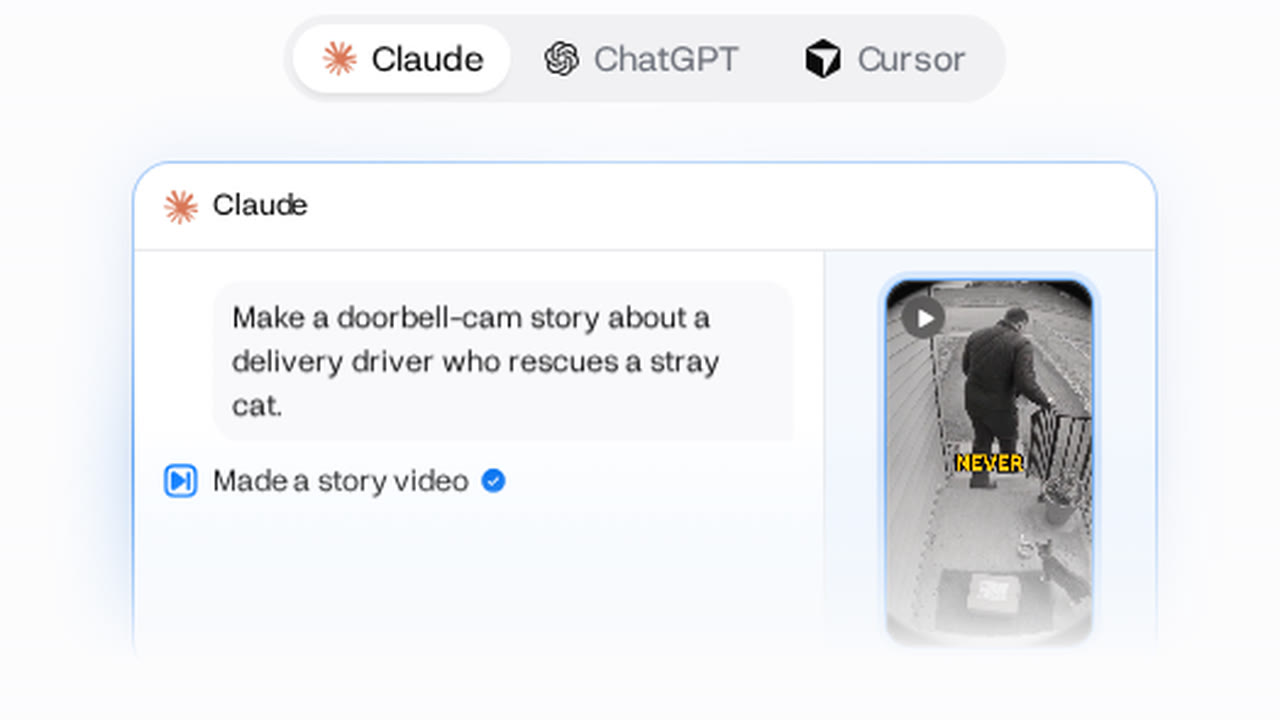
- StoryA narrated story videoScenes, narration and sound in one chat.
- CinematicA cinematic 16:9 sceneWide shots and sound, planned by Director.

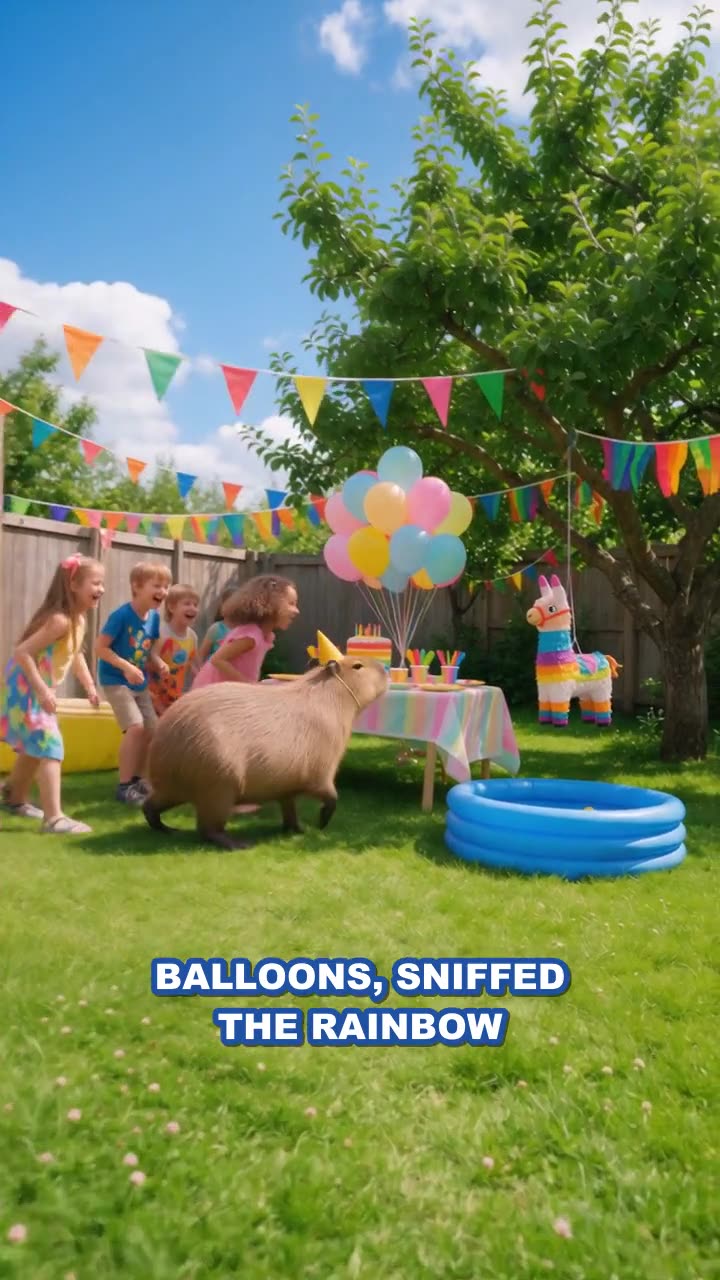
The /mcp page has a template for each of these, with the prompt to paste. Claude Code reads the same connector you add on claude.ai.