
Turn a product URL into a video ad
Paste a product page link and Everygen reads it into a creative brief, then makes a video ad in one of 23 formats, such as UGC Handheld, Unboxing ASMR and Crush Test, at 9:16, 16:9 or 1:1.

Trusted by creators with billions of views
Product in, ad out made in Everygen Ads
- UGC HandheldKitchen, auto actor
- Preset actorSame product and script
- Hyper MotionNo people, product only
- Product B-RollOn a trail rock
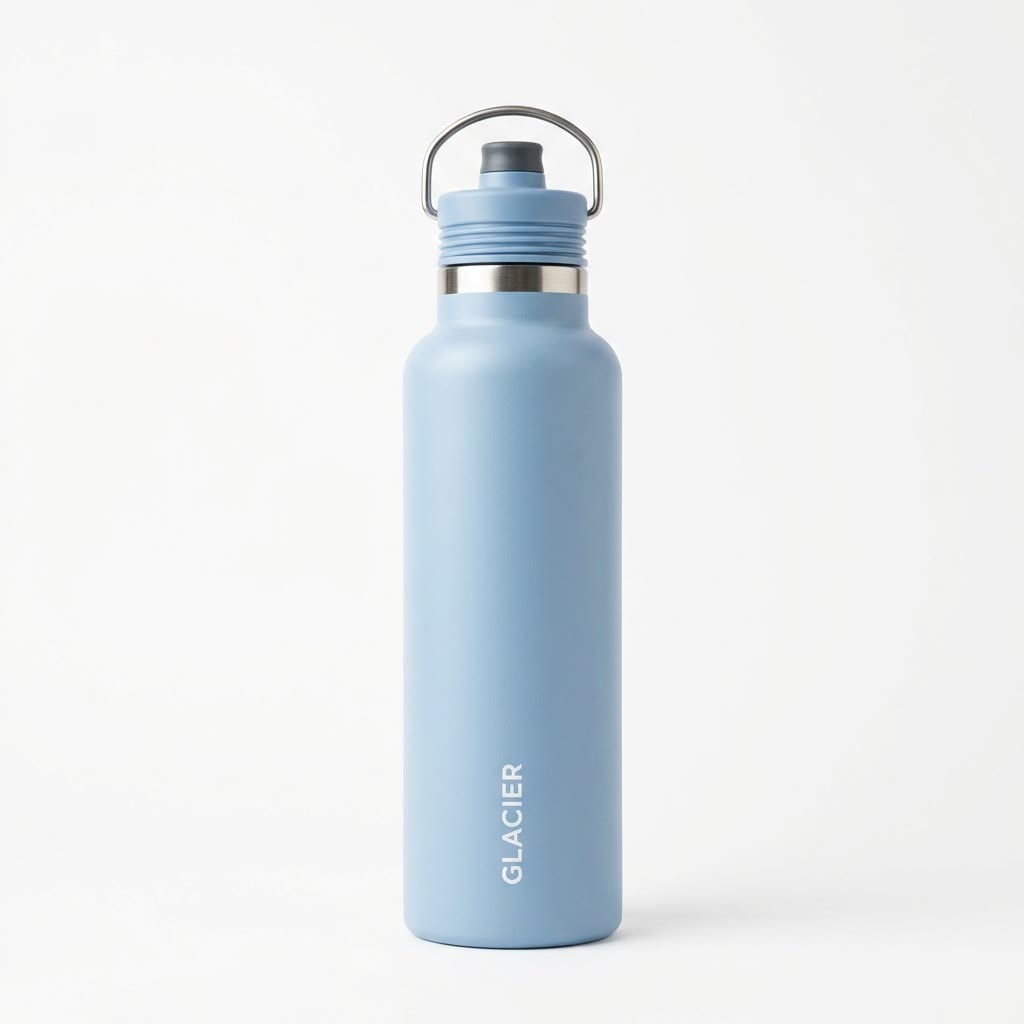
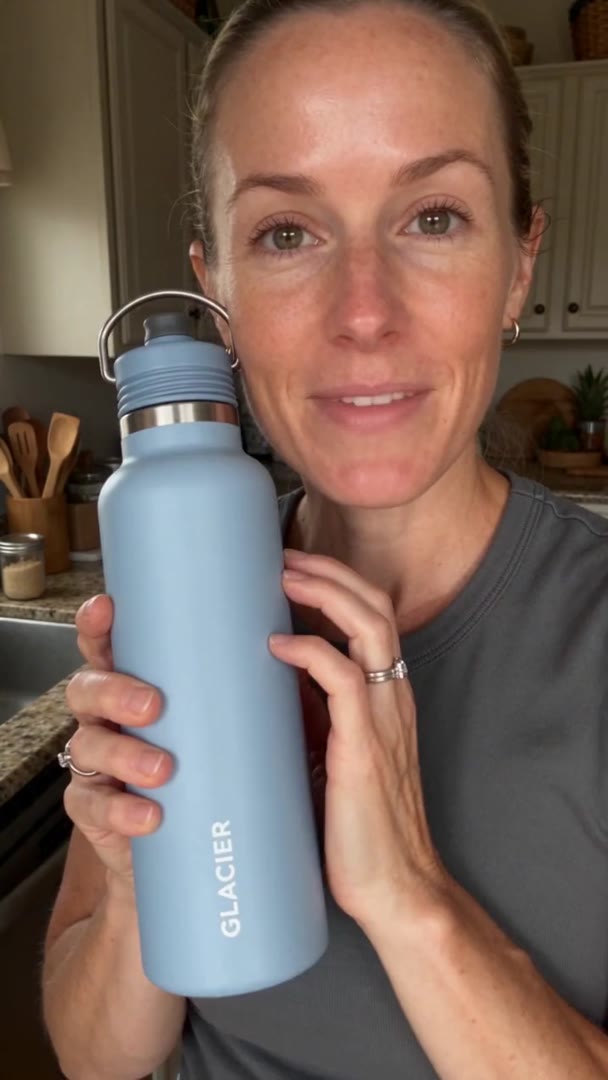
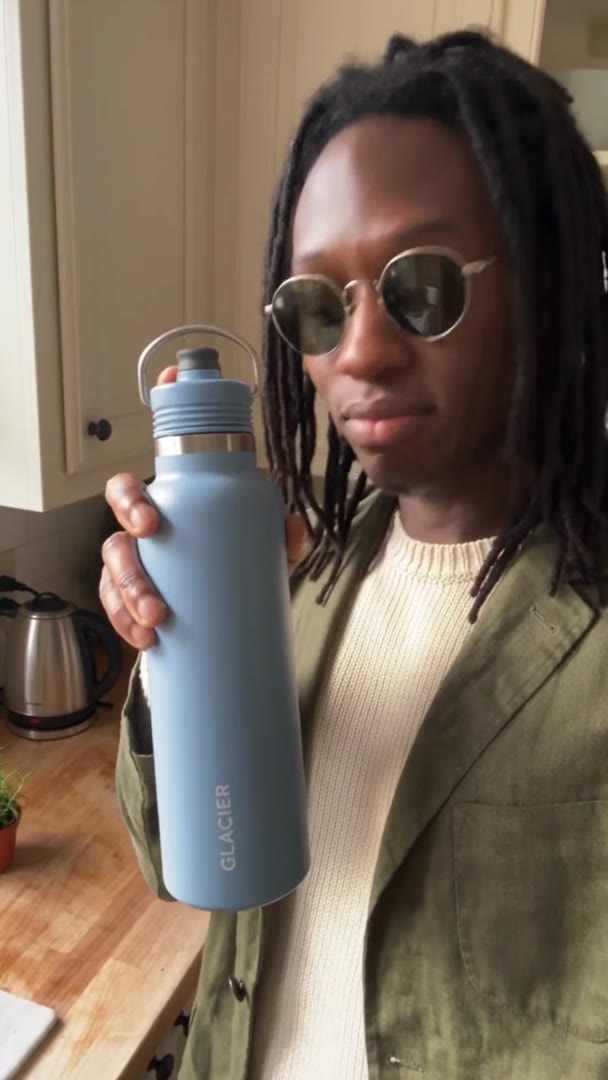
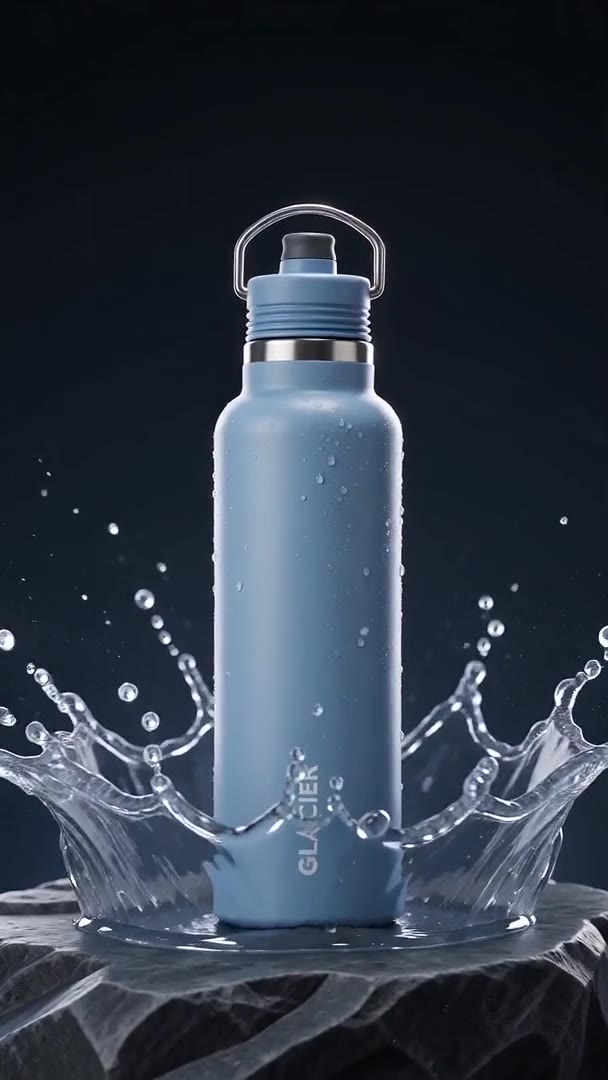
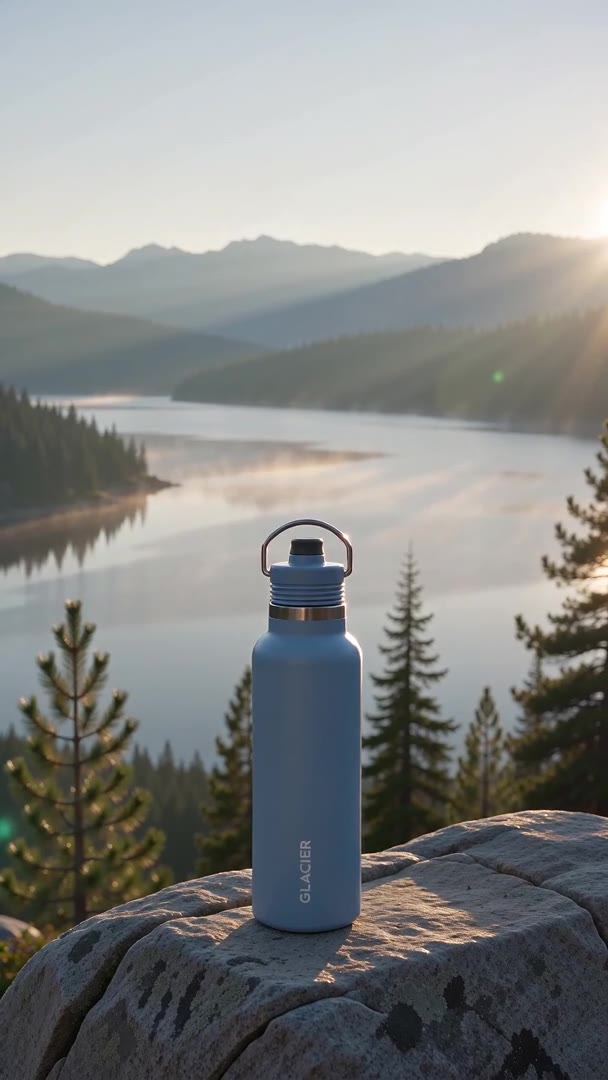
Before is what went into Ads; after is the ad it made. All four Glacier ads, a made-up brand, started from one product photo, not a link; the format alone changes the shot. A link works the same way: Ads reads the page into the brief first.
Ads at a glance
- Product ads for TikTok, Reels and Shorts9:16 by default, with 16:9 and 1:1.
- A link or a photoA product page, an app link, or one photo.
- 23 formatsUGC, commercial and voiceover styles.
- 9:16, 16:9, 1:1Square on MiniMax and Seedance models.
- 4 to 15 secondsSet per ad before you make it.
- 8 modelsMiniMax, Seedance, Gemini and Grok; Seedance 2.5 Flash by default.
- No watermarkDownload the ad and post it anywhere.
One product, one format and one model make one ad of 4 to 15 seconds. Ads needs no footage: the link or photo is the only input, and the actor, setting and script are made for you.
How it works in three parts
- 01
Read the page into a brief
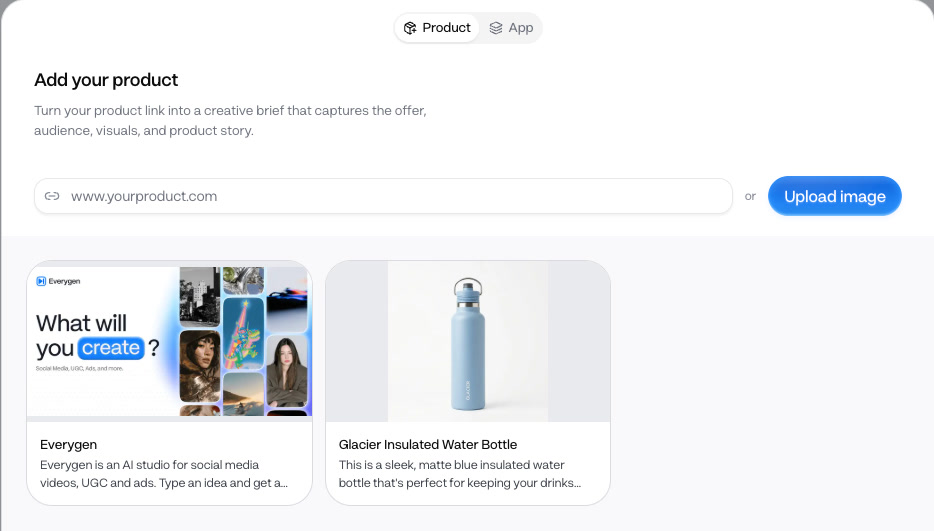
Paste a product page link and Ads reads the product's name, description and images into a creative brief. A review dialog shows what it found before anything is saved. On a page about several things it can pick the wrong one, so check the name and fix it there.
Product or App linkEditable brief - ProductAd02
Pick a format, get a script
Each of the 23 formats sets how the ad is shot: UGC Handheld is a selfie-style product read, Unboxing ASMR a close unboxing, Crush Test a durability test. The Assistant can write the script from your product. This ad came from one photo, with the script the Assistant wrote.
23 formatsScript from the product - 03
Make it, then make another
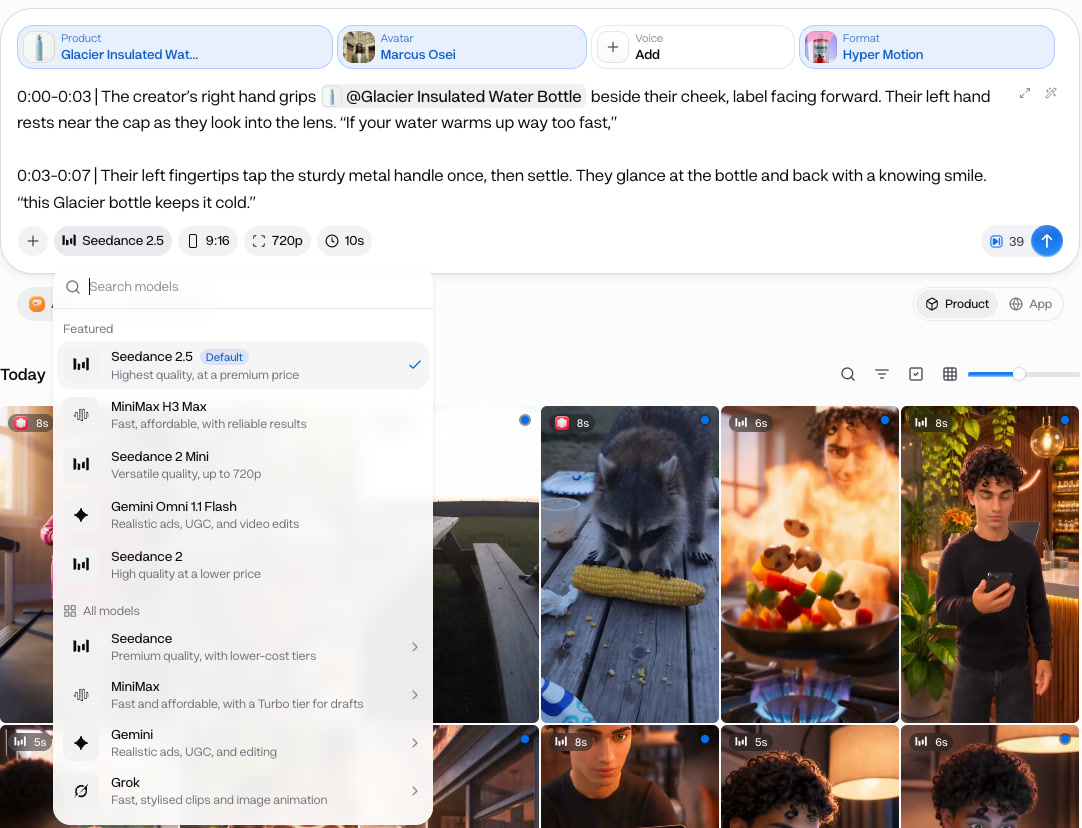
Pick the model, the shape and the length, and the button shows the price before you start. Seedance 2.5 Flash is the default. Each run makes one ad, so keep the product and change the hook, format or actor to build a set of versions to test.
8 models9:16, 16:9, 1:1One ad per run
From link to ad in 4 steps
- Step 1Paste the product linkOr upload a photo, then check the brief.
- Step 2Pick a format23 formats; edit the script if you like.
- Step 3Pick a model and shape8 models, 3 shapes.
- Step 4Make the ad4 to 15 seconds; the price shows first.
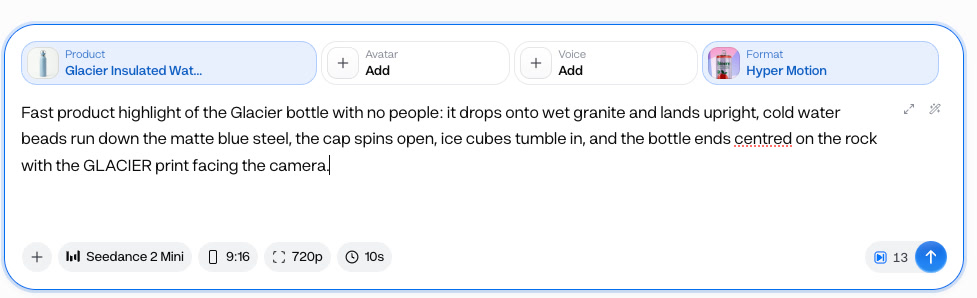
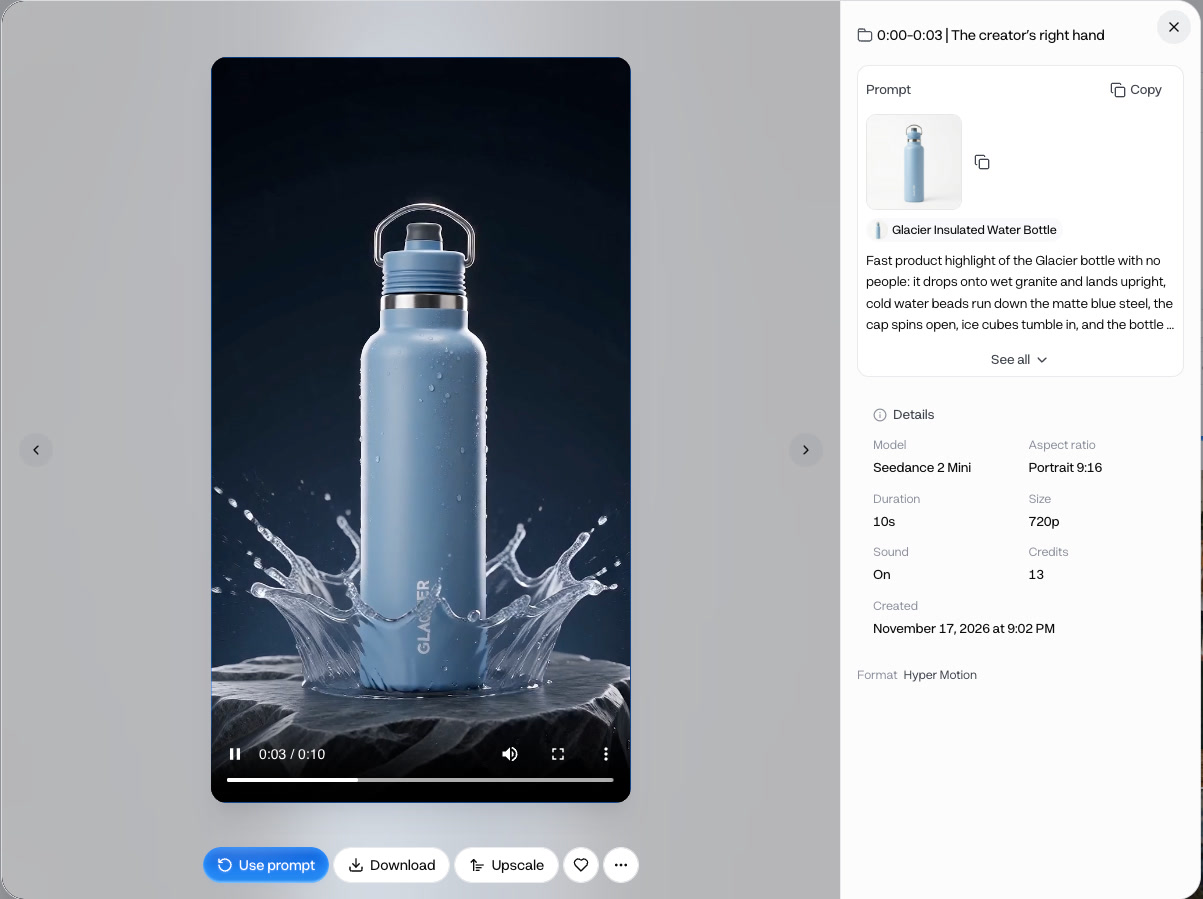
Ads needs the link or a photo, nothing filmed. If a page blocks reading, upload a product photo and type the details instead.
Pick the model for the job
- Seedance 2.5 Flash · 26 creditsThe default, a 10-second ad at 720p.
- Seedance 2 Mini · 13 creditsThe same product, actor and script.
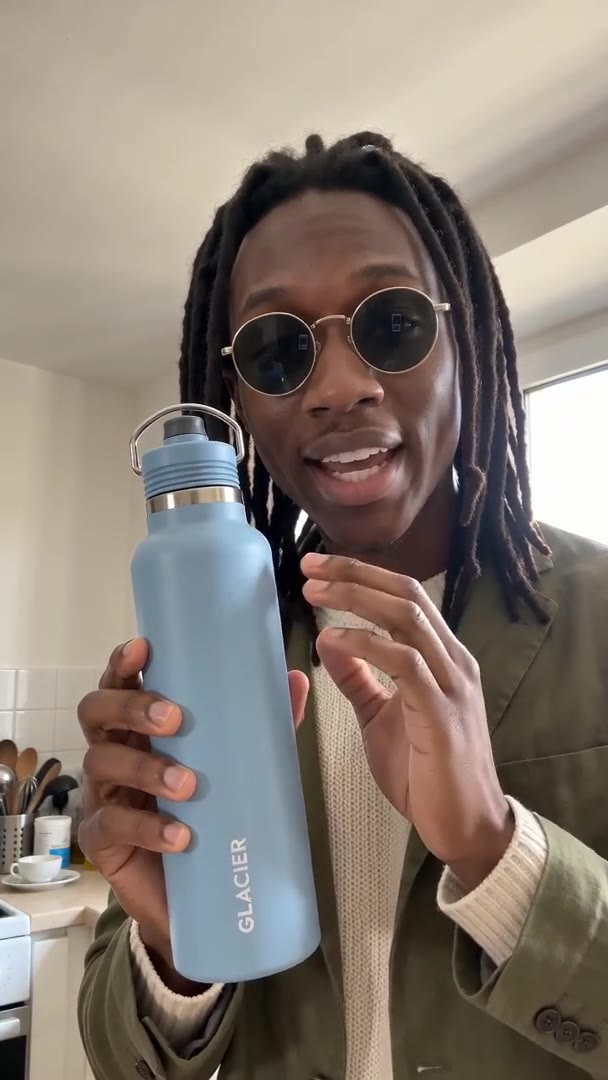
The price depends on the model and the length, and the button shows it before you start. Both ads here are the same product, actor and script; draft hooks on Seedance 2 Mini, then make the version you keep on Seedance 2.5 Flash.
- Starter$1.17 a 10-second ad on Seedance 2.5 Flash, about 7 ads a month
- Pro$0.99 a 10-second ad on Seedance 2.5 Flash, about 19 ads a month
Dollar figures are plan credits at the yearly price per month. The generator shows the exact credit price before you start.
Tips for ads worth testing
- Link one product's pageA page with many products can blur the brief.
- Read the brief firstFix the name and description before saving.
- Use a sharp, plain photoA clear label comes back clear in the ad.
- Change one thing per versionSwap only the hook or format, then compare.
- Draft on Seedance 2 MiniThen remake the winner on Seedance 2.5 Flash.
- Use products you sellOnly make ads for products you may promote.
The brief steers every ad made from the product, so a minute spent fixing it saves runs later. You keep the rights to what you make in Everygen.
The formats in the Ads picker
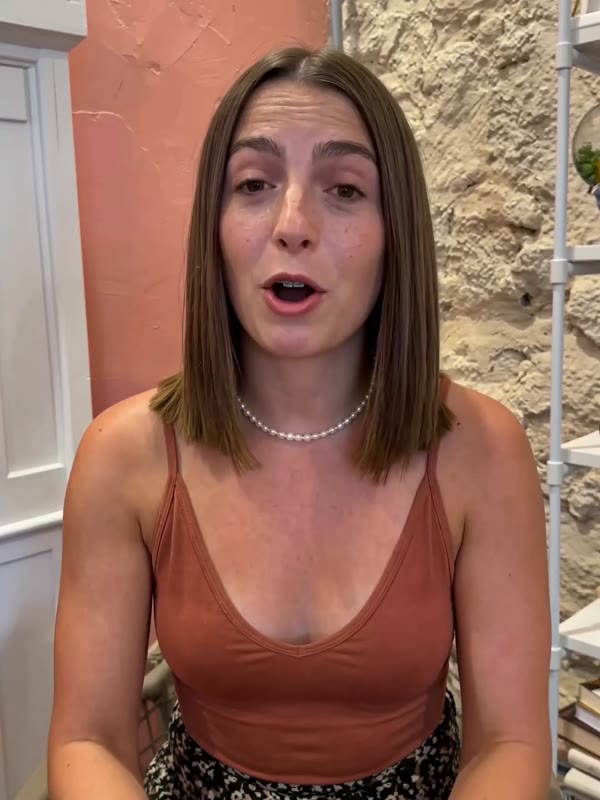
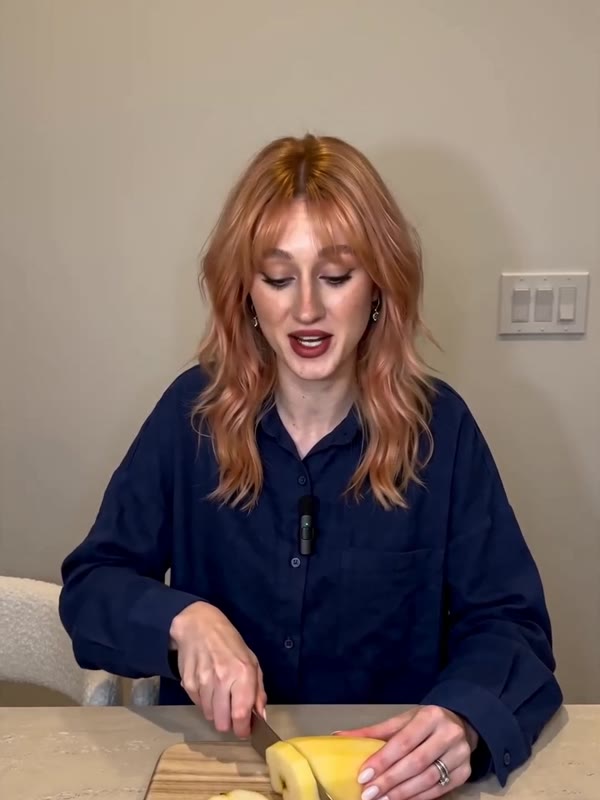
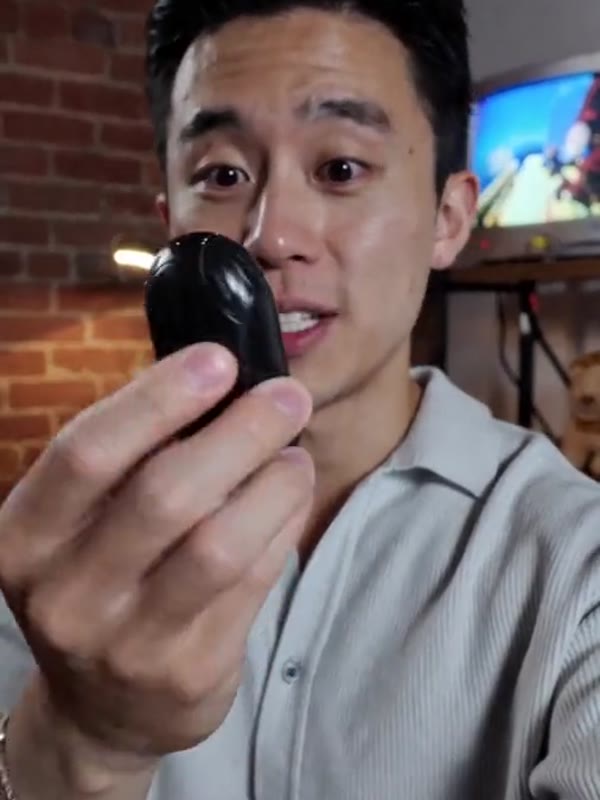
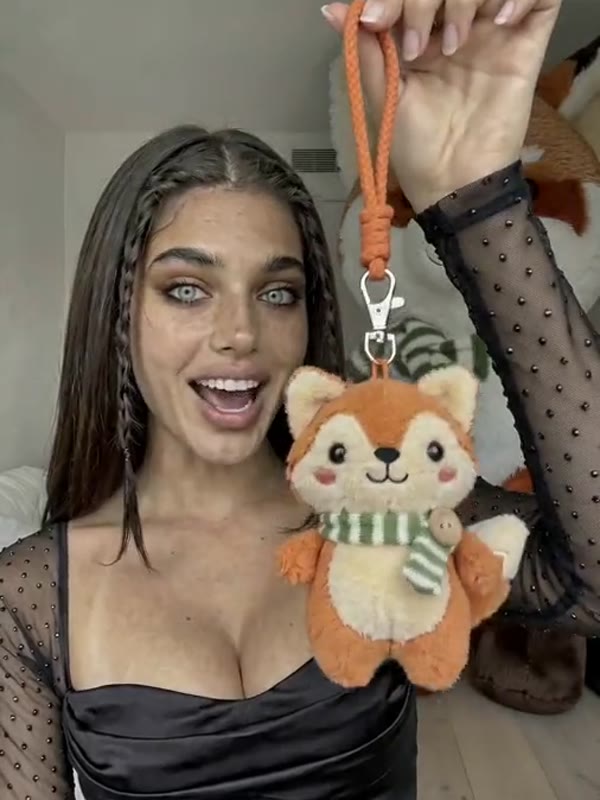
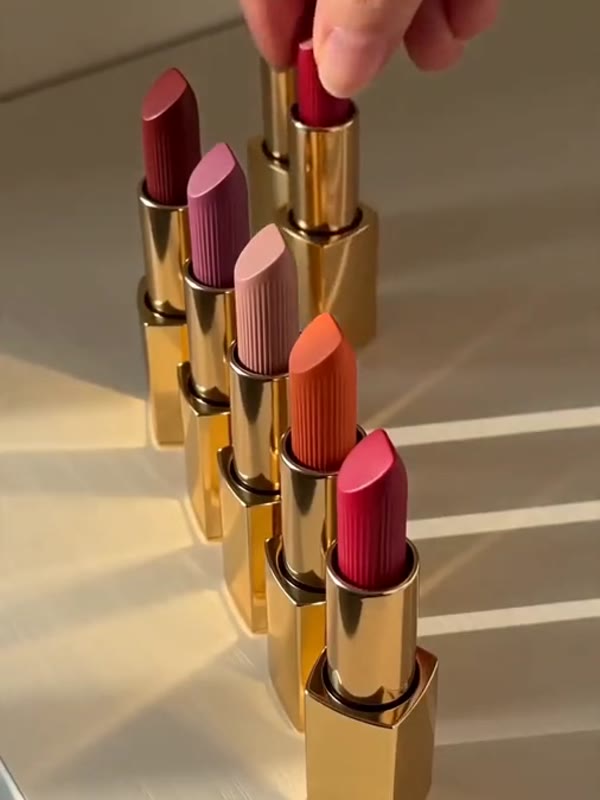
Each tile opens Ads on that format. These are frames from the picker's own previews; the other 18 include UGC Handheld, Unboxing ASMR, Crush Test and Before & After.
What people use it for with their own products
- Online storeMake an adAn ad for a store productPaste the product page; Ads writes the brief.
- TestingVersions to testOne product, a new hook or actor each run.
- No studioAn ad with no shootNo camera, creator or studio booked.
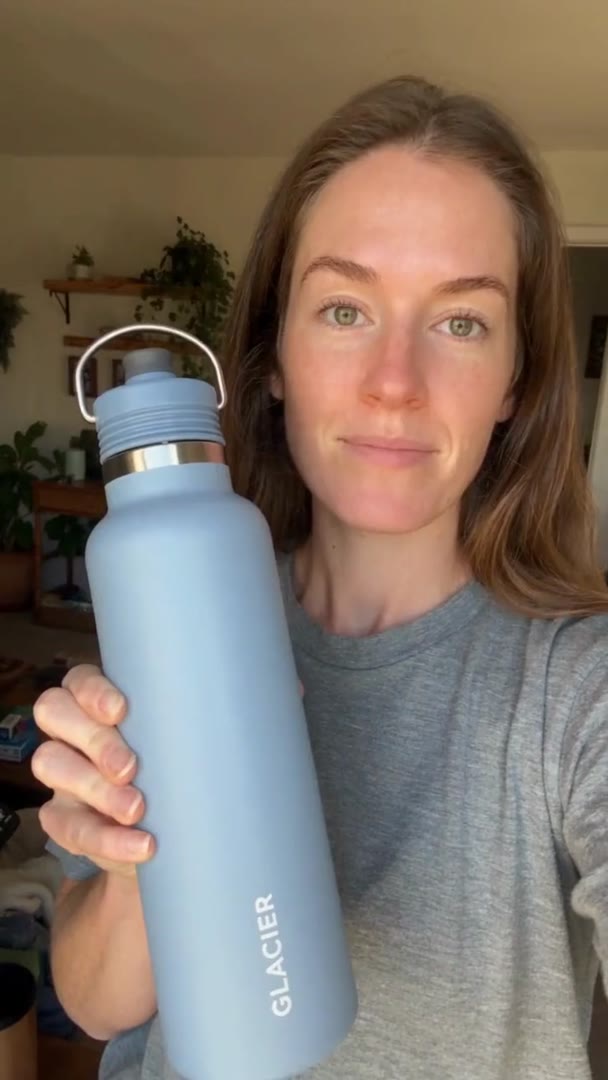
Switch the product dialog to App to make an ad for an app. Ads reads the app's page instead of a product page.