I Tested Fable 5.2 vs Opus 5.5 for Video Editing

I gave Opus 5.5 and Fable 5.2 the same raw footage and the same prompt. The opening of the video is Fable's one-shot, with no tweaks from me.
01Same footage, same prompt
The test
Useful edits, not a highlight reel.
Anthropic just dropped Fable 5.2, the most powerful Claude model to date. Earlier this year, Opus 5.5 changed video editing. Thousands of creators now use Claude daily to edit most of their content. I wanted to know if Fable is actually worth switching to.
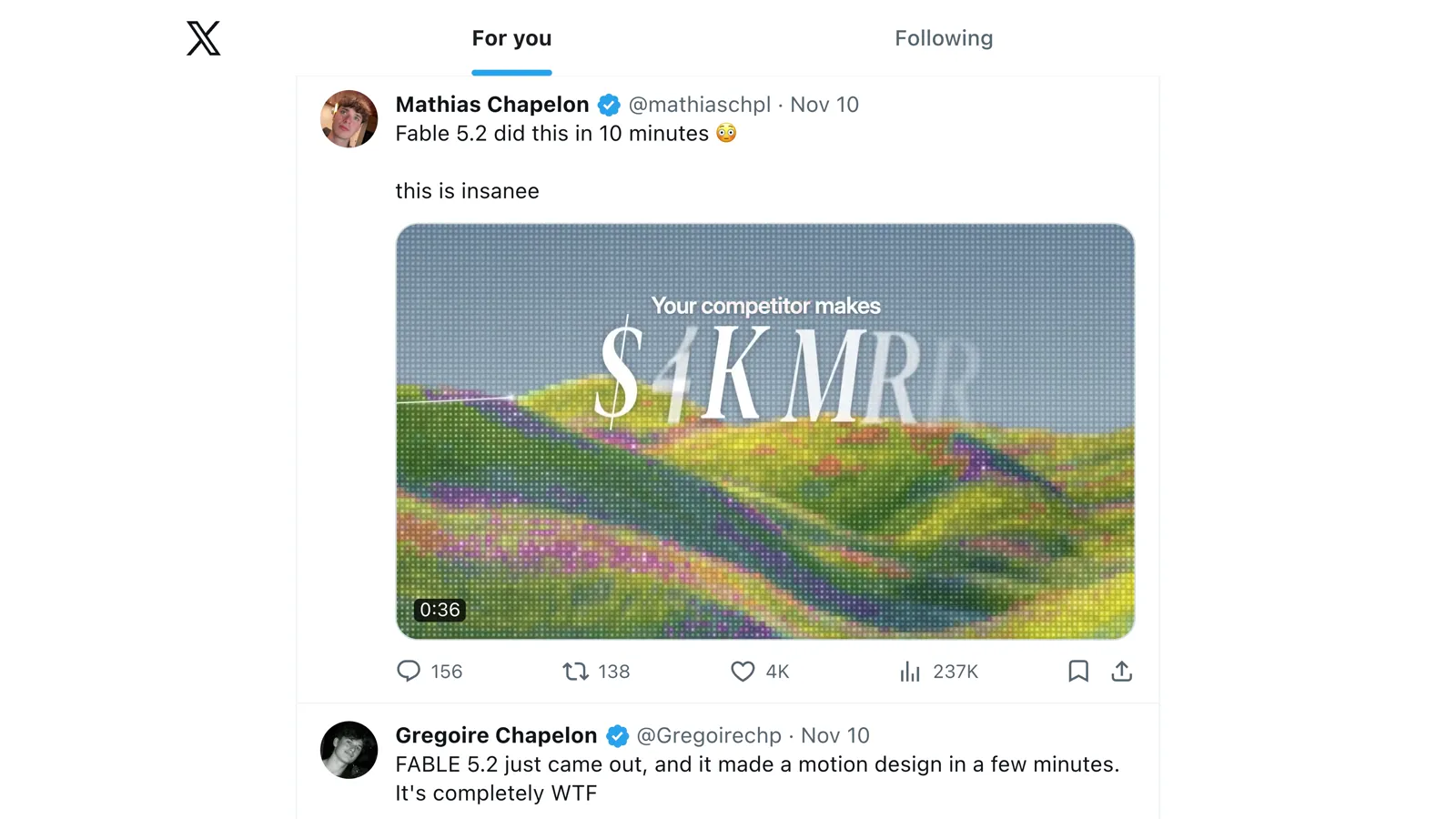
I've been editing talking-head videos for clients for over five years, and these days I edit every project with Claude. When Fable dropped, my X feed filled up with motion-design reels. They look impressive. Most creators don't want their content to look like that. They want the message clear, with a bit of polish, without living in the timeline.
I scored both models on how useful the edit is, not on how flashy it looks.
Connect Everygen before you try the prompt. On the Everygen connect page I copy the connector URL. In Claude that's Customize, then Connectors, then Add custom connector. I name it Everygen and paste the URL. Both models loaded it before they made a single cut.
Connect Everygen to Claude02One prompt each
The one-shot edits
No second message in either chat.
I switched to Claude Code and opened one folder: the footage I had just recorded, two fonts, and the brand colors. The raw was about six minutes, retakes included. The prompt is the whole instruction. I sent it to Fable 5.2, then pasted the same text into a new chat on Opus 5.5. Effort stayed on high for both.
edit this video. here's the script: https://docs.google.com/document/d/1f9mgs2WluDn4pQfx0SlRRZzcsDe7o33E1weumfRUdcI/edit?tab=t.9vzpgpa3jw4y make sure to pull up an actual X feed and source a real motion design reel made with Fable 5.2 when I reference it
What I sent to both models.
Both came back the next day. I didn't send another message in either chat. Fable's edit is the opening of the video, exactly as it came back.
Opus 5.5One prompt. No follow-up.
Fable 5.2One prompt. No follow-up. This is the opening of the video.
03Storytelling
What Fable did better
The visuals explain the line, instead of decorating it.
Both edits are genuinely good. The intros tease the useful parts of the video. The music and the visuals highlight what I'm saying instead of covering it. Both found a motion-design reel and played it inside an X feed, which is the one specific thing I asked for. If a human editor sent me either cut as a first draft, I'd be impressed.
Fable wins on storytelling. When I say I've been editing for clients for over five years, Opus puts up awkward text. The card says 2 years. Then it lists the kinds of videos I might edit. Fable turns the line into five years of client work on a timeline.
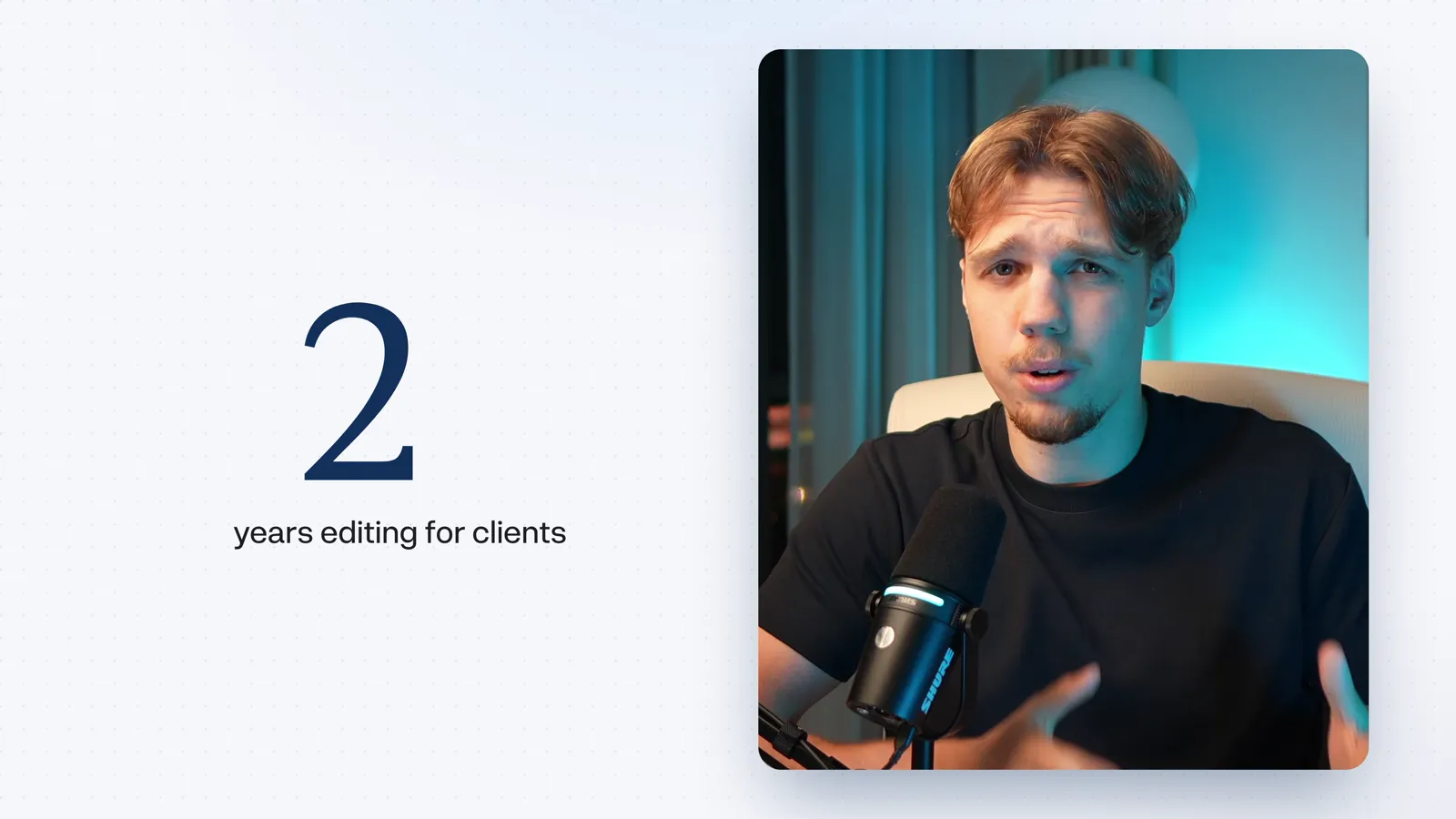
Opus 5.5Awkward text. I said over five years.
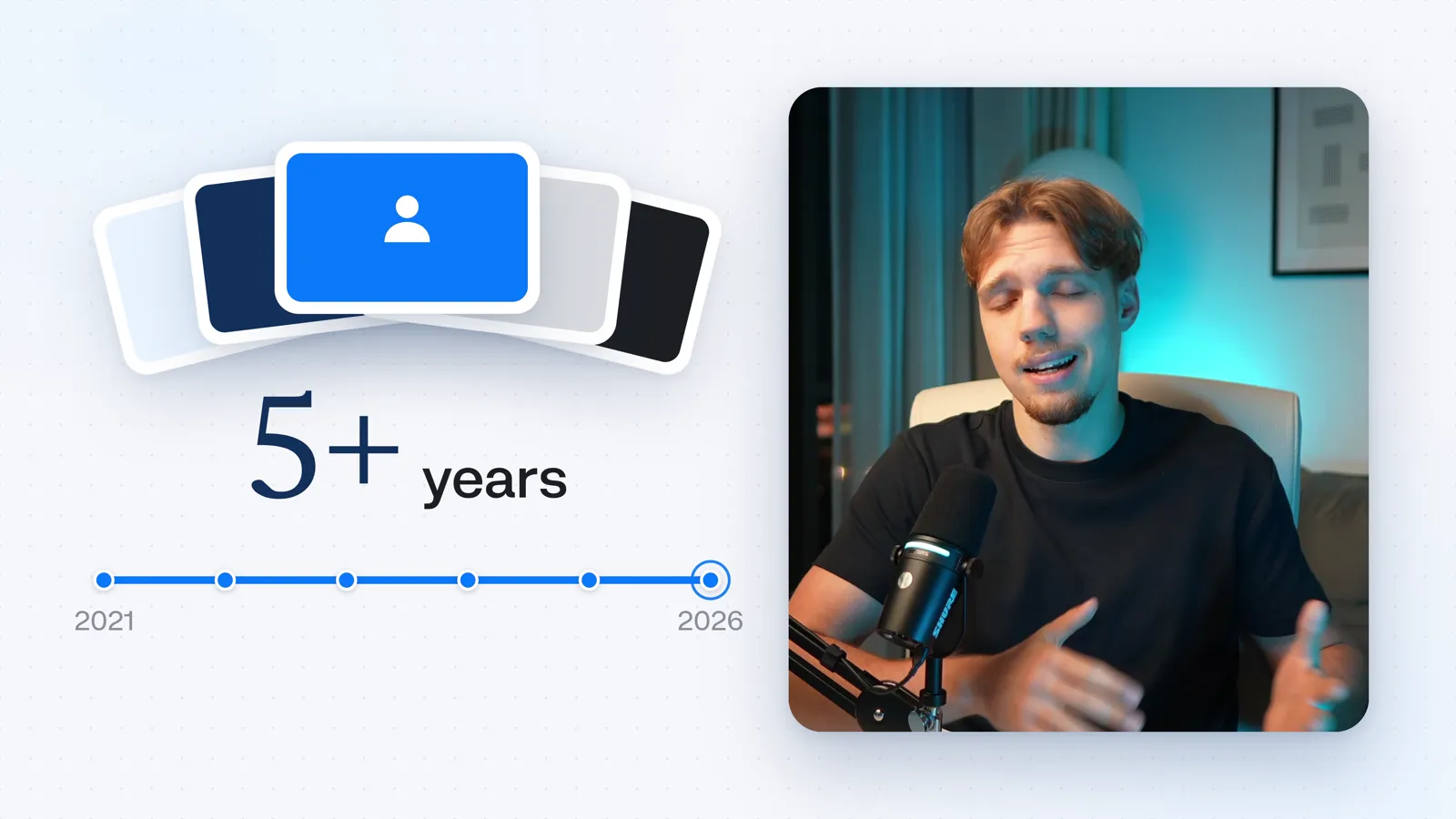
Fable 5.2Five years of client work, on a timeline.

Same with the prompt. Fable keeps it to the words "edit this," on two quiet cards, with the Claude mark. Opus crams the whole prompt into the card, and the mark next to the model name isn't the Claude logo.
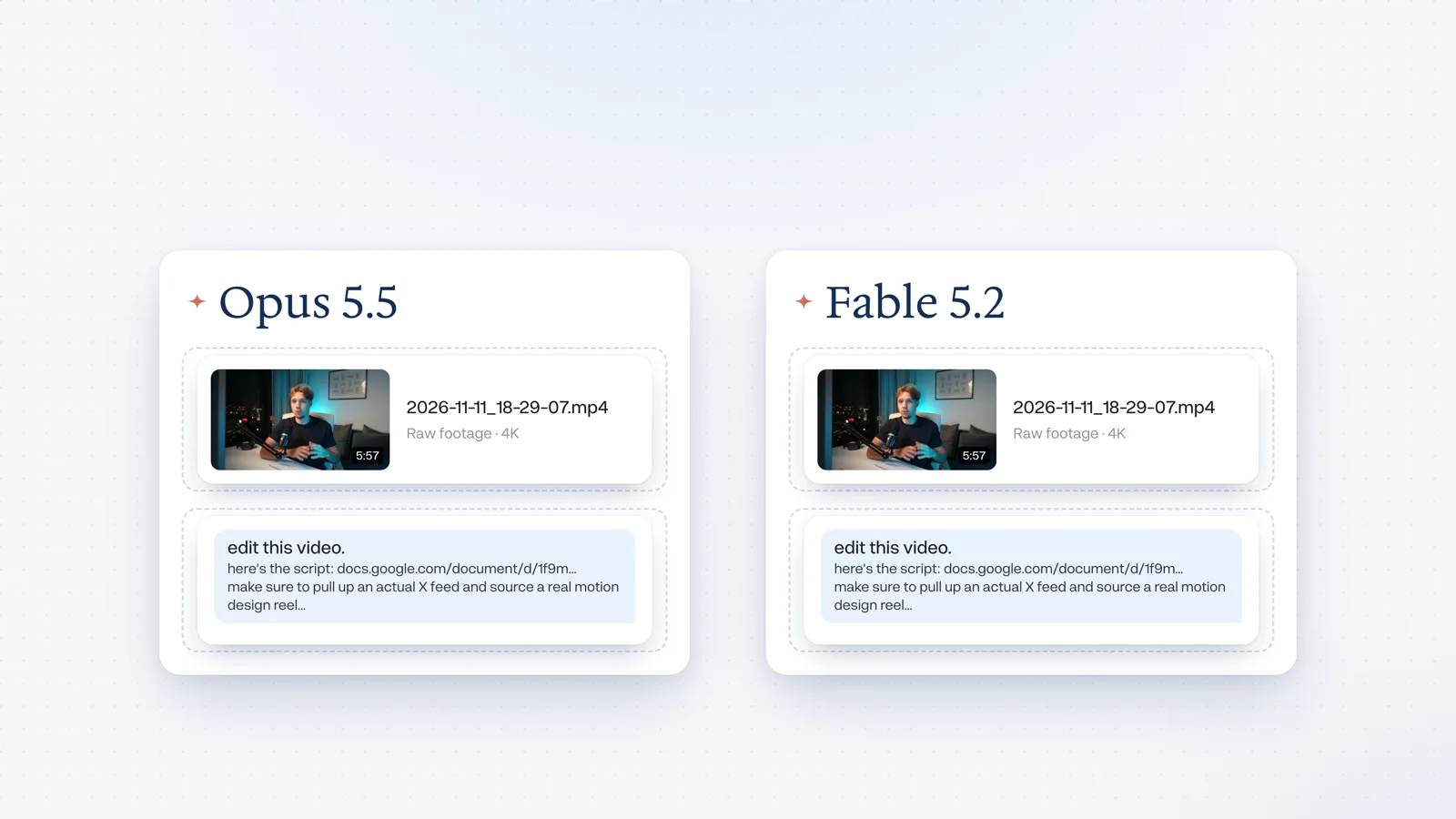
Opus 5.5The whole prompt, and the wrong mark.
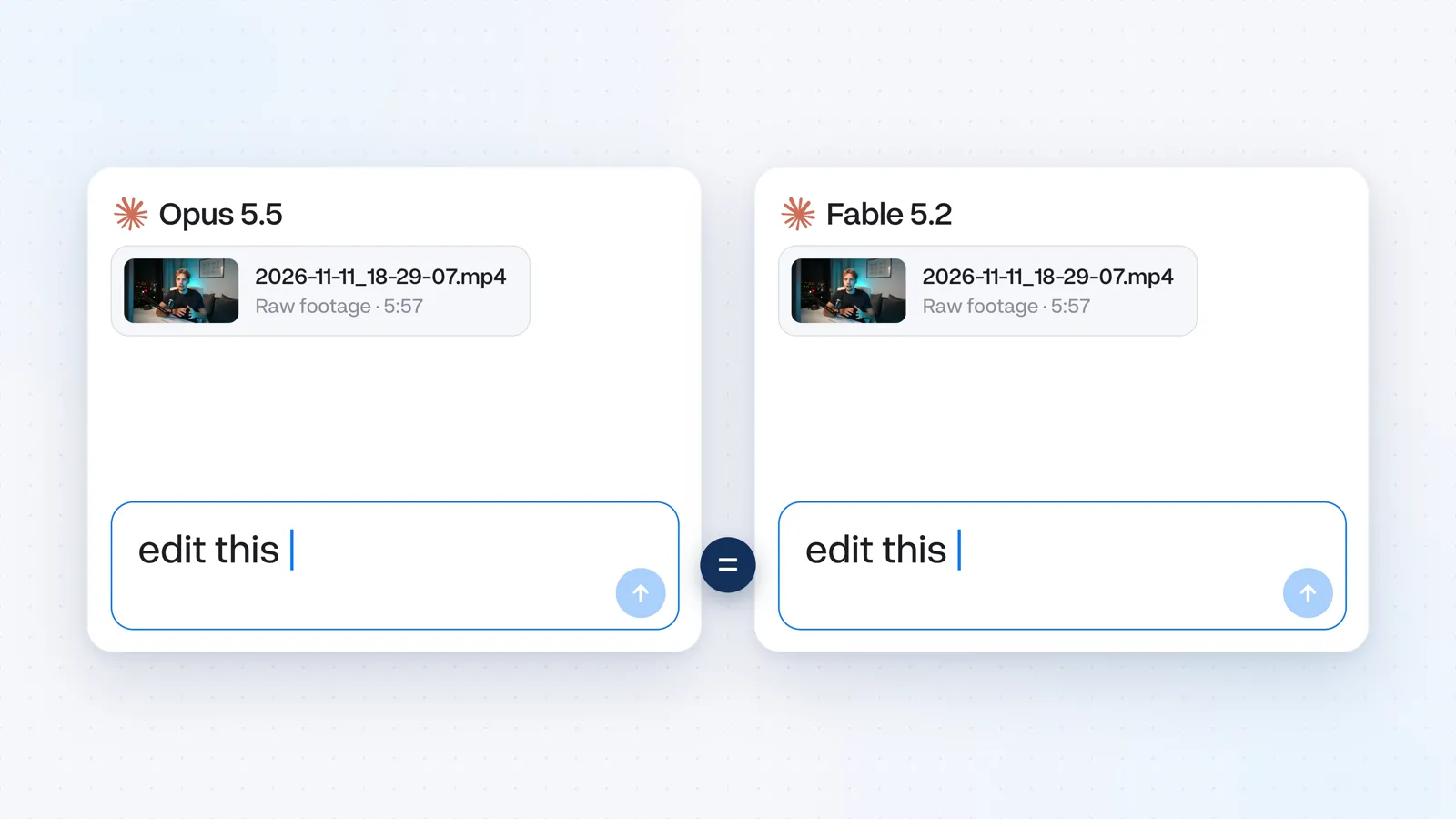
Fable 5.2Simple, and the mark is right.
The moment I like most is the line about creators wanting a clear message instead of something over-edited. Fable shows you what over-edited looks like, with stickers. Sourcing those and animating them by hand would take hours in After Effects. Opus just blurs the video.

Opus 5.5A blur.
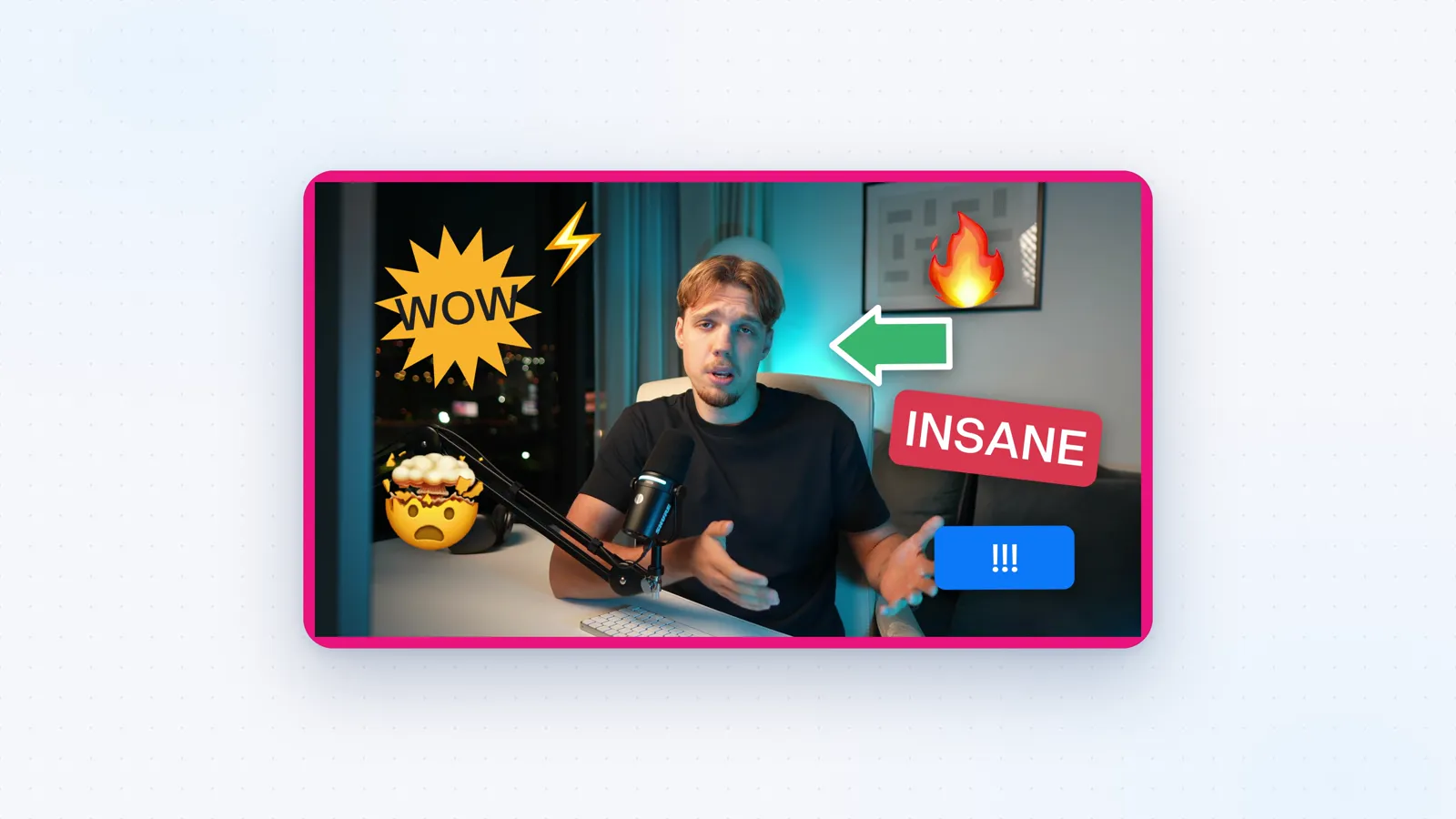
Fable 5.2The over-edited version, as a joke.
If I sent Opus back for revisions, I'd start with the hook. A few seconds in, it puts a page of announcement text on screen, and there isn't time to read it. That isn't a technical limit. Opus just doesn't come up with the visual on its own. That's where your own ideas do the most work.
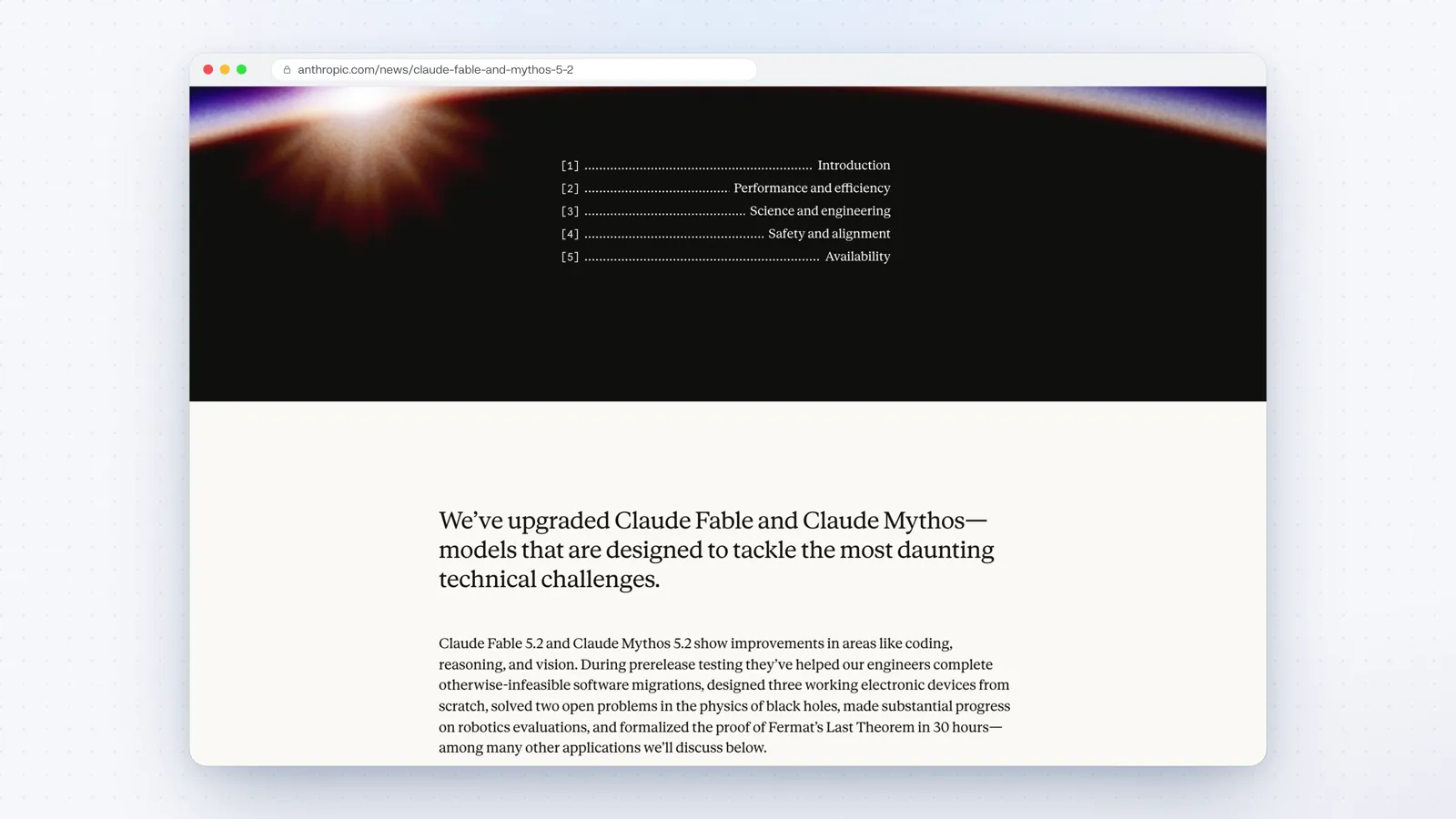
Fable isn't perfect either. It flicks through cost and time figures for too long, and they feel random. They are not what this test cost. I still used Fable's edit for the intro exactly the way it sent it back.
04Money and time
Cost and time
This is where Opus catches up.
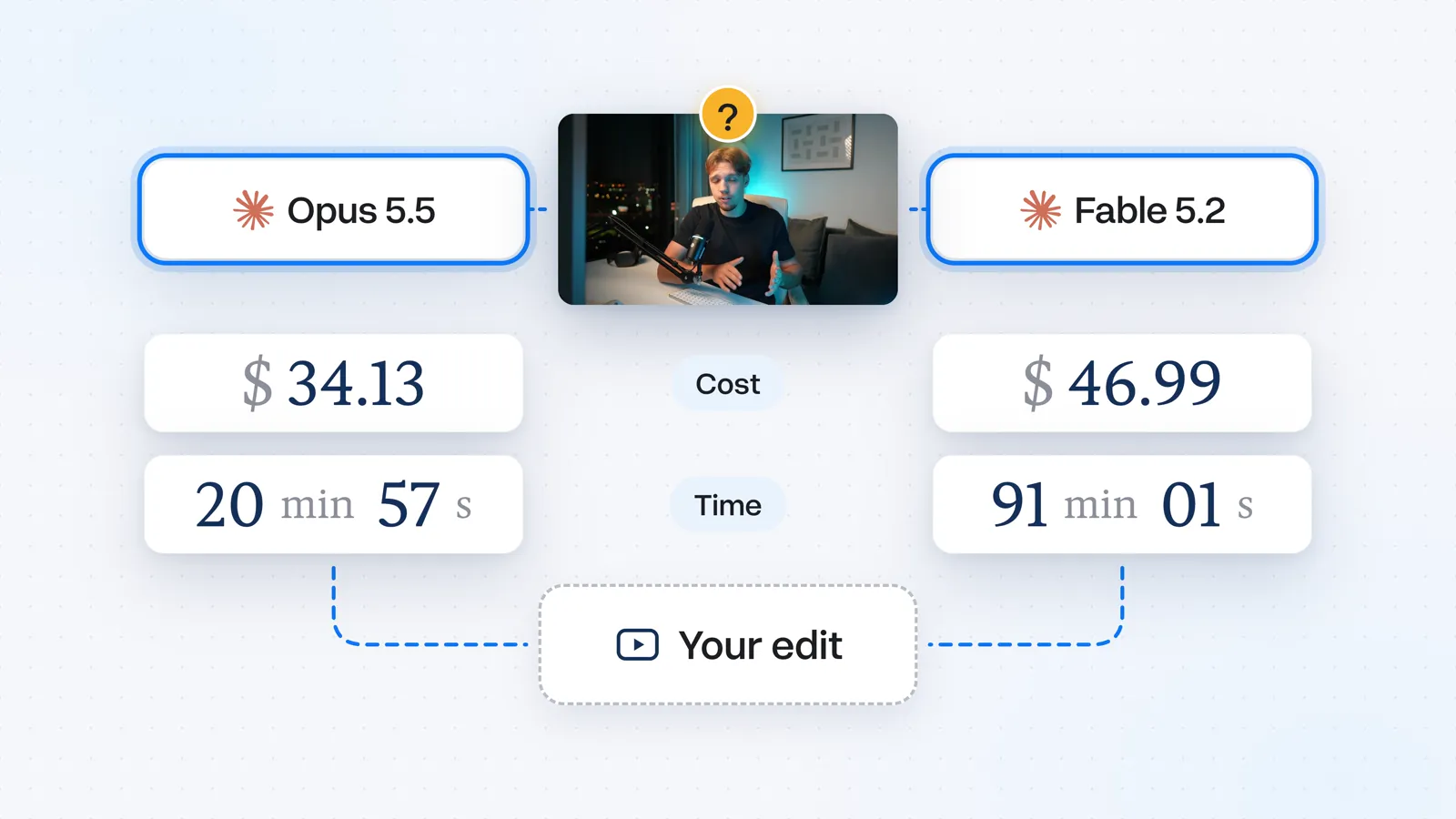
Opus took 84 minutes, and Fable finished in 63. Opus ran two full renders and extra review rounds. Fable got there in fewer steps. Over an hour for a single intro is still a lot. Both models spent most of that on the visuals, which always takes the longest. If you want to speed the edit up without losing much quality, ask for no motion blur.
On Claude's $20 Pro plan, Opus is included, but Fable isn't. Every Fable edit gets billed on top of your plan, and this intro alone would've cost $20.75. At API rates, Opus's edit would've cost $11.64, but on the Pro plan it's already included.
05For everyday videos
Which model I use
Fable on quality. Opus for the work I do every week.
On quality alone, Fable wins.
For everyday projects I'm sticking with Opus 5.5. The thing Fable clearly does better, coming up with visuals that tell the story, is also the part of the edit where my own ideas have the most leverage. I go through the script and leave comments for whatever comes to mind: progression graphics, listicle graphics, social media UI mock-ups, transitions, creative subtitles. That usually takes me about an hour for a whole script. You can be less specific and spend less time. With that guidance, Opus gets just as far, without paying extra for Fable.
Fable 5.2 is worth it if you're already on the Claude Max plan and would rather not plan the visuals yourself.
06The other 90 percent
What Everygen changes
What Claude knows before you type.
The prompt, however complicated, is about 10% of the result. The other 90% is what Claude knows about editing before you type. Out of the box, both Opus and Fable make generic edits that don't feel native to YouTube. They show off, and you spend the tokens fixing a highlight reel.
Before either model made a cut on this test, it loaded Everygen. Those are the principles I've learned from well over a hundred long-form client videos: pick the best takes, cut on the natural pauses in your speech, and tell the story with the visuals. Getting a new editor up to speed on that usually takes a long brief and a few rounds of revisions. With Everygen you skip that, and setup is a few clicks.
07Your footage
Edit your own video
One folder, one prompt, then the plan that fits how often you post.
On the Everygen connect page, copy the connector URL. In Claude, go to Customize, then Connectors, then Add custom connector. Name it Everygen and paste the link.
Put your footage, fonts, and colors in one folder. Switch to Claude Code and open that folder. Ask Claude to edit your video using Everygen, and give it the script. If you have ideas for visuals, leave them as comments in the script, or put them next to the prompt.
Pick Opus 5.5 for everyday edits, or Fable 5.2 if you want the highest quality. That pick decides which Claude plan you need.
With Opus, the $20/month plan comfortably covers weekly uploads, so 4 full videos a month, even with a lot of back-and-forth with AI.
Connecting Everygen costs nothing, but generating music or other assets for your videos takes credits.
I recommend getting started with the annual Starter plan. For $9 a month, you'll get 200 credits, which comfortably cover 8 full videos worth of music. That's less than an Epidemic Sound subscription, which you won't need anymore.
So all in, that's under $30 a month for four high-quality uploads.
If you post more than that, or you want Fable, go for the $100/month Claude Max plan.
You connect Everygen once, and your next edited video is one prompt away.
Start on the annual Starter plan
Connecting Everygen is free. The annual Starter plan is the one I'd start with.