
How To Use Claude + Everygen MCP To Make Videos
Each section is one use case from the tutorial and the exact messages sent to Claude. Copy a prompt, or open it in Claude once Everygen is connected.
Before you start
- Open the Everygen MCP page and press Add Everygen to Claude. Click Add, then Connect, and sign in to Everygen.
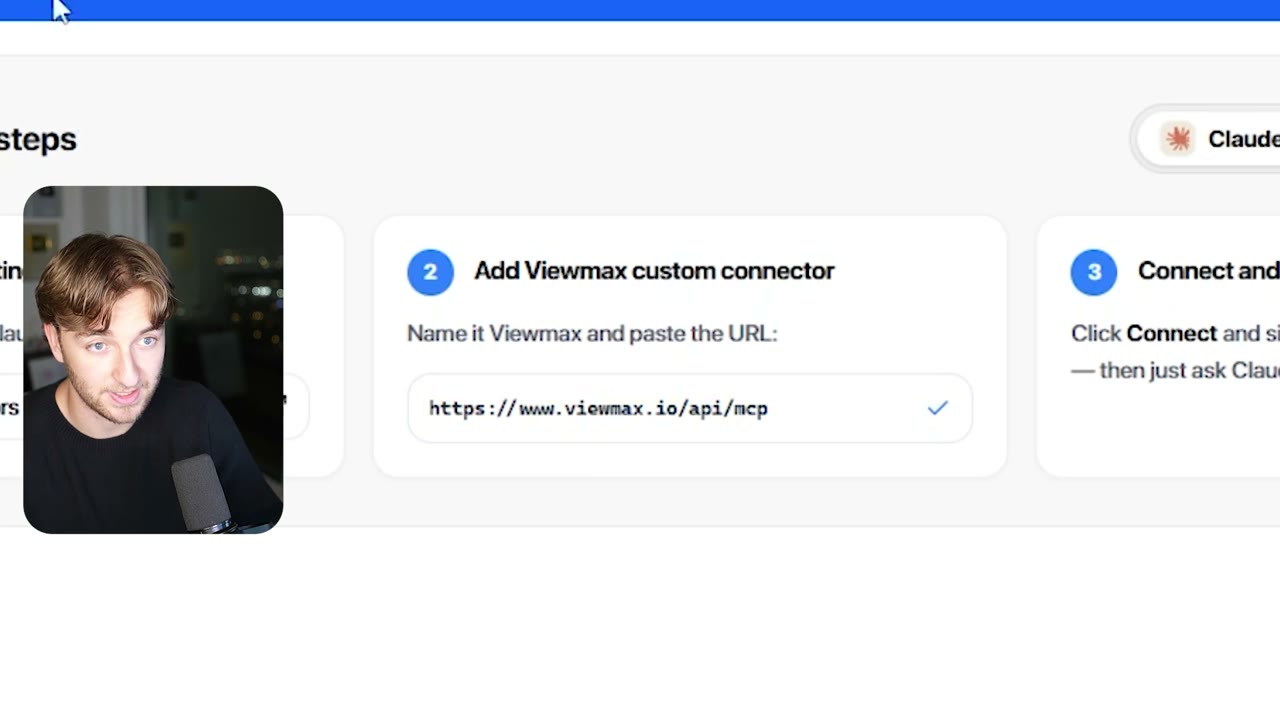
- Or add it by hand: in Claude, open Settings, then Connectors, then Customize. Press +, choose Add custom connector, name it Everygen, and paste the connector URL from the MCP page.
- Set every Everygen tool to Always allow, so Claude doesn't stop before each call. Each call uses your Everygen credits.
- The same connector works in ChatGPT and Cursor. The MCP page has the steps for each.
01Claude
Doorbell-camera rescue hook
What it does: A Ring doorbell clip of a DoorDash driver saving a dog, plus a voiceover line, sent as three messages in one chat.
Generate a starting frame for a short where a DoorDash driver saves a dog's life seen on Ring doorbell camera.
Typed in Claude in the video.
Now animate that dog collapsing and then the driver saving him.
Typed in Claude in the video, in the same chat as the step before.
Now generate a voiceover using Everygen voice that says, this DoorDash driver saved this dog's life.
Typed in Claude in the video, in the same chat as the step before.
If the frame comes back with text on it or odd colours, ask Claude to remove the text and make the colours normal before you animate it. The video's clip used Kling 3.0. To try another model, ask for it by name, such as Seedance 2 or Gemini Omni.
02Claude
UGC ad from a product page
What it does: A casual 10-second UGC video of a creator trying a product, built from the product's landing page.
Make a casual 10-second UGC video of a girl trying Bloom and saying how much she loves it. [paste the product page link]
Typed in Claude in the video. The product link is a placeholder: paste your own.
Claude opens the AI Ad Generator in the chat, where you pick the product, avatar and voice.
03Claude
Motion graphics product ad
What it does: One 3D motion graphics video showing each flavor's can in its own scene, ending on all the cans together.
I want to make an epic motion graphic ad for Bloom Energy for a couple of their new flavors, showing each can individually with the flavors and scenes around them. It should end with a shot of all the cans standing tall. Use Seedance to do this and see my references for roughly what I wanted. [paste the product page link] Make it in one video and make sure the cans are real and flavors are accurate.
Typed in Claude in the video. The product link is a placeholder: paste your own.
04Claude
Cinematic watch ad
What it does: Claude researches what makes a cinematic ad work, writes the prompt itself, then makes a 10-second ad with Seedance.
Do research on what makes an amazing cinematic ad and then craft a prompt for a 10-second cinematic Rolex ad that will look captivating and epic. I'd like a lot of camera movement, possibly through the grooves of the watch and the watch's movement. Maybe the watch is dropped into water at the beginning or something to show the Submariner's capabilities. Once you have this prompt, use the Everygen video generator to make the 10-second ad with Seedance.
Typed in Claude in the video. Two spots where the host trails off are left out.
05Claude
Drone fly-through of a rental
What it does: A realistic drone shot that flies from the backyard through each room, built from your own photos.
Attach a photo of the backyard and of each room to the message.
I want to use the Everygen video generator tool with Seedance to make a drone fly through my Airbnb property. Make sure that the fly-through looks realistic, so in the Seedance prompt, you're actually referencing each image. I want it to fly through starting showing off the backyard, then into the house where it shows the living room, bedroom, bathroom, etc. Don't generate anything until you can reference the images.
Typed in Claude in the video.
06Claude
Loopable fireplace video
What it does: A relaxing fire-crackling clip, with sound, made to loop for a 24/7 stream.
Use Everygen video generator tool with Seedance to make a simple fire crackling video that can be looped for one of those YouTube live stream chill type videos. Needs to hear the fire crackling and it should be relaxing.
Typed in Claude in the video.
For a use case not here, ask Claude how to do it. It will suggest the prompts and the type of video to make.
Ready to make videos from Claude?
Add the Everygen connector, then ask Claude for your first image or video.