How To Make Winning AI Ads
Each section is one piece of the protein coffee ad from the tutorial, with the exact prompt where the video gives one. Copy a prompt, or open it in the tool and run it.
Before you start
- Open the AI Ad Generator.
- Pick the UGC Handheld format and the Seedance 2 model. The video stays on portrait and 720p.
- In the Product box, paste a link to your product or upload it. In the Avatar box, pick, create or upload your character.
- Seedance clips run 4 to 15 seconds, and the length sets how fast the character talks. Press Auto to set it from the line, or put the spoken line in quotes.
01AI Image Generator
A character in a real creator's pose
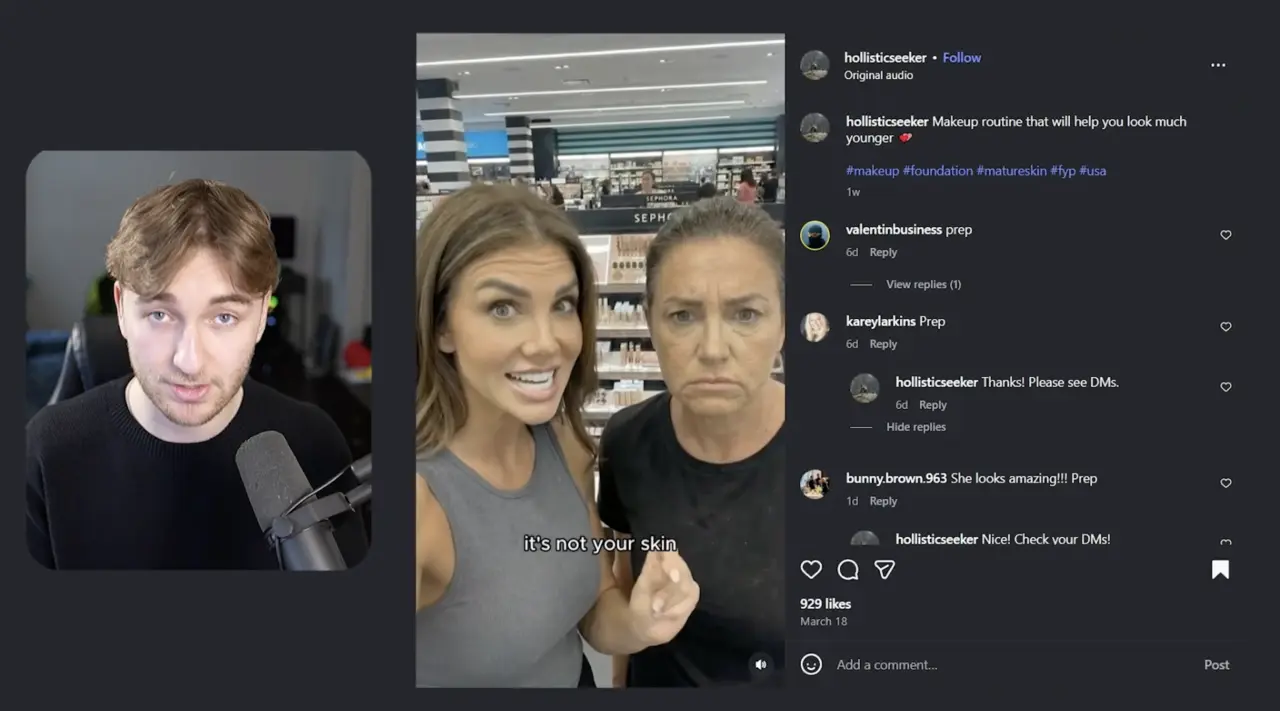
What it does: Turns a screenshot of a creator into a completely different person in the same pose, to use as your character and starting frame.
In the AI Image Generator, attach the screenshot. Use one you have the right to use.
Make her look completely different like a different human, but same pose and everything.
Typed in the video, with a screenshot attached.
Make the product image the same way. The video used a coffee bag for a made-up brand, so no real brand appears in the ad.
02AI Ad Generator
A talking clip from one line
What it does: A UGC Handheld clip of your character saying one line. Auto set this one to seven seconds.
Load your character and product, and select UGC Handheld.
Make her say, I was always tired and bloated until I tried the new Bloom Greens and Superfood supplement, and it actually changed my life.
Typed in the video.
Press Auto before you generate. A clip takes about one to five minutes, depending on its length.
03AI Ad Generator
A 43-second ad from four clips
What it does: The full ad in the video: four clips of up to 15 seconds each, cut together.
- Add your references in the reference box: the character image (Image 1, also the starting frame), a voice from the audio library (Audio 1) and the product (Image 2). For later clips, add any extra item she holds.
- Write each clip's prompt in this order: tag the references with @, the exact dialogue, the style (UGC talking head), then a second-by-second breakdown of the motion.
- Hover over each finished clip and press save. Join them in the Everygen editor, CapCut or Premiere Pro.
The video's clip prompts are only shown on screen, so they are not copied here.
Open AI Ad GeneratorReady to make your first AI ad?
Open the AI Ad Generator, add your product, and start from the UGC Handheld format.